



Python Language's Another Nonpareil remote Debugger
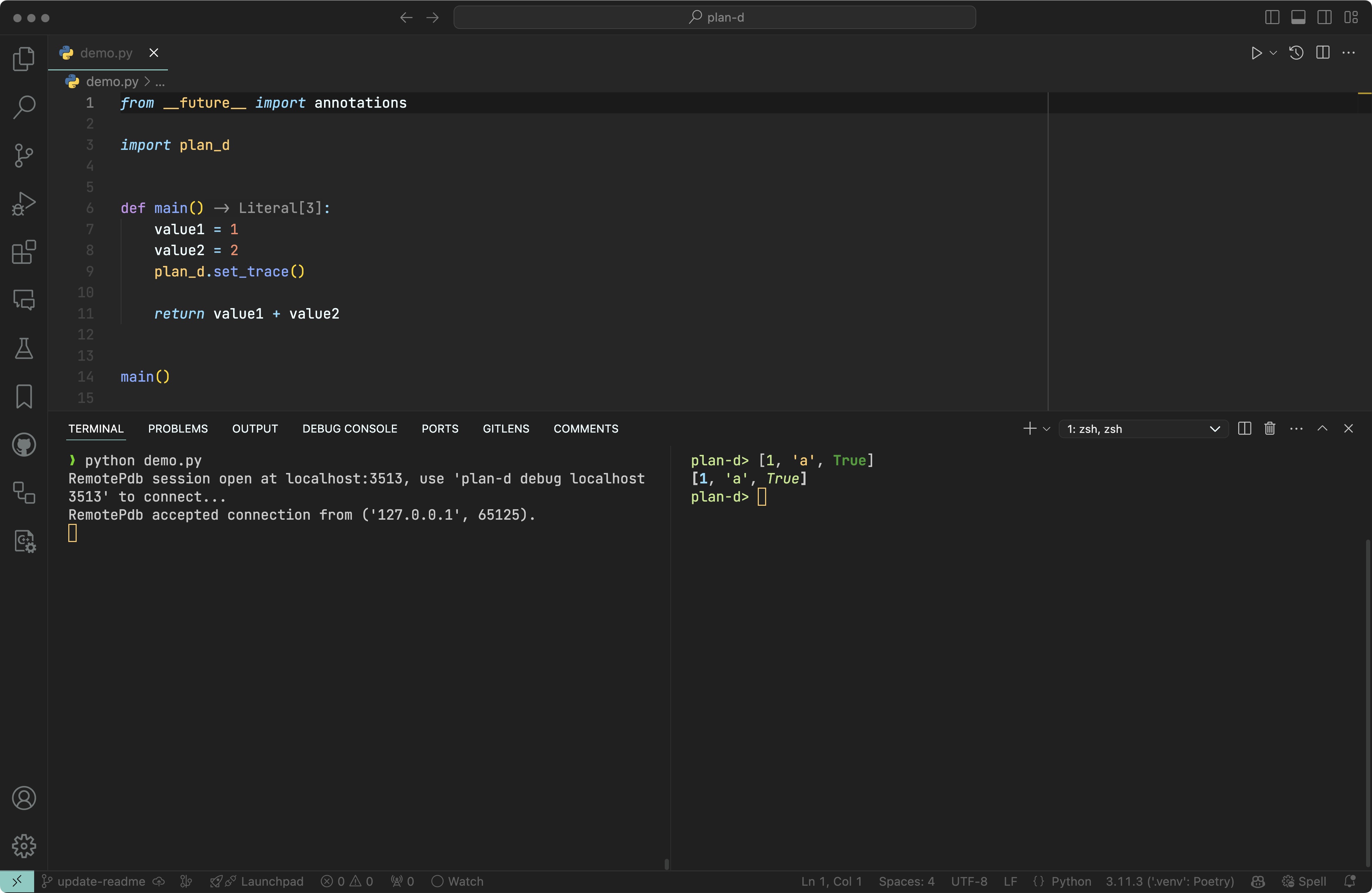
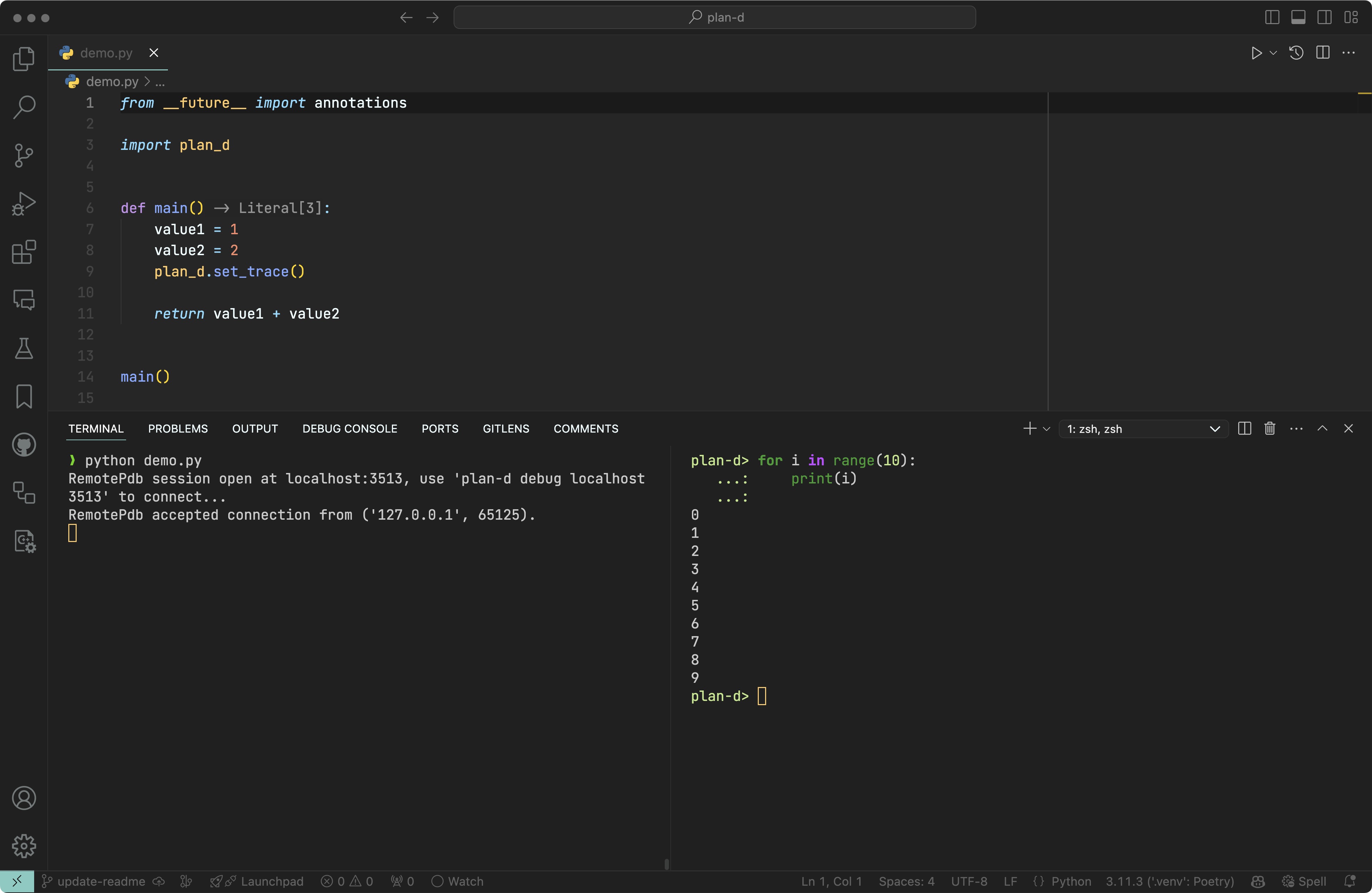
plan-d is a remote debugger for Python, designed to provide an unparalleled debugging experience. It allows developers to debug Python applications running on remote servers seamlessly.
- ✨ Provide a more pretty printing using
rich - 🕹️ Remote debugging capabilities
- ⌨️ Code autocompletion
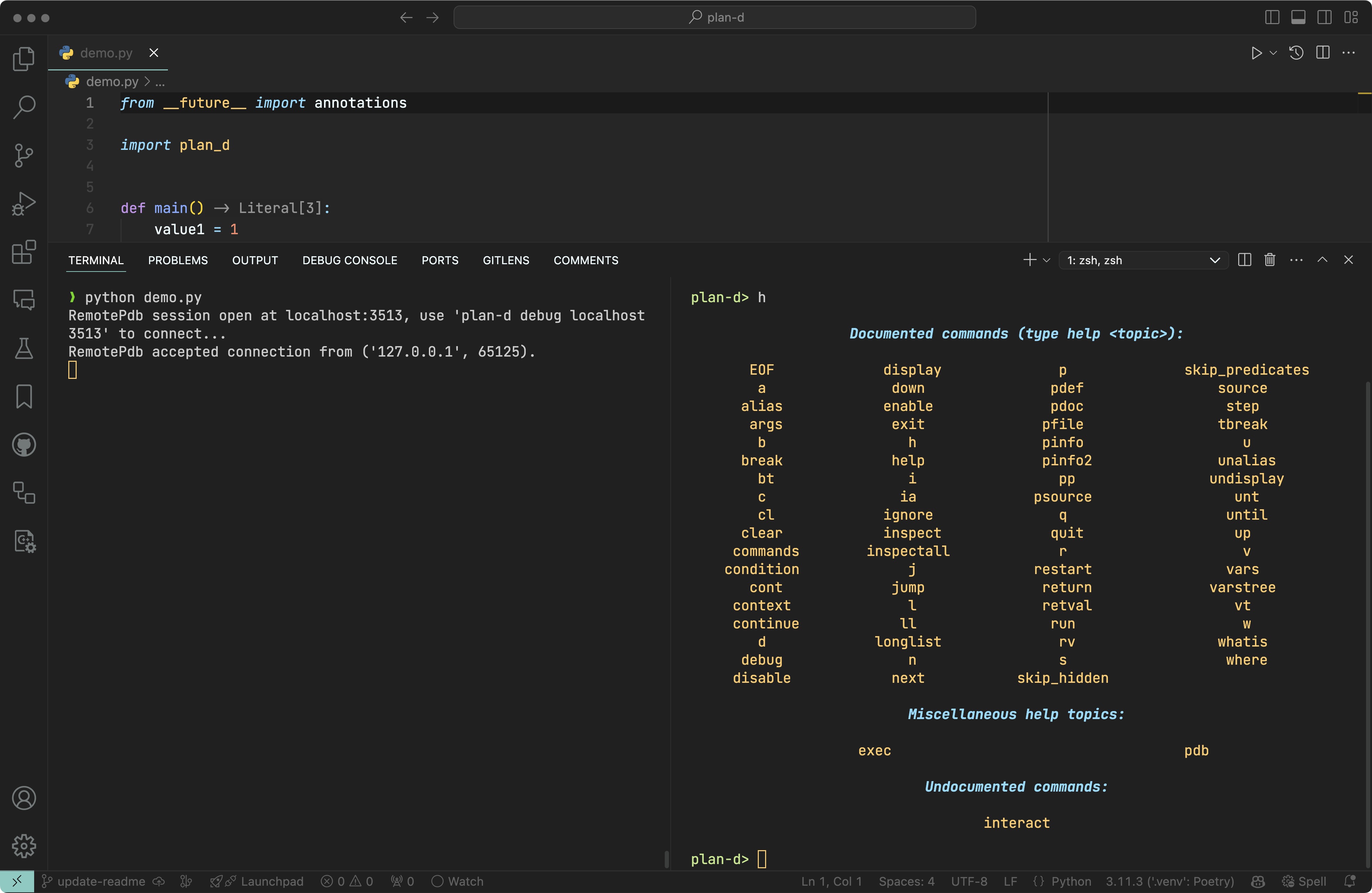
- 🔴 Breakpoint management
- 🔎 Variable inspection
- 🔄 Terminal size auto-adjustment
- 🪄 Support for IPython magic commands
- 🐍 Support for multiple Python versions
To install plan-d, you can use pip:
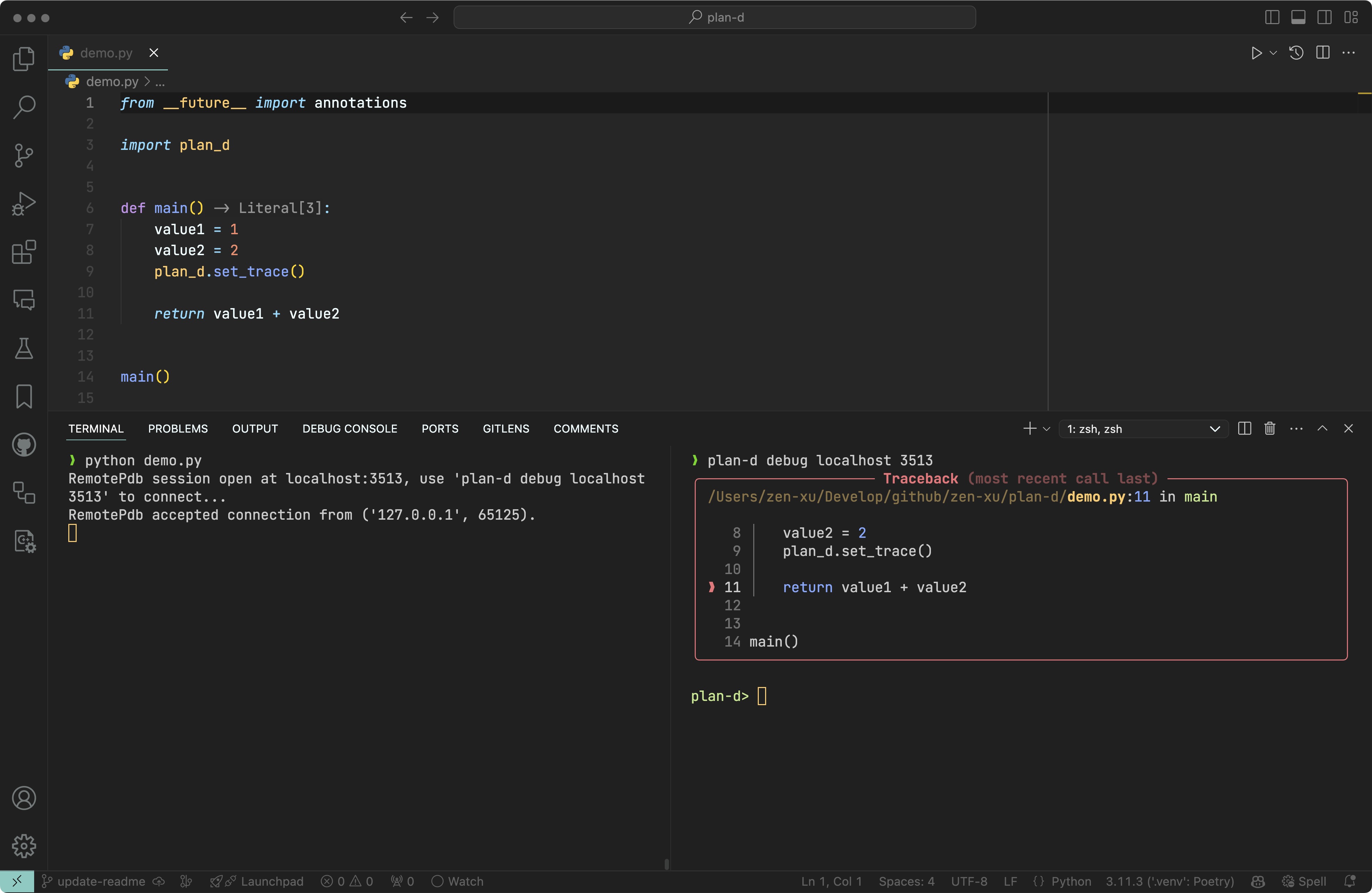
pip install plan-dOn the server side, you can set a breakpoint with plan_d.set_trace(). When the server reaches the breakpoint, it will print the connection command.
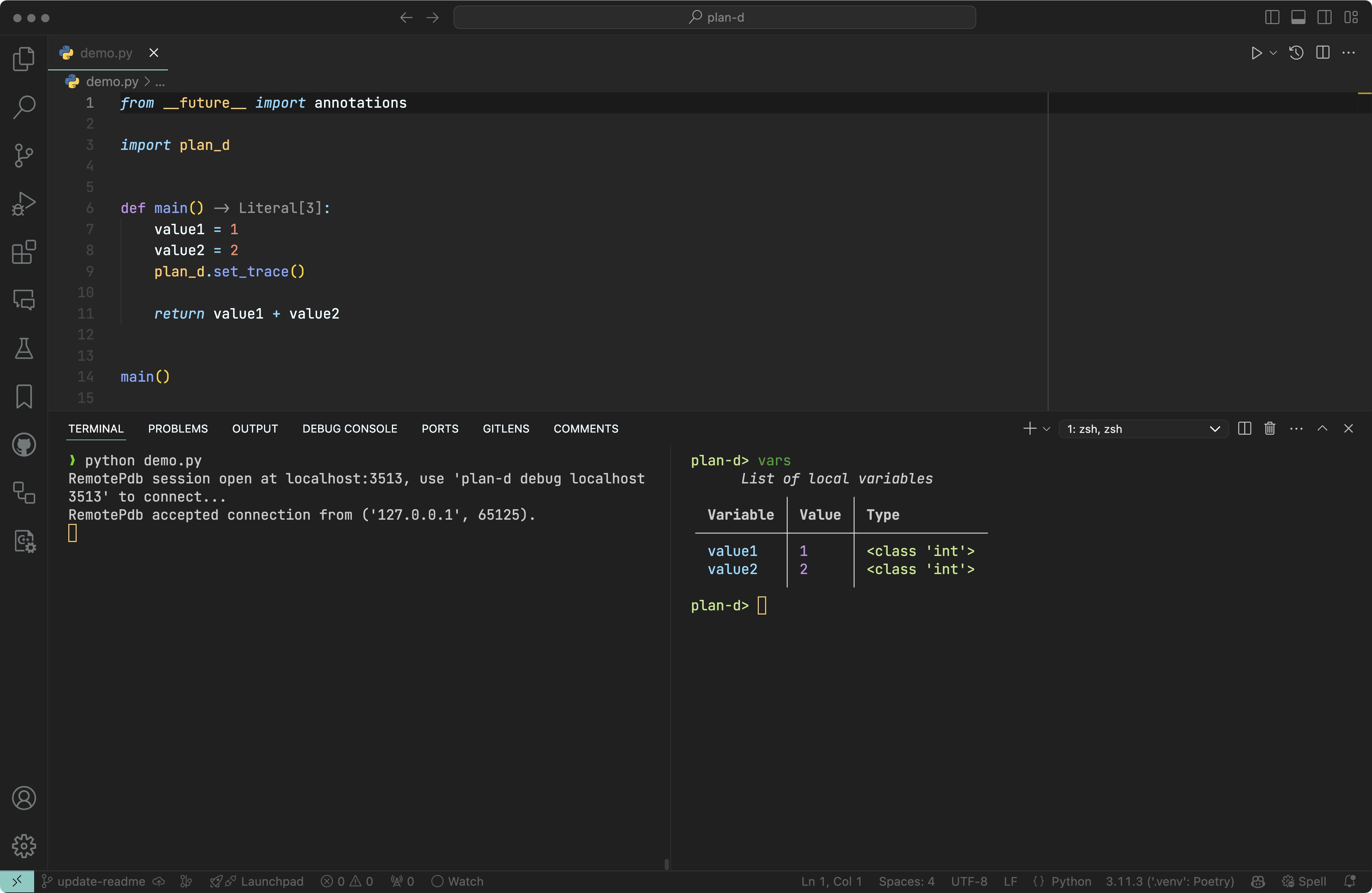
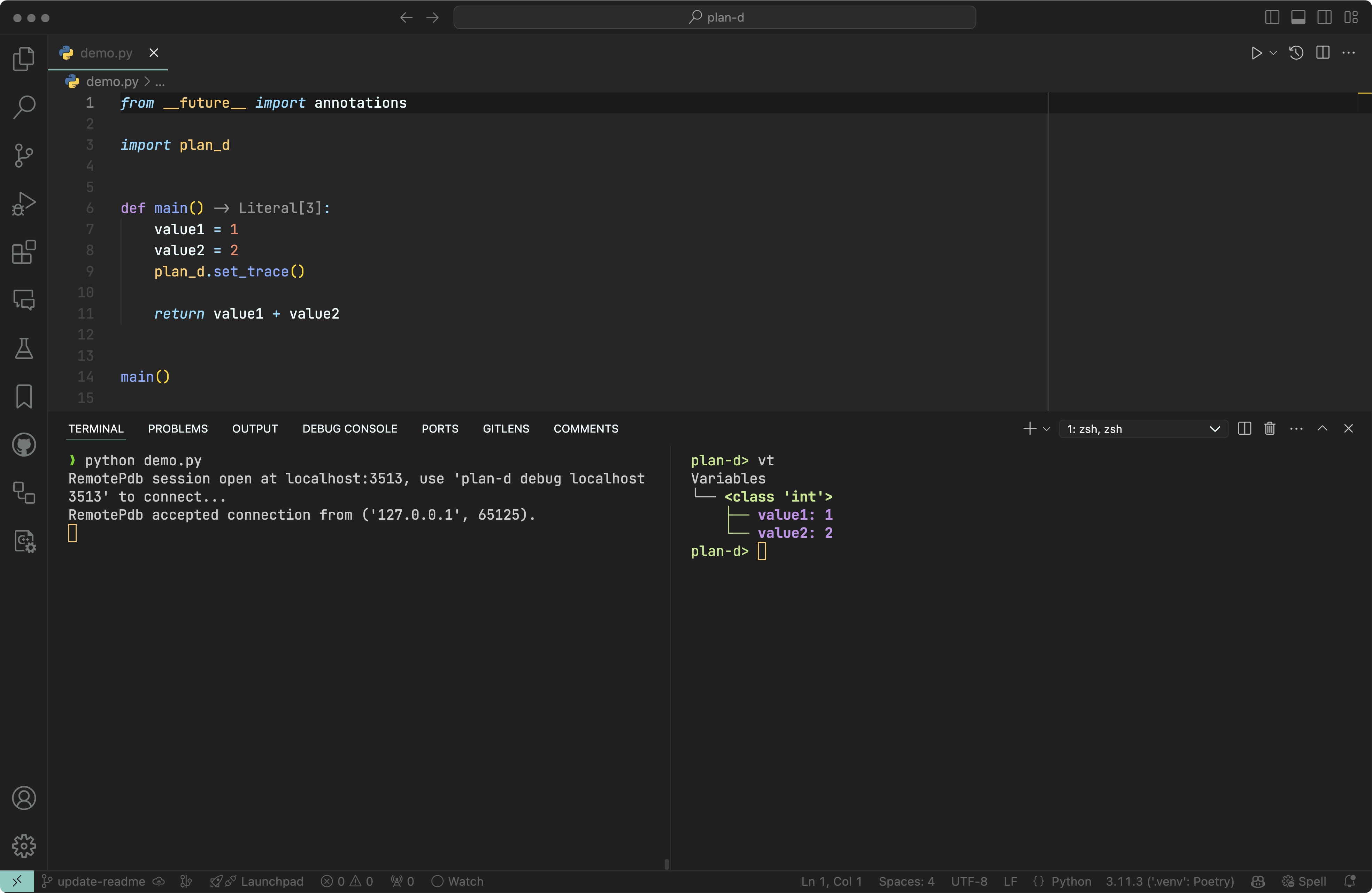
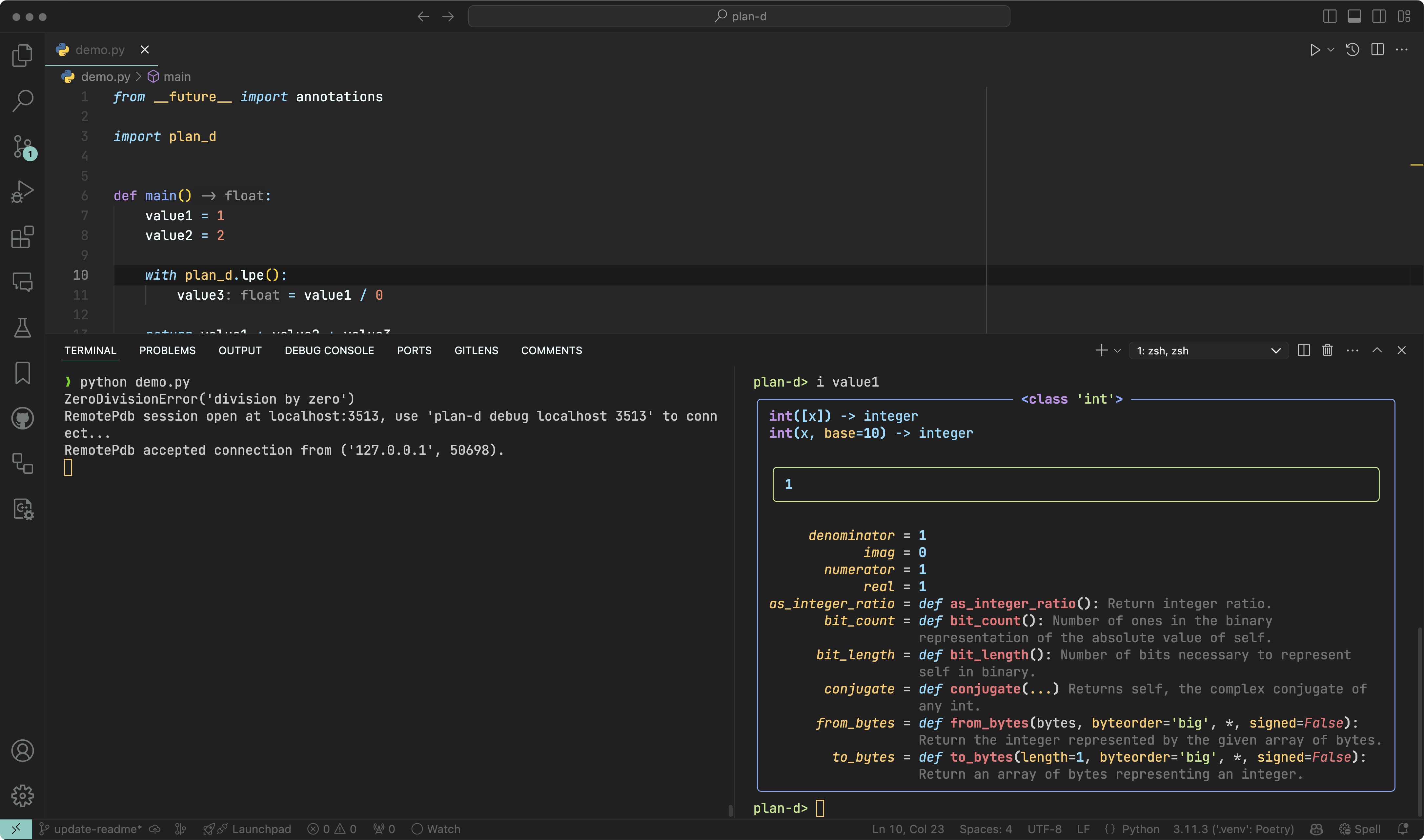
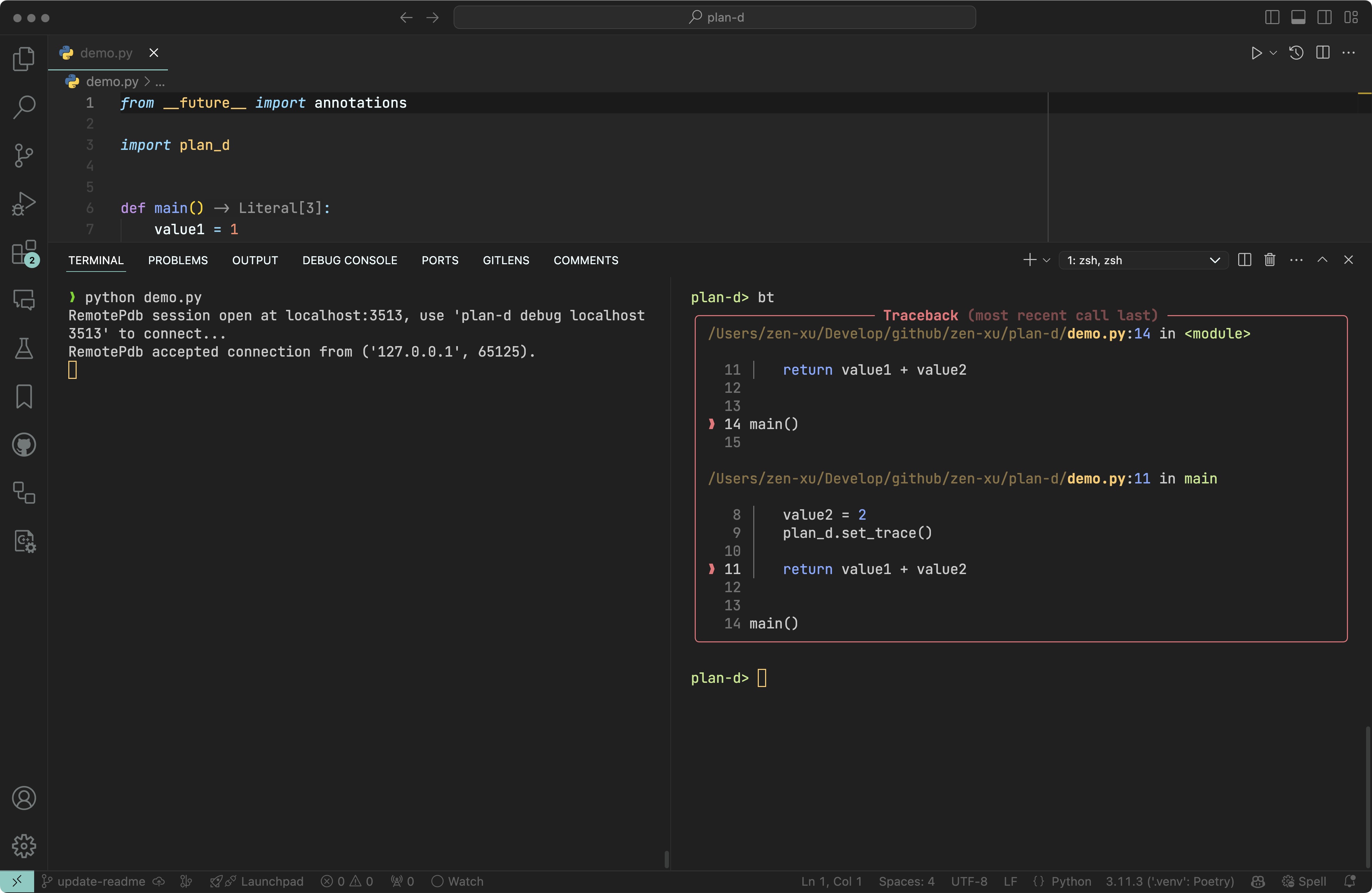
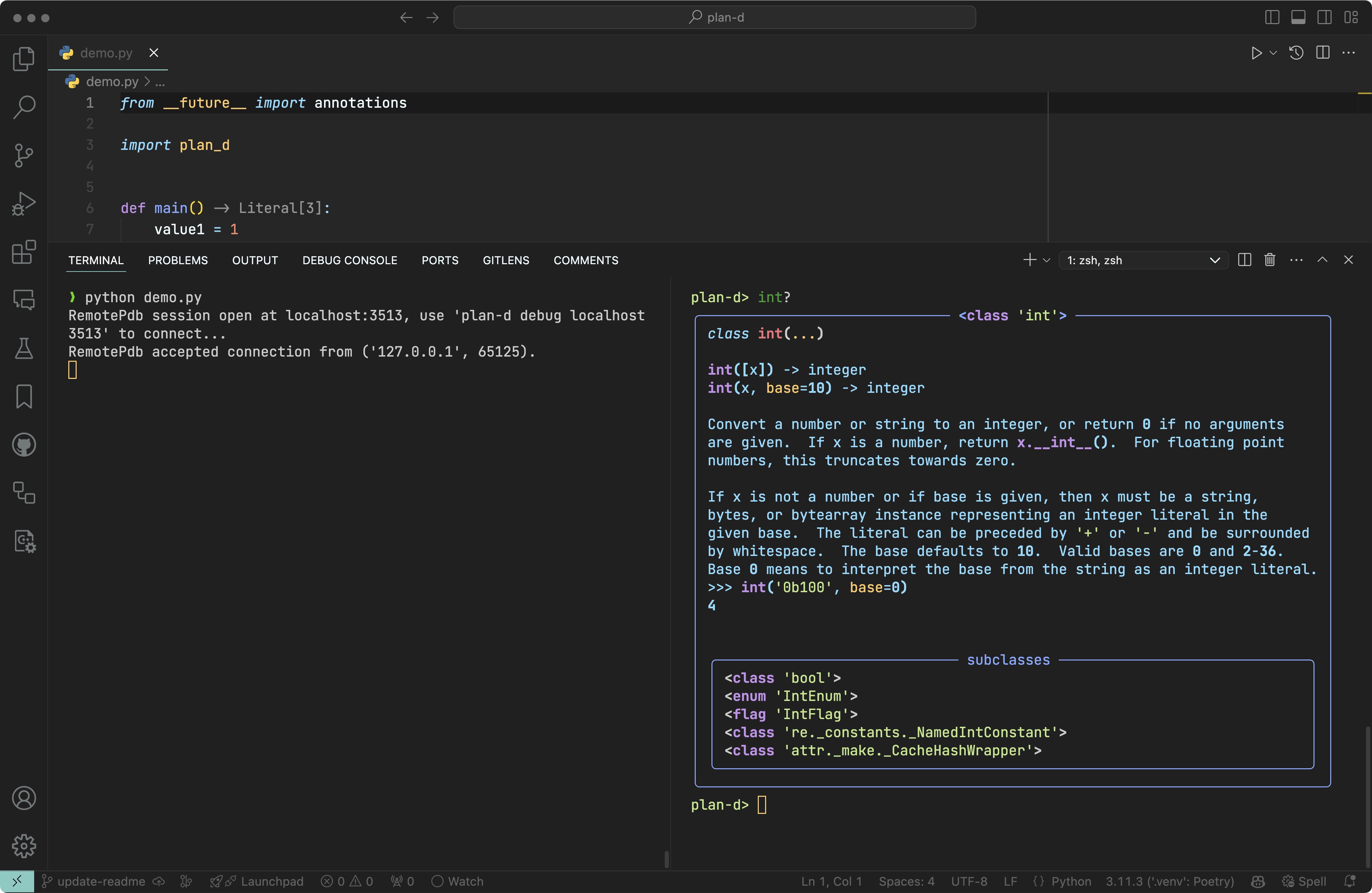
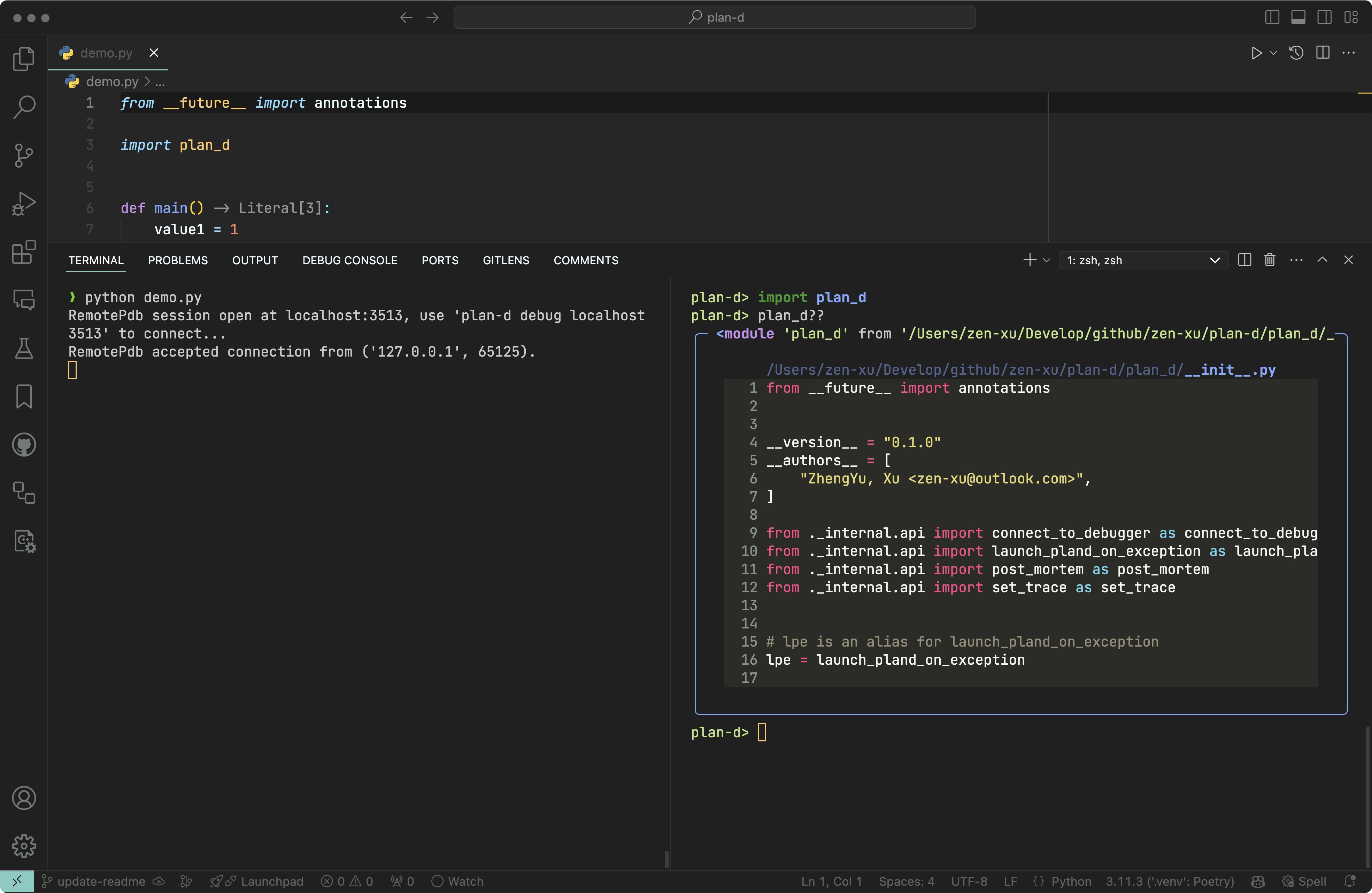
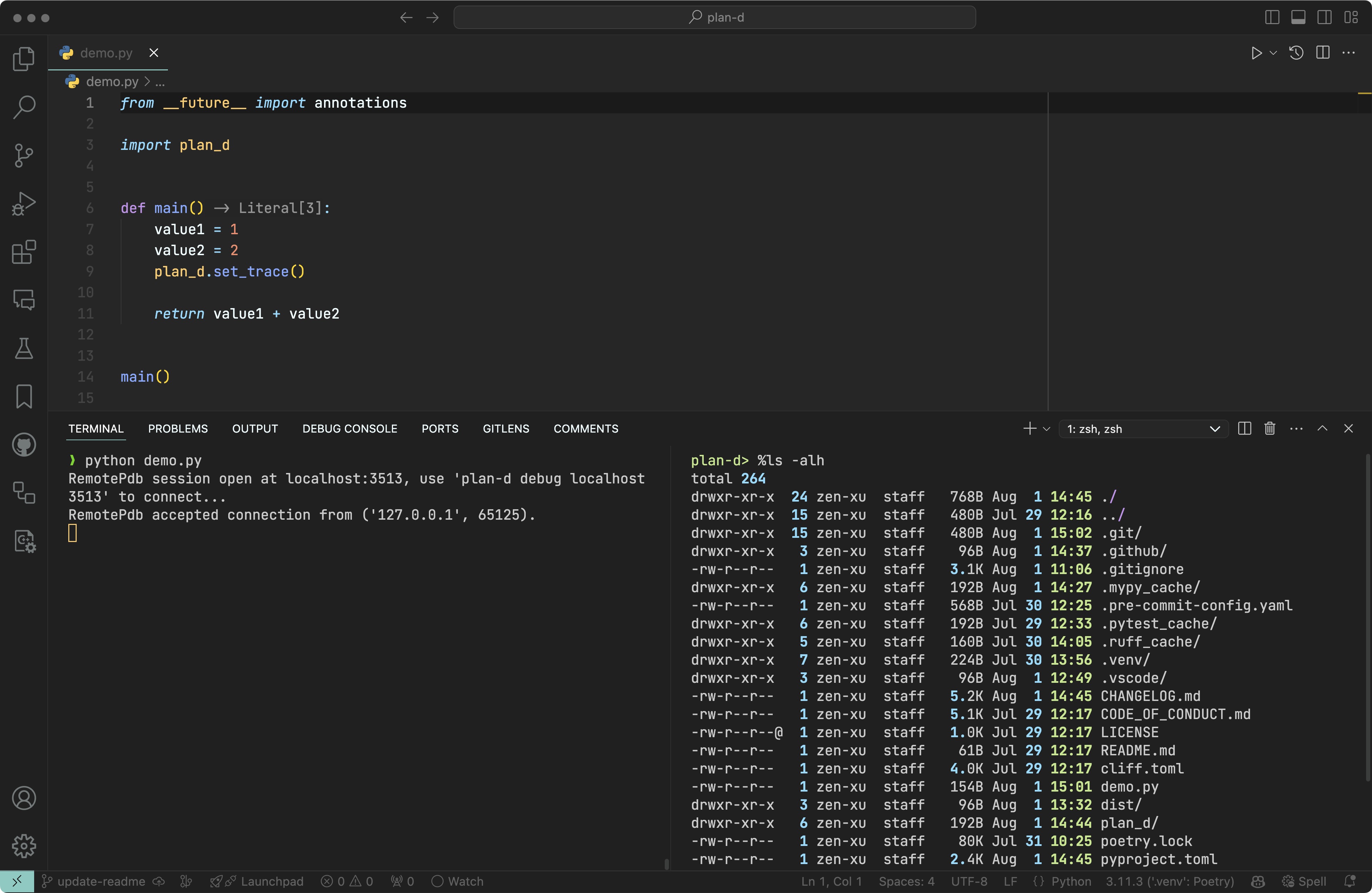
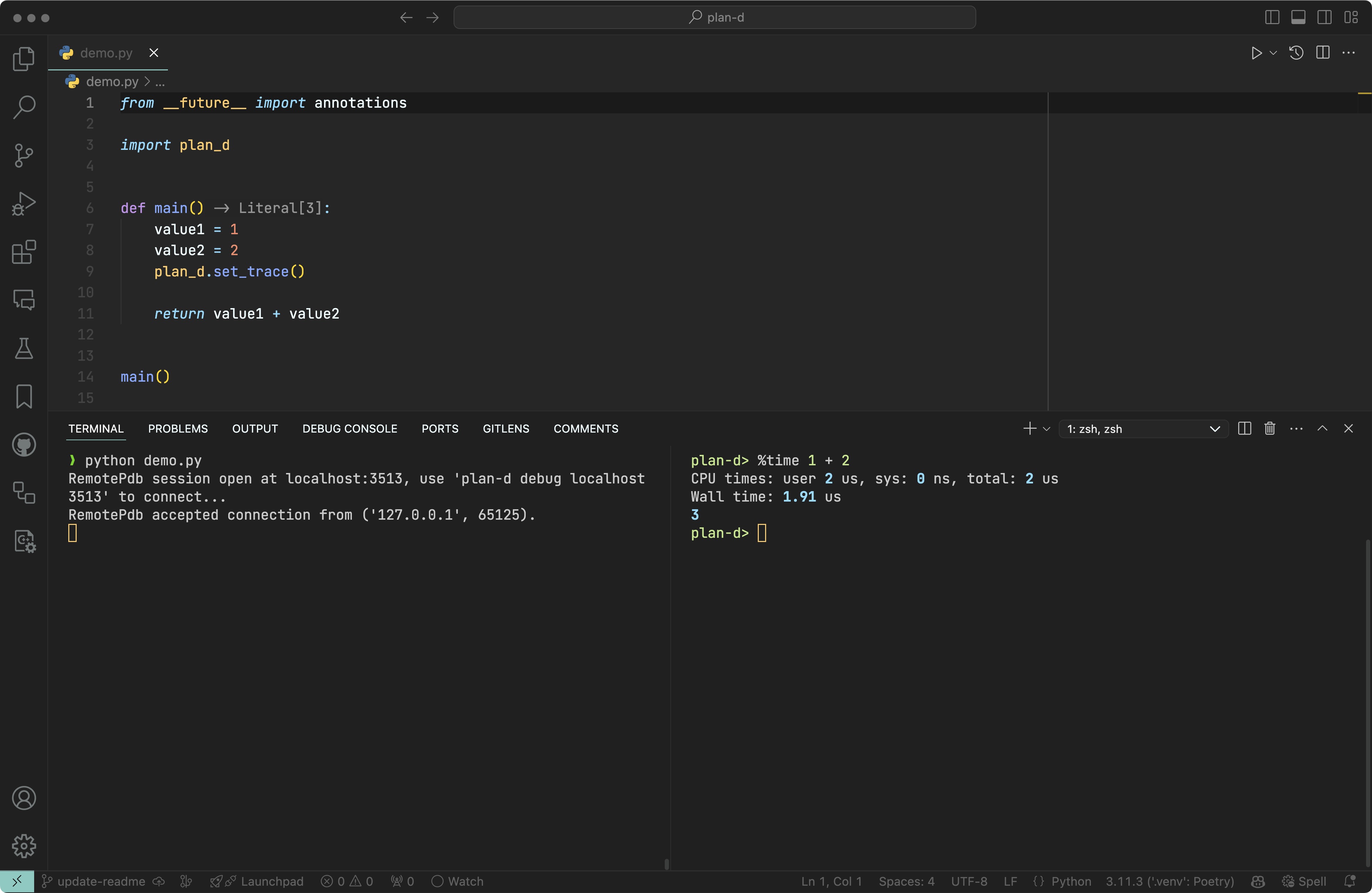
plan-d supports automatically launching the debugger when an exception occurs.
You can enclose code with the with statement to launch plan-d if an exception is raised:
import plan_d

with plan_d.lpe():
    [...]
Or you can use lpe as a function decorator to launch plan-d if an exception is raised:
import plan_d

@plan_d.lpe()
def main():
    [...]
When the client connects, the stack information will be displayed.
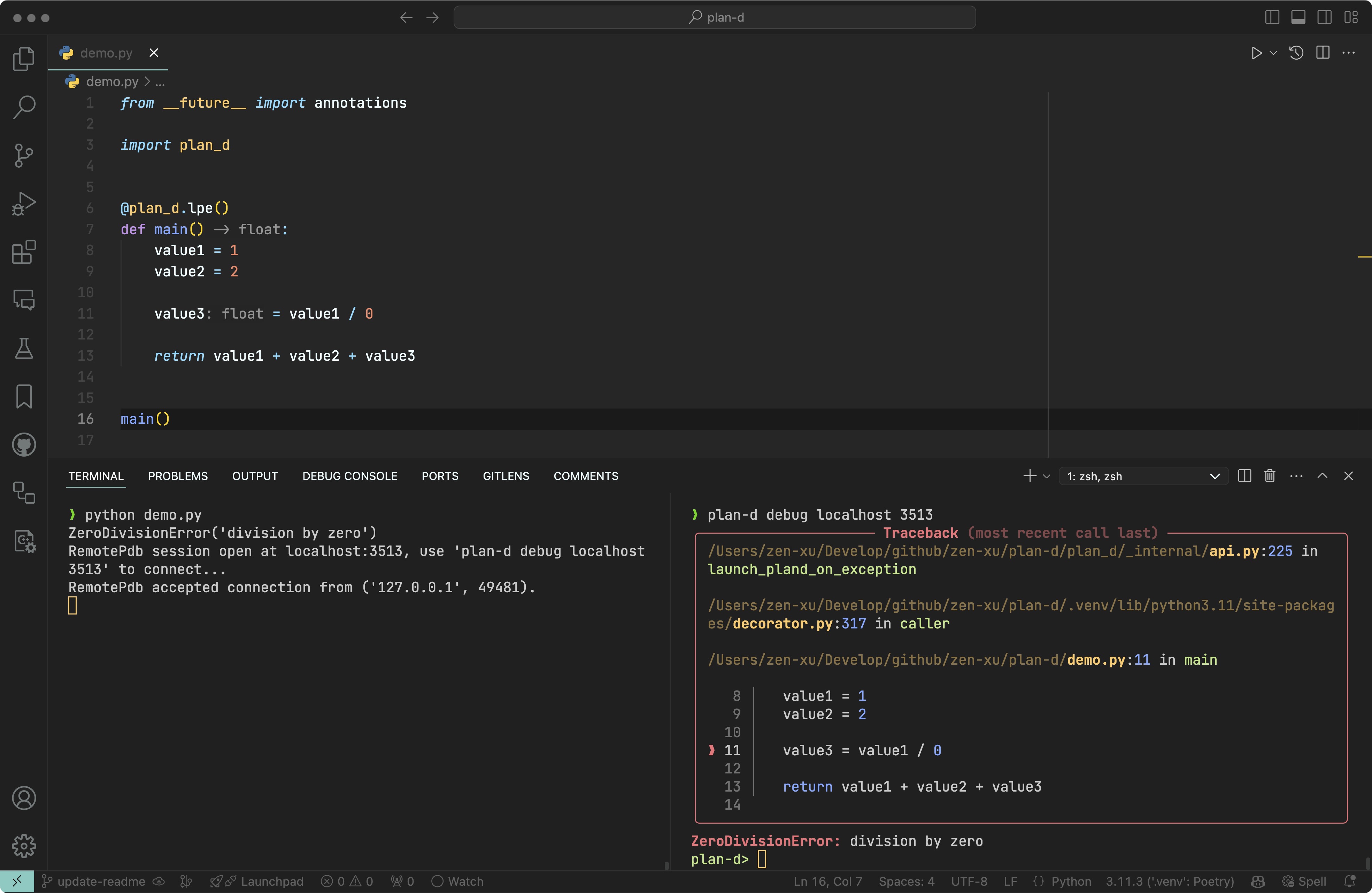
Exit by typing the command exit or pressing ctrl+d.