Scheduled Config Changes
Queue an edit to a chore that takes effect on a future date — "from 1 September this chore is worth 20 points", "from November it's disabled for the winter". Set it once, in the moment you thought of it, and forget it.
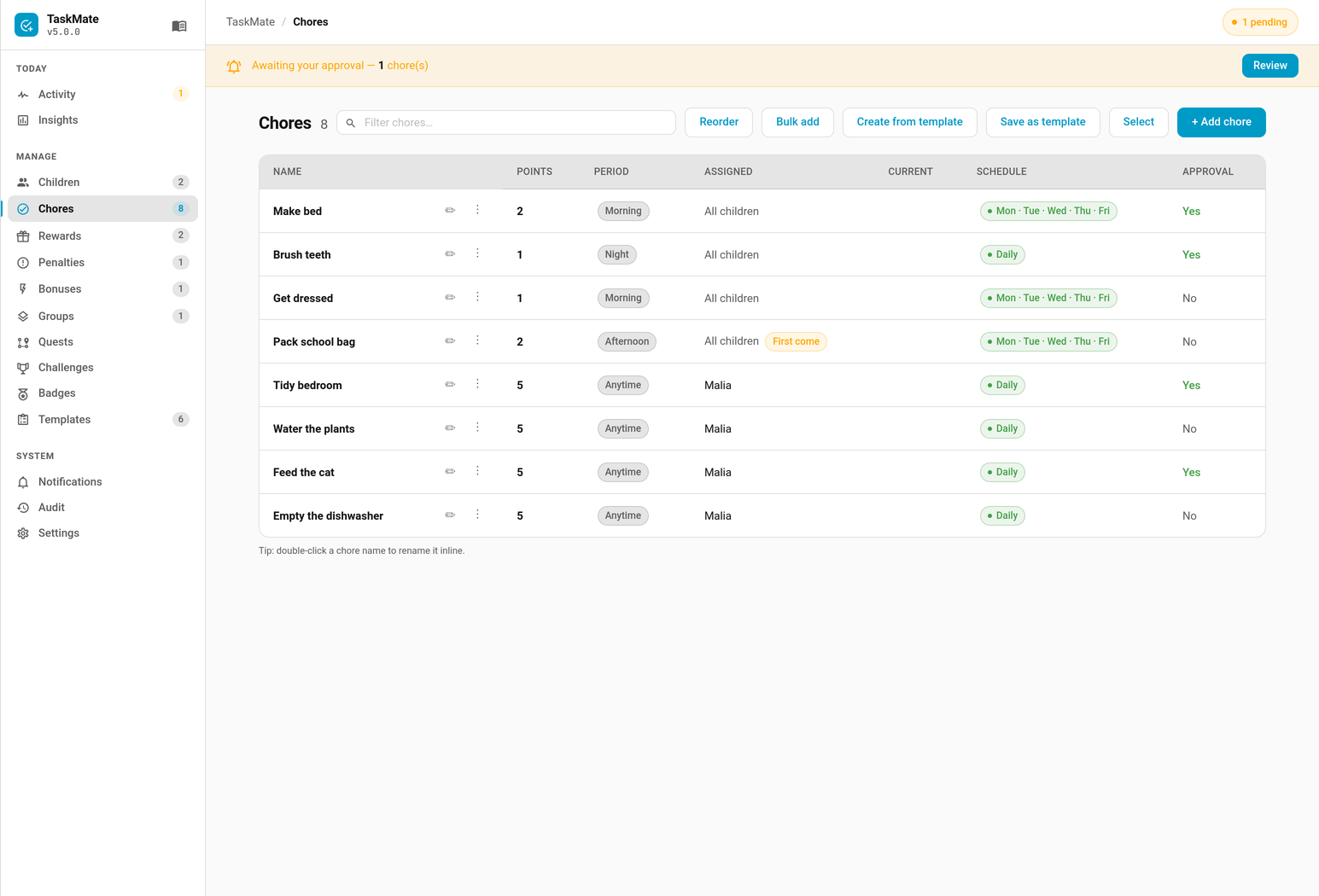
Open a chore in the TaskMate panel and expand Advanced — scheduled changes. Pick a date, a field, and the new value. Queued changes are listed with a count badge on the section, and can be removed before they fire.
Points · Assigned to · Enabled · Requires approval · Daily limit · Days · Mandatory · Penalty points · Expires on · Description · Time of day · Difficulty
Runtime state — rotation anchors, skip dates, calendar publish history — deliberately cannot be scheduled. A queued change can only touch configuration, never the record of what actually happened.
- Changes are applied during midnight maintenance.
- Missed days catch up. If Home Assistant was switched off on the day a change was due, it is applied on the next start. A parent who wrote "from 1 September" still expects it to have happened, even if the server was down that night.
- Values are validated when you queue them, not at midnight three weeks later. A bad value fails in front of you, while you still remember what you meant.
- The date must be in the future. Today is rejected, because a change queued for today would actually fire at the next midnight — a day later than it reads.
- Applied changes are kept, not deleted, and shown under Already applied. A configuration change that happens silently is worse than one that doesn't happen at all.
- Deleting a chore removes its queued changes.
Applying fires taskmate_scheduled_change_applied:
| Field | Meaning |
|---|---|
change_id |
The queued change that fired |
chore_id |
The chore it altered |
chore_name |
Its name |
changes |
The fields that were changed |
timestamp |
When it was applied |
| Situation | Queue |
|---|---|
| Term starts again | From 1 September: Points → 20 |
| Garden closes for winter | From 1 November: Enabled → off |
| Child is old enough now | From their birthday: Difficulty → hard |
| Sibling takes over the bins | From 1 March: Assigned to → other child |
- Chores — the chore editor and every field a change can target
- Chore Scheduling — recurring schedules, which are a different thing: when a chore is due, not when its configuration changes
- Automations — every TaskMate bus event
- Admin Audit Log — the record of what changed and when