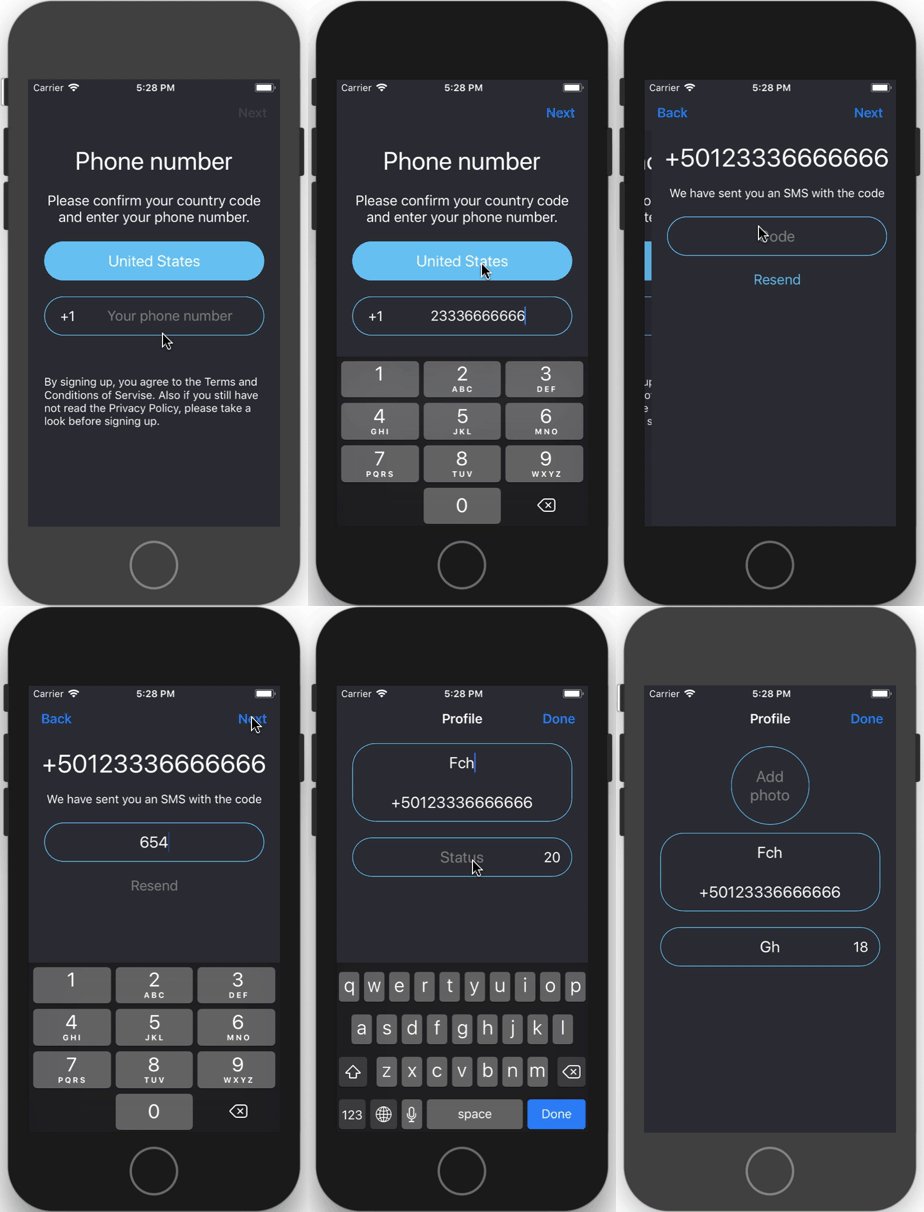

Changing the theme AppDelegate.swift:
- Light
- Dark
func application(_ application: UIApplication, didFinishLaunchingWithOptions launchOptions: [UIApplicationLaunchOptionsKey: Any]?) -> Bool {

        ThemeManager.setTheme(theme: .Dark)

        let theme = ThemeManager.currentTheme()
        ThemeManager.applyTheme(theme: theme)

        let mainController = MainTabBarController()
        window = UIWindow(frame: UIScreen.main.bounds)
        window?.rootViewController = mainController
        window?.makeKeyAndVisible()
        window?.backgroundColor = ThemeManager.currentTheme().mainBackgroundColor

        presentController(above: mainController)

        return true
}Telegram Login is written in Swift 4 and requires iOS 10.0 or later.
This project is licensed under the GNU General Public License v3.0 - see the LICENSE.md file for details