



Disclaimer: This Google Maps Scraper is provided for educational and research purposes only. By using it, you agree to comply with local and international laws regarding data scraping and privacy. For any concerns, please contact Chetan Jain at chetan@omkar.cloud.
Google Maps Extractor helps you find Business Profiles from Google Maps.
Loved of developers, Most Popular Google Maps Scraper App on GitHub — 2.8K+ stars.
Sure, we aren't as big as Apify, Outscraper but our product can get you the absolute highest number of results per city, with the most generous free tier in the market.
- Most Popular Google Maps Scraper App on GitHub — 2.8K+ stars.
- Free Version is Most Generous in the market — 200 free searches every month, and each search can yield 100 to 1000+ results. So you can get 10,000+ leads per month, FREE.
- Lowest Cost Google Maps Scraper in the market — unlimited lifetime results for a single one-time payment.
- Complete system — Everything from finding leads, to cold calling and cold emailing, to closing your first deal.
- 50+ data points — Extracted in real-time.
- Enrichment included — Get emails, social profiles, and decision-maker contacts for max conversion.
- Reviews Extraction that actualy works!
- API Version available for easy Python/Node.js integration!
If you only watch one thing, watch this. In under a minute you'll see the tool pull 200+ real business leads It's the fastest way to understand exactly what you're getting.
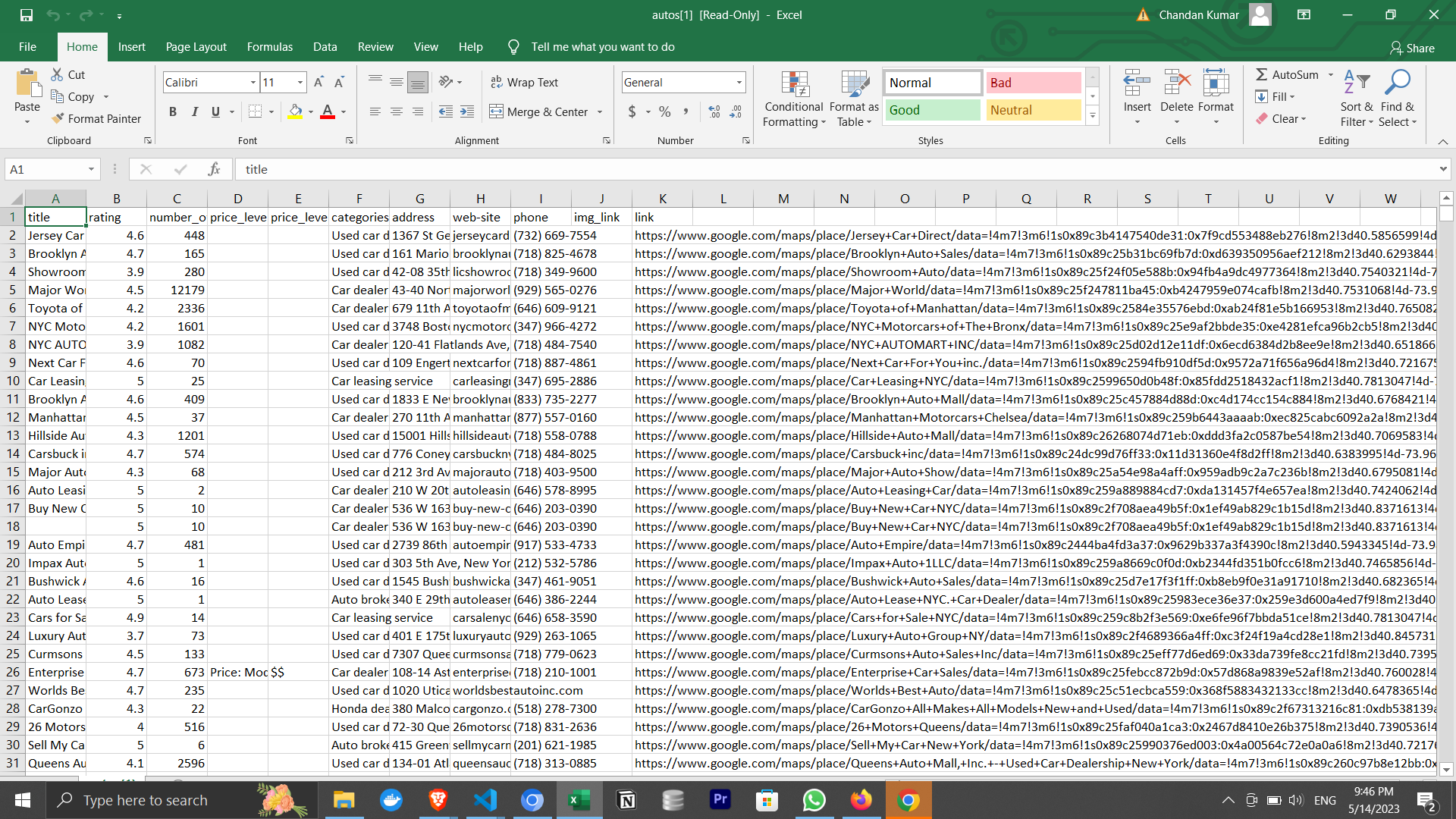
It's a desktop app that finds Business Profiles from Google Maps for any category and location you choose — restaurants, dentists, gyms, agencies, and more. In a few clicks you get a clean, exportable list of businesses along with their contact details, so you can reach out and sell to them.
Founders use it to find their first customers; students use it to gather data for research projects.
Also if you are developer, and Just need to access data via Python/Node.js scripts? Check out our Google Maps Extractor API (200 searches/month free). It offers a REST API interface and detailed documentation for AWS VM installation.
For every business, you get the major data points you need to sell:
- Name, Main Category, and Address
- Phone number
- Website
- Email and social profiles (via enrichment)
- Rating and number of reviews
That's just the start — the tool extracts 50+ data points in total. See the full list in advanced.md (Are there any usage limits?).
On top of the raw data, business enrichment gets you sales-ready contacts: verified emails, decision-makers (CEO, Founder, etc.), and phone carrier info so you don't waste time on landlines.
To use this tool, ensure you have Google Chrome installed. Then download for your OS:
For Mac:
- Download the Mac Version
- We are a verified publisher with Apple, so you can install it without facing any issues.
For Windows:
- Download the Windows Version
- You'll see a popup saying that Windows Defender blocked an app from an unknown publisher. It's the most popular Google Maps scraper on GitHub, with 2.8K+ stars, and is completely safe to use.
You may also see a Windows Firewall popup—click Allow Access to continue.
For Ubuntu/Debian:
For Fedora/CentOS/Red Hat:
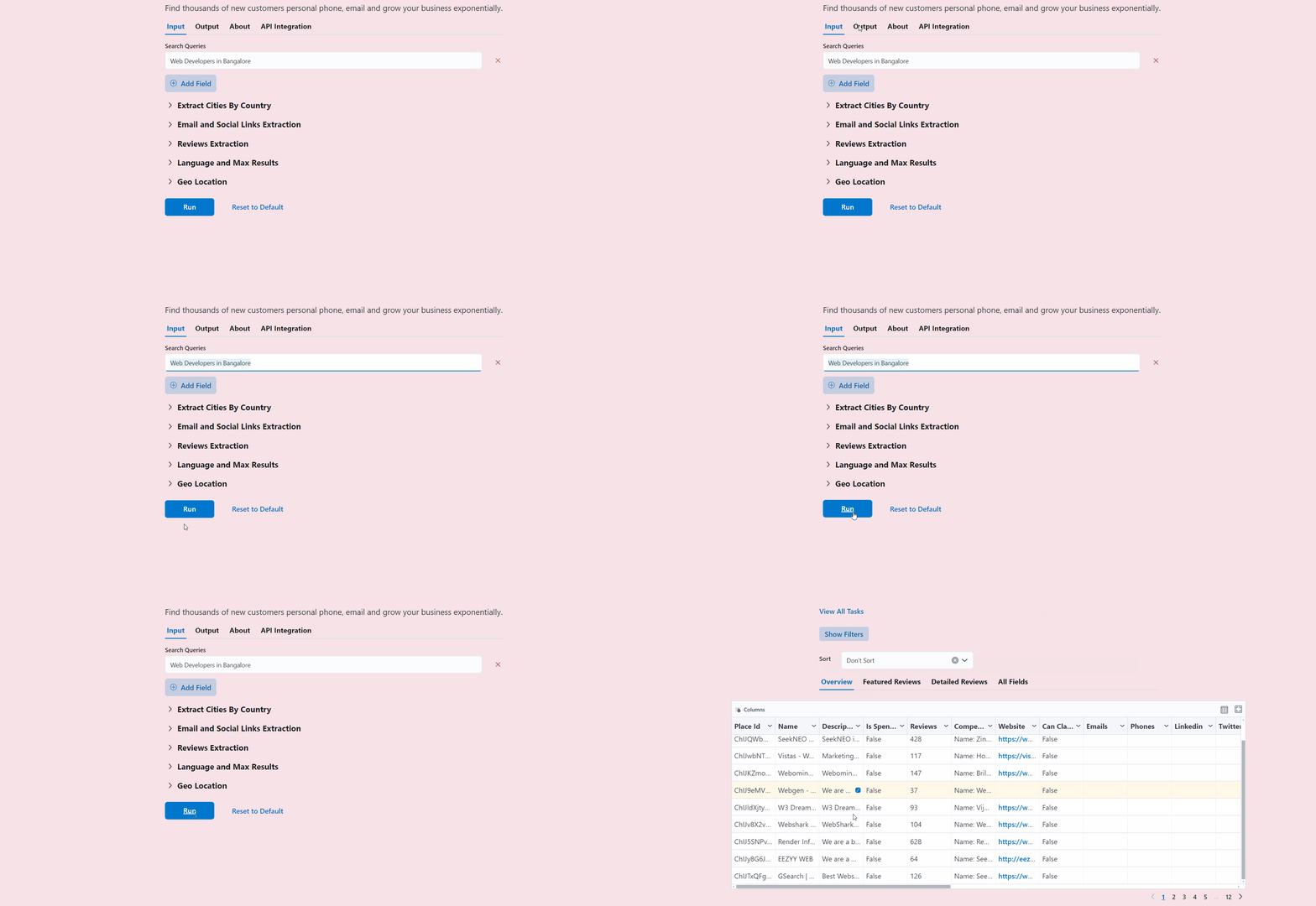
Then enter your search query and press the Run button to get 200+ search results in a couple of minutes.
Watch the full walkthrough below — choosing the right search strategy, applying filters, and exporting a clean, ready-to-sell lead list. Ten minutes here you will completely understand how to use the tool to its max potential to get customers.
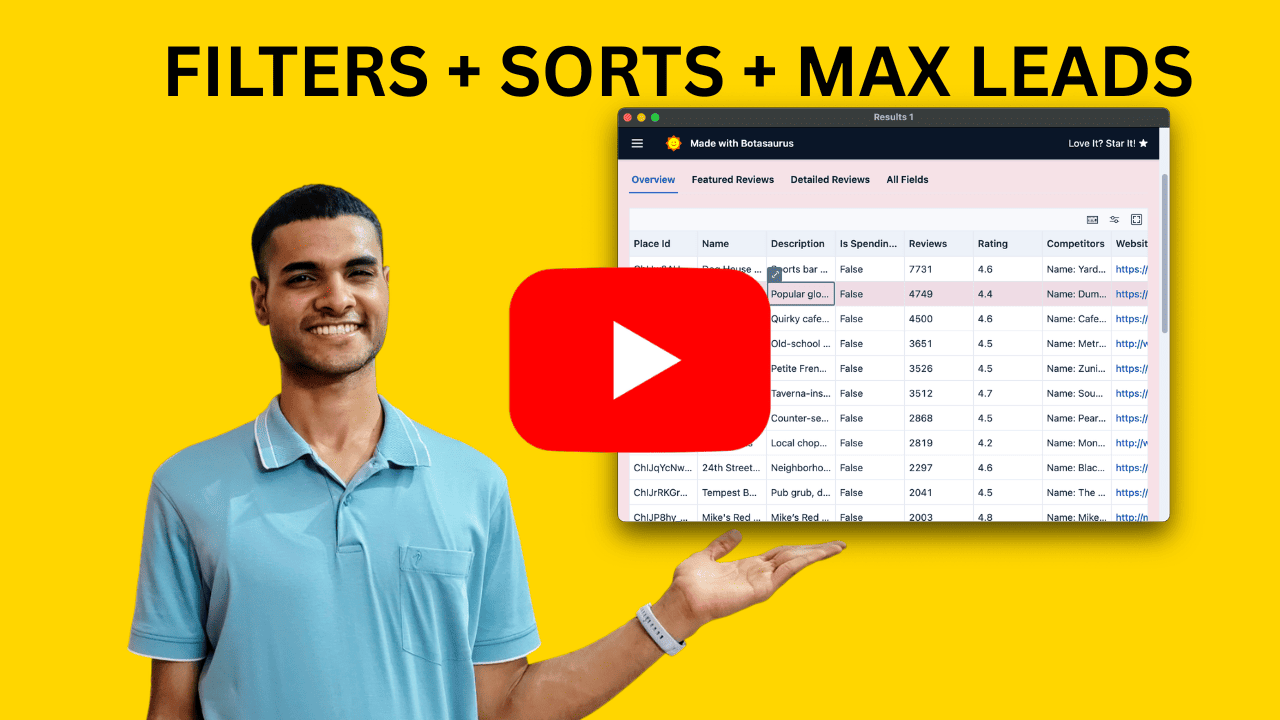
The most important decision is who you sell to. For example, if you are selling developer stickers pack like this one.
 It's way easier to sell them to developers, than to marketers.
Watch this to pick a winning category of buyers for your product in minutes:
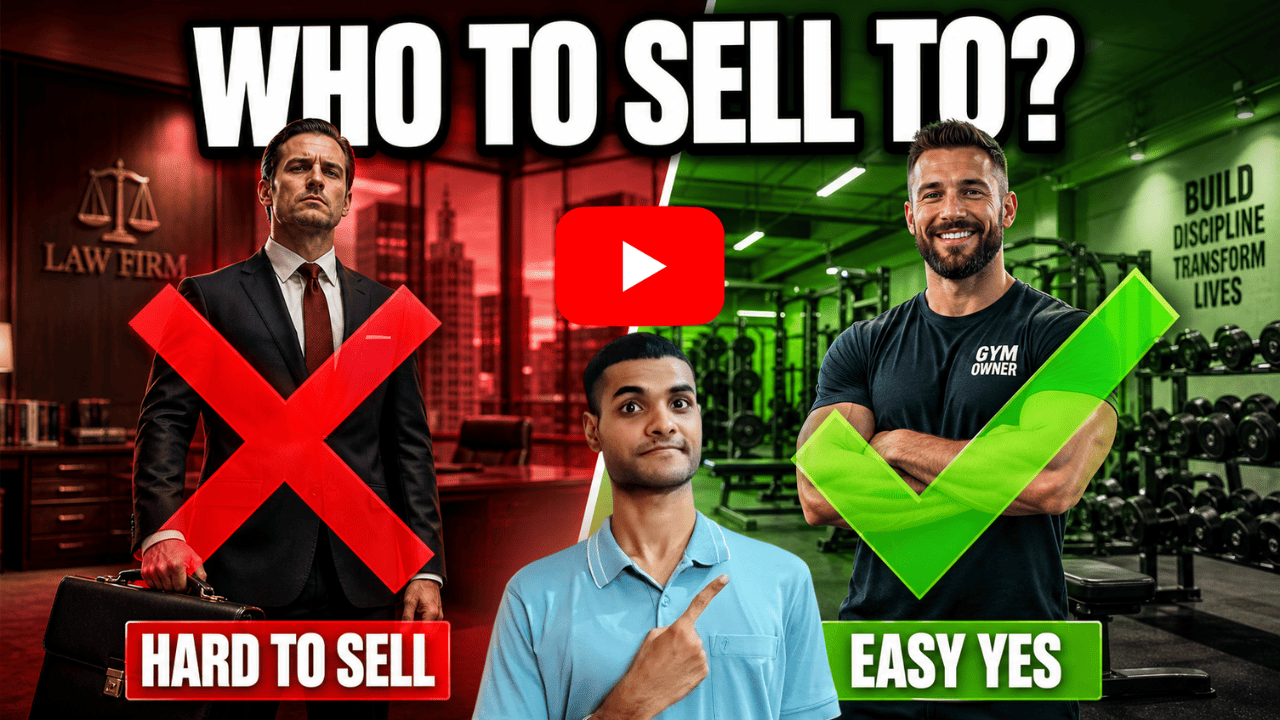
- Use the "Find best customers" checklist to spot the right buisness owners to contact.
In-person visits are the absolute fastest way to confirm you've picked the right category — before you invest weeks into cold calling and cold emailing.
The idea is simple: pick a category, visit a handful of owners in person, and try to sell. By the end of one day, you'll know whether this category actually buys. If they won't buy by physical visit, then they won't by cold calling or cold emailing.
Watch how to validate a Google Maps category in a single day by visiting owners in person:

Use In-Person Visit Checklist to prepare before you go:
If they don't buy, retry with a different target category.
But Once they start buying, scale up with cold calling or cold emailing, so much that your phone never stops ringing.
Watch a quick breakdown of what's in the Free vs Paid version, and which is right for you:
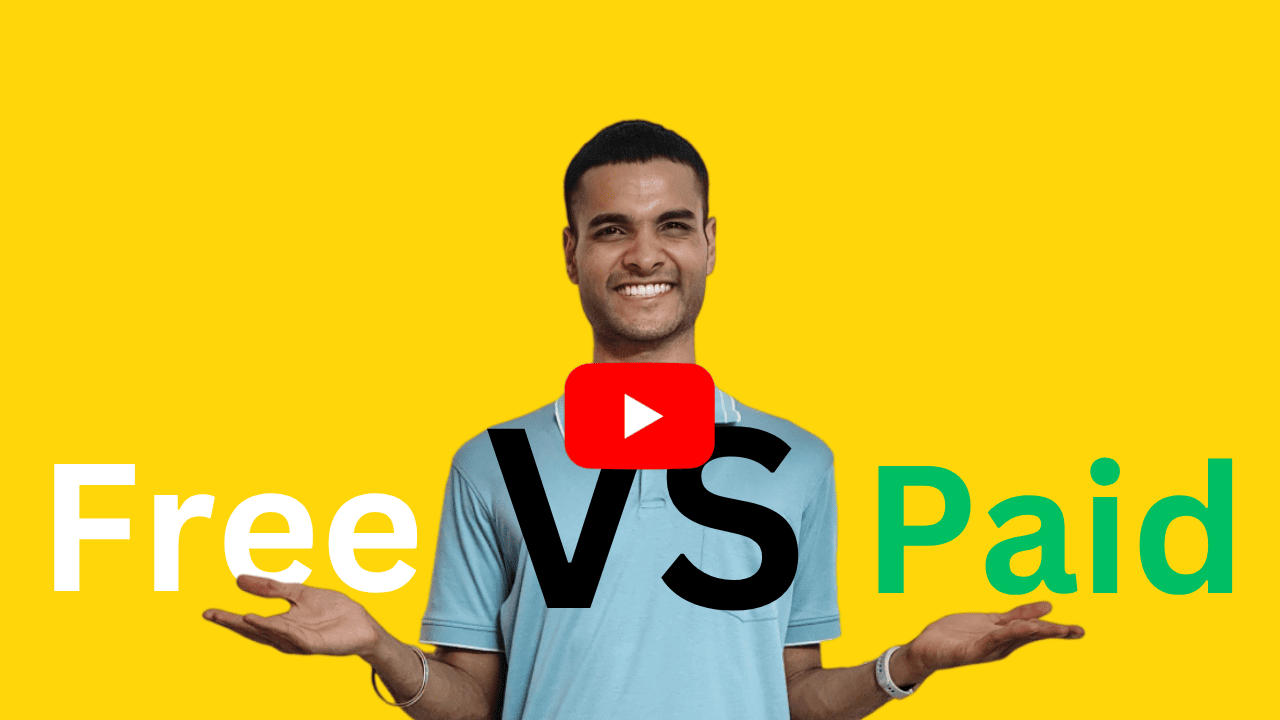
Free Version — 200 searches every month, each search yielding 100 to 1000+ results. More than enough for most users to find leads.
Paid Version — Complete system to sell with ease, and scale:
- Unlimited searches for a lifetime
- 2-3 meetings with founder Chetan Jain (limited time, June and July only) to:
- Brainstorm to find best target category for your buisness.
- Determine the best filters for your buisness
- Personalized phone and email scripts to win customers via cold call and cold email, made specifically for your product.
- Best tools and workflows to scale cold calling and cold emailing
- Techniques to increase sales, specific to your product
Price is $98 one-time payment. It's an insane bargain, because we guarantee you'll make back the investment + more in 7 days. If you don't get customers, get refund in 2 clicks, in next 90 days.
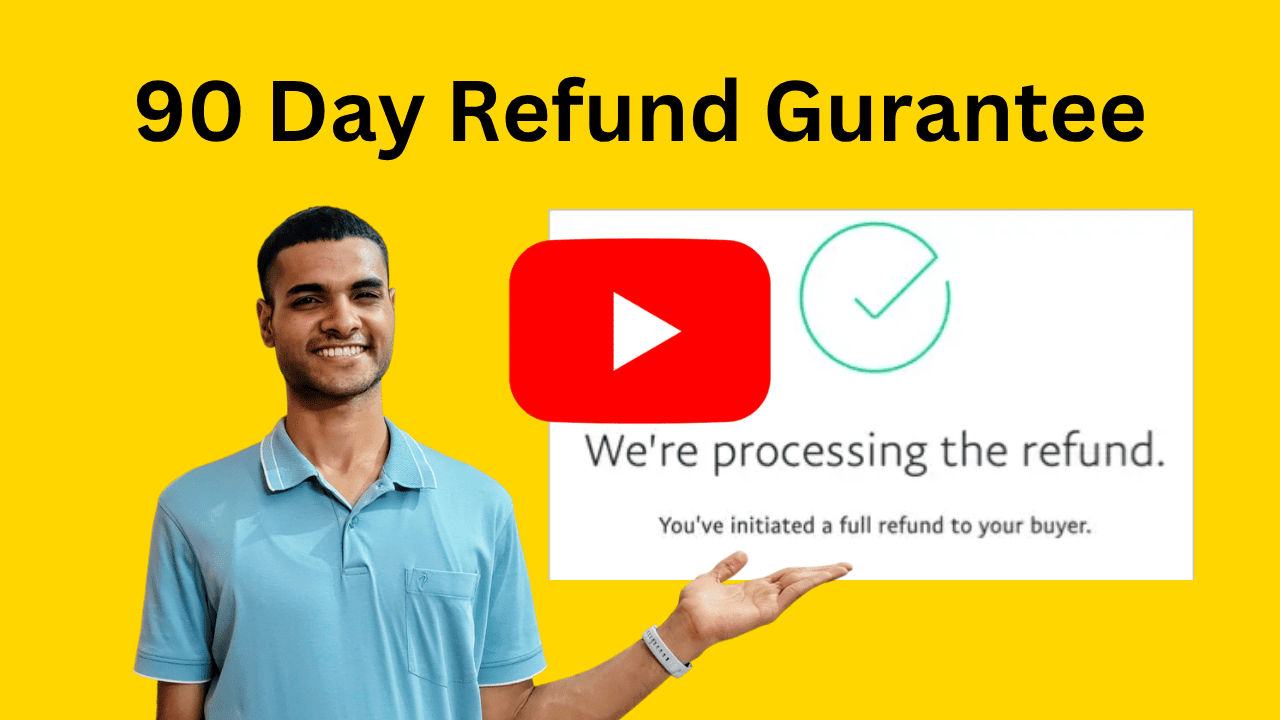
Here is the easiest refund process you have ever seen in your whole life, because we know our stuff works:
- Go to the Transactions Page.
- Click Request Refund, then confirm by clicking Request Refund again.
That's it. The amount is refunded in 1-2 business days. No emails, no explanations, no questions asked.
Watch the full 2-click refund process:
If you are committed, our process takes 4 days to get results.
- Day 1: Book a call to figure out the best target category and best filters for your specific product.
- Day 2: Get your personalized scripts for email and phone calls to sell your product.
- Day 3: Choose 100+ leads and call, make 100 calls or send 500 personalized emails. This is the hardest part, but we'll give you the best strategies to convert and keep you accountable.
- Day 4: Win a customer, then repeat for endless cities and solve your customer problem. If you got customers, great. If it fails, we'll figure out what went wrong, fix it, and try again.
Just do it by yourself first. It only takes a few focused days, and once you are making profit, hire people to do it for you and turn it into a system.
Still unsure if this fits your business? Book a free 15-minute call with founder Chetan Jain for an honest, no-pressure answer—plus the exact target category and filters for your product.
Book your FREE call with Chetan (limited time, June and July only).
Enrichment turns Google Maps business data into sales-ready contacts—same leads, same effort, but much higher conversion.
Phone:
- Phone Carrier Info — know if it's a landline or mobile, mobile numbers goes to buisness owners leader to better sales, landline goes to receptionist.
- Place Sales Summary — Personalize your pitch, so customer sees that you have done your research and becomes interested in your product.
Email:
- Find best email for outreach, with deliverability verification.
- Get social profiles, like twitter, linkedin, etc. to get more information about the customer.
Follow these steps to start using enrichment:
-
Sign up on Omkar Cloud by visiting this link.
-
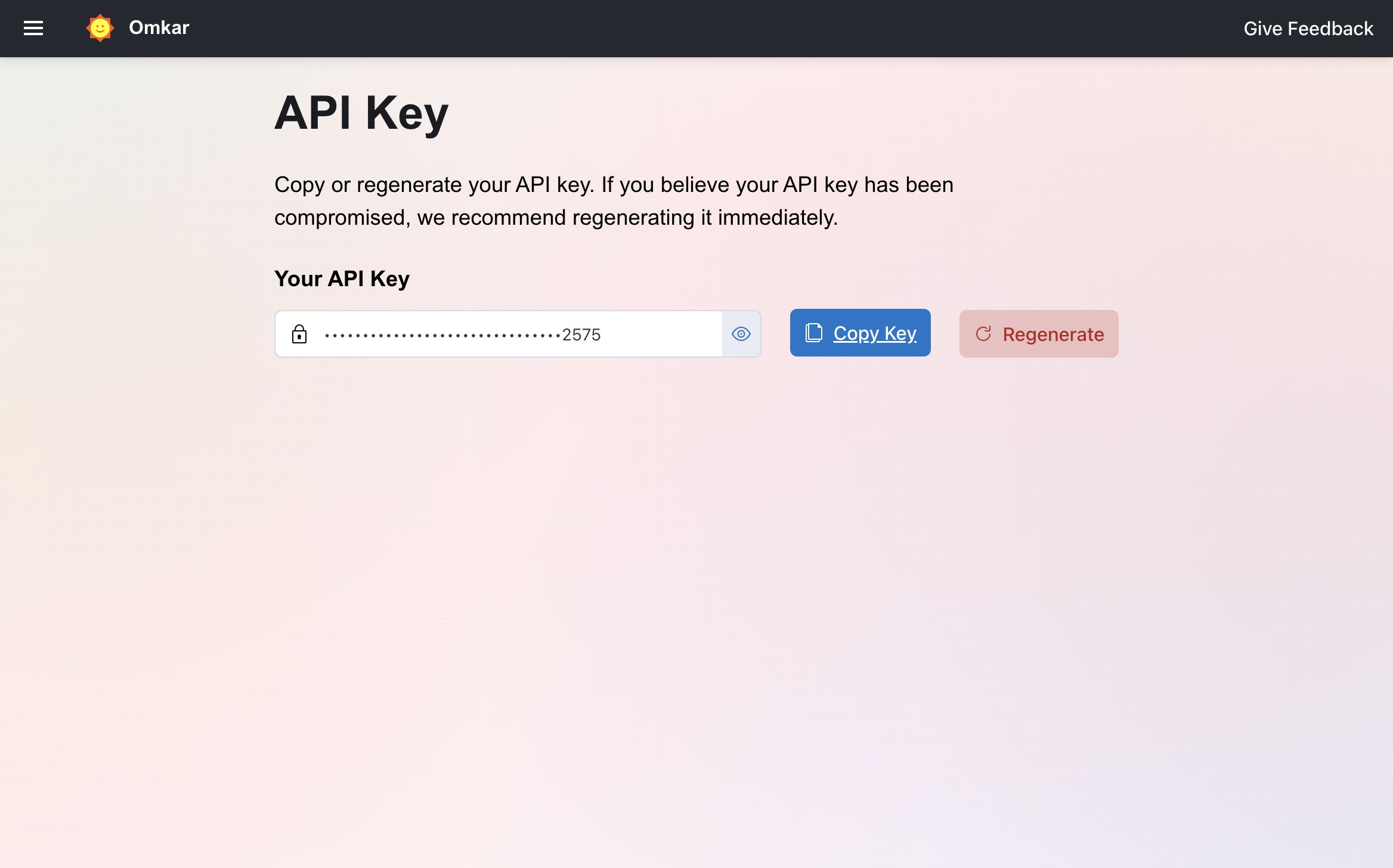
Visit the Api Key Page.
-
Copy the API key.
-
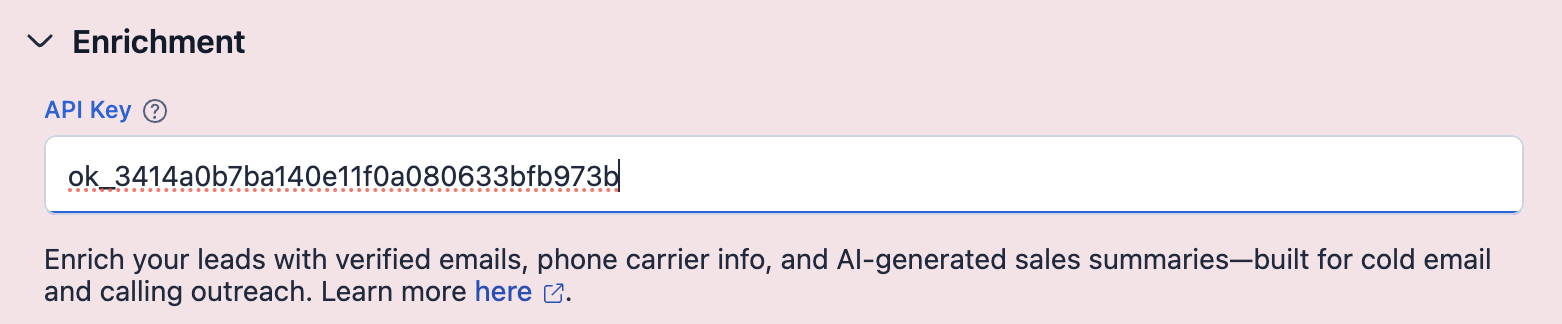
Enter the copied API key in the "Enrichment" section:
-
Go to verify phone page and verify your phone number. We require phone verification to prevent abuse of our free credits and keep the service available for genuine users.
-
Run it
That's it. You can find enrichment results in the "Overview" View.
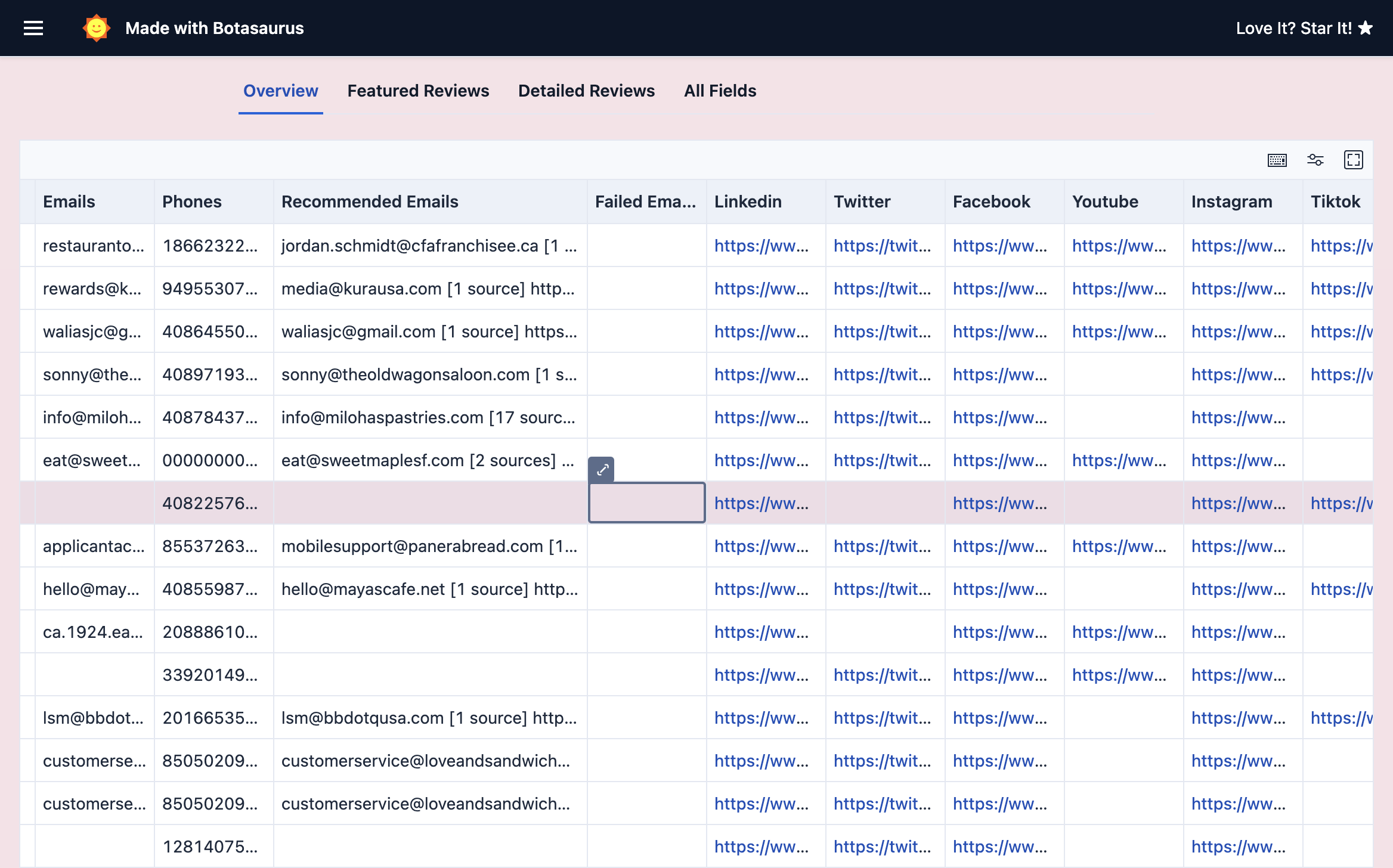
To get the most out of enrichment, read the Enrichment Documentation.
Start enriching for free—100 credits free/month. No credit card needed.
Deeper guides and answers live in advanced.md:
- Do I need to do anything else to use the tool effectively? [Very Very Important! MUST READ]
- What are the various search strategies, and which one should I use?
- How to use the Geolocation feature?
- How to create polygons and search using Geolocation?
- How do I stop or abort a running task?
- I want all businesses in a country. What's the best approach?
- Are there any usage limits? (and 50+ data points)
- How to get the Pro Version?
- How do I get a refund?
- How do I preserve non-English characters when exporting?
- On macOS, Chrome is not opening when I run the app. What should I do?
- Why does the result count drop after a task completes?
- How can I get results via API?
- How did you build this extractor?
- Any other products that might be useful to me?
- Can you tell me about the Done For You service?
- Do you do custom big data projects?
- I need a feature from another app. Can you add it?
- Tell me about Omkar Cloud
- Why should I use your product over bigger brands?
- What else can I use this tool for?

You are important to us, just message us and we will solve your problem ✅ within 1 working day. 🩷 Pinky Promise 🤙!
Prefer to talk it through? You can also book a call with founder Chetan Jain (limited time, June and July only) to figure out the best target category for your product or to resolve any product-related questions.
👉 Book your FREE call here: https://omkar.cloud/l/meet-chetan/
From one business owner to another: if this tool has helped you, please leave an honest review on Trustpilot. It takes less than a minute, and it means a lot.
Here's why it matters. Most people judge a product by its reviews. Your review helps another business owner—someone just like you, looking for leads and trying to grow their business—discover this tool, find customers, and support their family.
So I'll ask you a simple favor: will you help the next business owner find us? You won't get credit for it, but you'll make a real difference.
If you will, please leave a review. Takes 60 seconds only, and I will personally thank you for it within 1 day.
https://www.trustpilot.com/review/omkar.cloud
If you are a student or a person just starting your business, and the Pro Version is not in your budget, you can let us know via WhatsApp or Email and we will provide you with the Pro Version. Don't hesitate—it will take 5 minutes to WhatsApp/Email, and it will make us happy 😊 to help you.