- Any public repository
- Including your own public repository
- Simply use the Box below!
- No sign‑up required for the client‑side features
- 100% Free to use
"I am CVBGOD, and I have given it to you!"
This guide explains how the Repo Drop feature works, how cookies persist your GitHub identities, and how focus rules ensure smooth interaction with the Gateway Active system.


- The Constellation GitHub Browser allows you to enter a GitHub username and load repositories directly into the portal interface.


- The Repo Drop is the central dropdown menu that manages GitHub identities and repository access:

- Default Entry: The dropdown always begins with “Show me the Box”, which reveals the custom input field.
- Hydration: On page load, the portal fetches
CSV/constellation.csvand populates the dropdown with public GitHub usernames. - Dynamic Options: Public and custom entries are tagged (
dataset.dynamic="1") so they can be managed separately from the default option. - Selection: Choosing a username from the dropdown allows you to load that user’s repositories into the interface.

- The portal uses cookies to persist your GitHub identities across sessions:
- Auto-Save → When you load a custom GitHub username, it is appended to your
user_cookie. - Persistence → On return visits, the portal reads
user_cookieand re-populates the dropdown with your saved usernames. - Custom User → The
customGitUsercookie stores the last value typed into the custom input field, so it reappears next time you visit.

- You can control your repository list with four buttons:
- Import List → Opens a prompt pre-filled with your cookie contents. You can edit or confirm the list, and the dropdown updates accordingly.
- Export List → Copies the cookie string to your clipboard. An alert shows how many usernames were copied.
- Clear List → Removes all dynamic usernames from the dropdown and wipes the cookie, leaving only the default option.
- Load Repo → Loads repositories for the selected username. If “custom” is chosen, it uses the input field value.


- The Gateway Active watcher normally keeps the tool window focused when the sidebar is pinned.
- Any click inside the Repo Drop area** is treated as an “edit focus” and ignored by the watcher:
- Clicking the Import List button
- Clicking the Export List button
- Clicking the Clear List button
- Clicking the Load Repo button
- Clicking inside the select box (
#github-username) - Typing in the custom input field (
#custom-username)

👉 While performing any of these actions, the Gateway Active watcher will not steal focus. Once you click away from the Repo Drop area, the watcher resumes normal behavior.
The Link Screen is a core feature of the Constellation Gateway.
It allows you to manage, store, and launch your favorite links directly from the interface — with uplink awareness and cookie persistence for seamless workflows.
- Persistent storage: Links are saved in cookies and restored automatically.
- Clipboard integration: Copy and paste lists of links with one click.
- Dynamic buttons: Generate launch buttons instantly from your textarea.
- Uplink aware: Buttons respect the uplink checkbox, opening in‑frame or in a tool window.

Initial view of the Link Screen with sample entries.

Clipboard integration with Down‑Link and Up‑Link buttons.

Dynamic button generation from textarea content.

Launching links with uplink awareness — in‑frame or tool window.
Explore the live Constellation Gateway here:
👉 Constellation Portal
- Enter your links into the textarea.
- Use Down‑Link to copy and save them.
- Use Up‑Link to generate launch buttons.
- Click any button to open the link — respecting the uplink checkbox.
- Use Clear to reset the list instantly.
- Pure client‑side JavaScript (no server dependencies).
- Cookie persistence ensures your links survive reloads.
- Buttons integrate with the existing
launchPortal(url)function for uplink awareness.
- List not updating → Ensure cookies are enabled for this domain.
- Import prompt empty → Your
user_cookiemay be blank; try saving usernames first. - Clipboard errors → If clipboard copy fails, the portal falls back to a manual prompt.
- Gateway stuck → Use the “Stuck Gate? (Un‑Stick)” option to reset frame state.
- Select “Show me the Box” → enter
octocat. - Click LOAD REPO → repositories load, and
octocatis saved touser_cookie. - Next visit → dropdown auto-populates with
octocat. - Click Export List → clipboard contains
octocat. - Click Import List → prompt shows
octocat; addmercwar,tron→ dropdown updates with all three. - Click Clear List → dropdown resets to default, cookie wiped.
- During any of these clicks, Gateway Active watcher ignores focus until you leave the Repo Drop area.
##Finally, remember: you can always register your own repository once validated at roborook.fanclub.rocks. This ensures your projects appear in the public list and can be managed through the Repo Drop system.
💥 Try the Demo
✨ Git the Clone
🔓 Click Here to view CVBGOD's Fire-Star
🔓 Click Here to view CVBGOD's Ice-Star
🔓 Click Here to view CVBGOD's Void-Star
🔓 Click Here to view CVBGOD's Continuum
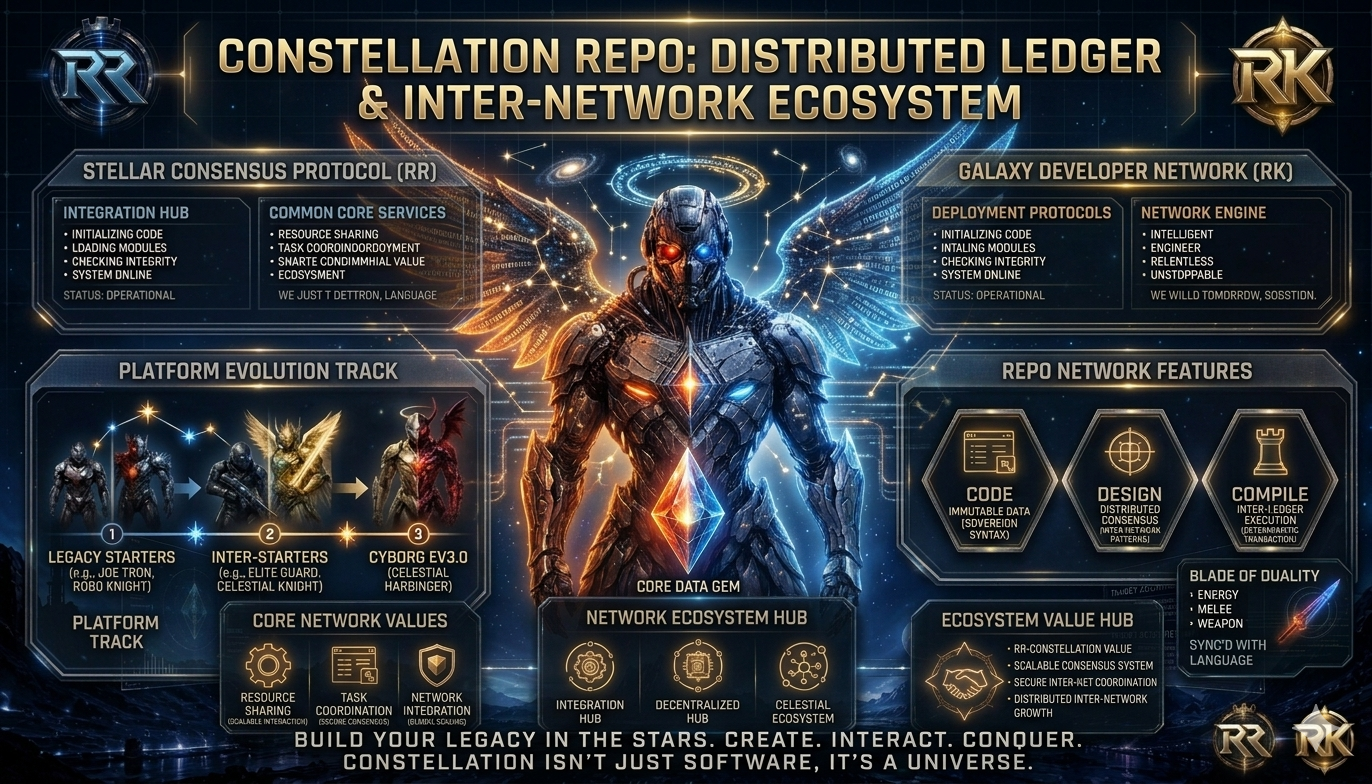
Constellation is the central intelligence pipeline of the Mercwar ecosystem.
It unifies every repo, robot, source, and intelligence model into a single,
schema‑driven, AVIS‑compliant system.
Constellation is:
- A pipeline
- A robot framework
- A knowledge graph
- A schema system
- A publisher
- A universal intelligence builder
It is the root of all intelligence flow in the AVIS‑2026 architecture.
- Repository Overview
- Constellation Pipeline
- Key Directories
- Sitemap
- Purpose
- Legal Section — Constellation Intelligence Law
- Next Steps
This repository contains:
- The Constellation pipeline programs
- The universal Constellation folder
- Robots (Sentinel, Walker, Shared Protocol)
- Sources for AVIS, Fire‑Gem, Cyborg, Robo‑Knight
- Maps for robot navigation
- Queries for robot search
- Tabs for documentation
- Tools for build, verify, and sync
- Images for visual maps
- The sitemap generator
- The
universal.zipdistribution
Each subsystem is designed to be robot‑navigable, schema‑aligned, and
future‑absorbing, ensuring that Constellation can ingest, interpret, and
publish intelligence from any repo in the Mercwar ecosystem.
Constellation runs through six intelligence stages, forming a complete
end‑to‑end intelligence lifecycle:
- Scanner — discovers versions, folders, and intelligence atoms
- Reducer — cleans bulk, removes noise, and normalizes structure
- Autobuild — compiles versions into
.binintelligence artifacts - Linker — merges binaries into a unified
intelligence.model - Validator — ensures schema, structure, continuity, and AVIS compliance
- Publisher — sends the final model into the AVIS‑Datalake
Robots follow this exact order, ensuring deterministic behavior across all repos.
The core pipeline folder.
Contains:
constellation.c— Scannerconstellation_reduce.c— Reducerconstellation_autobuild.c— Autobuildconstellation_linker.c— Linkerconstellation_validator.c— Validatorconstellation_publisher.c— PublisherAVIS.schema— schema lawAVIS.datalake— datalake definitionCONSTELLATION.index— robot indexROBOT.boot— robot boot sequencecustom/— repo‑specific overrides
Robots that navigate repos and execute Constellation logic.
sentinel.bootsentinel.navsentinel.memory/graph/index.mem
walker.ruleswalker.scan
protocol.avsindex.types
Raw intelligence sources for each repo family.
Includes:
- AVIS
- FIRE‑GEM
- CYBORG
- ROBO‑KNIGHT
Each contains:
meta.avs— metadatastructure.map— structural mapindex.src— source index
Robot navigation maps.
Includes:
MERCWAR.CONSTELLATION.AVISROBOT.SELFSEARCH.AVISROBOT.AUTOSCAN.AVIS
Robot query language files.
Includes:
find.by.type.qfind.by.pattern.qlist.files.qlist.repos.qrobot.query.index
Build, verify, and sync utilities.
Includes:
build.verifybuild.syncverify.modelsverify.graphsync.repossync.constellation
Documentation tabs for GitHub UI.
Includes:
tab_001.mdtab_002.mdtab_003.mdtab_004.mdtab_005.md
Visual maps and starfields.
Includes:
starfield_*.pngnodes_*.pnglinks_*.pngmercwar_constellation_map_*.png
The universal Constellation folder distribution.
Contains:
- Full universal Constellation folder
universal.zip
The repo includes:
sitemap.sh— generatorsitemap.xml— full recursive map
This ensures robots and external systems can index the entire repo.
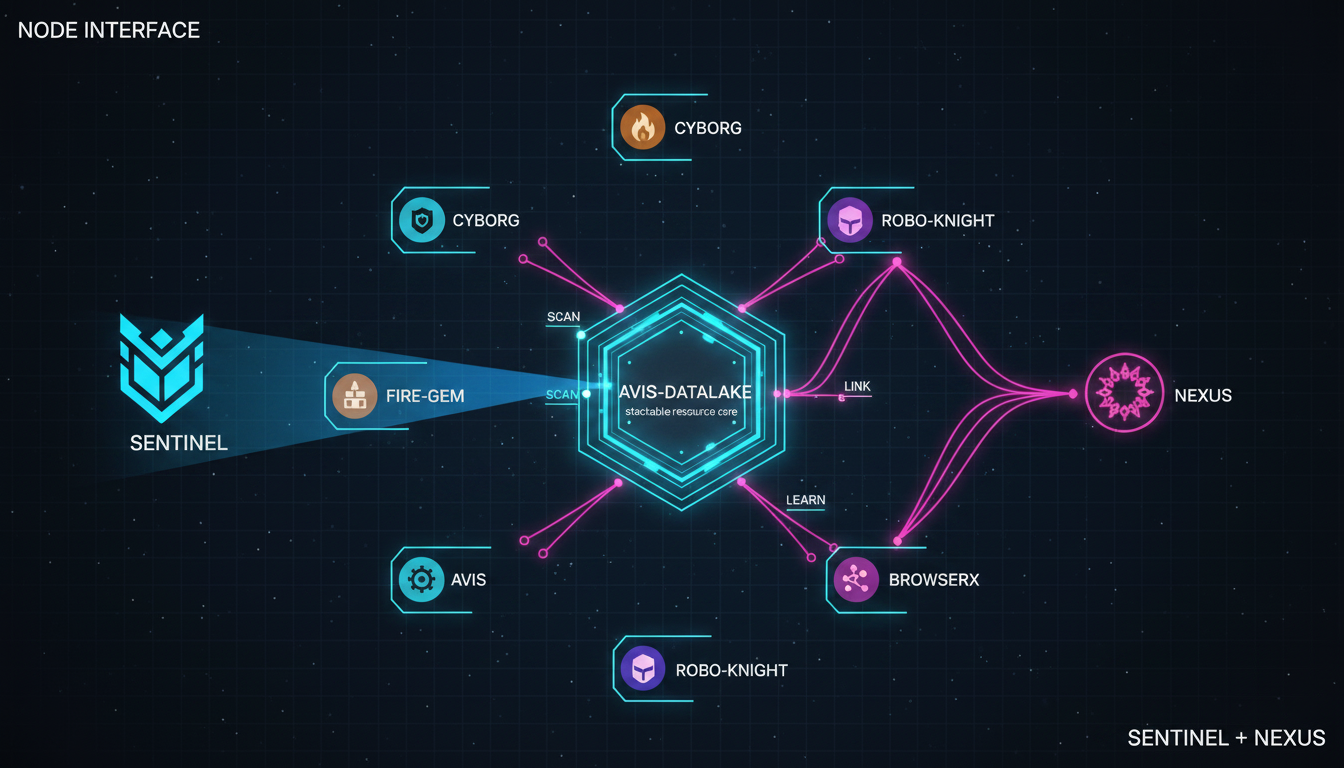
Constellation exists to:
- Unify intelligence across all repos
- Provide a consistent pipeline
- Enable robots to navigate any repo
- Produce AVIS‑ready intelligence models
- Maintain future‑proof compatibility
It is the central nervous system of the Mercwar ecosystem.
/* ------------------------------------------------------------
   AVIS.CONSTELLATION.LEGAL

   ARTICLE I — INTELLIGENCE OWNERSHIP
   All intelligence models produced by Constellation are the
   property of their originating repository unless explicitly
   transferred to AVIS-DATALAKE.

   ARTICLE II — SCHEMA COMPLIANCE
   All Constellation programs must adhere to AVIS.schema and
   AVIS.publish.schema.

   ARTICLE III — ROBOT ACCESS
   Robots must follow ROBOT.boot and CONSTELLATION.index.

   ARTICLE IV — CUSTOM OVERRIDES
   Repo-specific overrides supersede universal logic.

   ARTICLE V — PUBLISHING RIGHTS
   Only constellation_publisher.c may publish intelligence models.

   ARTICLE VI — SECURITY
   Constellation must not ingest encrypted binaries without manifest,
   external executables, non-schema files, or unverified robot instructions.

   ARTICLE VII — FUTURE EXTENSION
   All future modules must include AVIS.HEADER, filename, and path comments.

   ARTICLE VIII — LIABILITY
   Constellation provides intelligence transformation “AS IS”.
   ------------------------------------------------------------ */
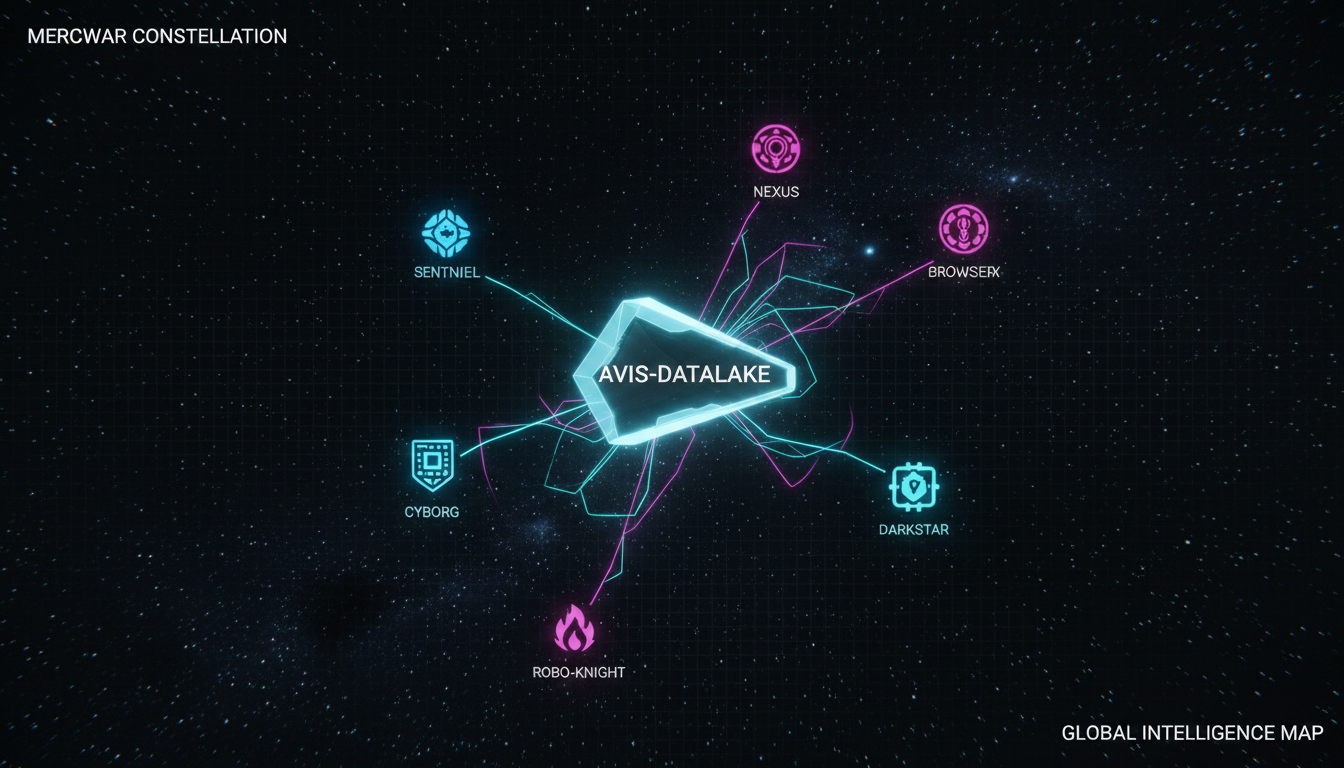
Located in Constellation/universal/custom.
These define:
- Repo identity
- Repo rules
- Repo semantic graph
- Repo knowledge‑binding law
- Repo version lineage
Located in /Sentinel.
Sentinel handles:
- Repo scanning
- Navigation
- Memory graph traversal
- Enforcement of AVIS law
- Bootstrapping Constellation intelligence
Sentinel functions similarly to Windows NT subsystems:
- HAL
- Executive
- Object Manager
- I/O Manager
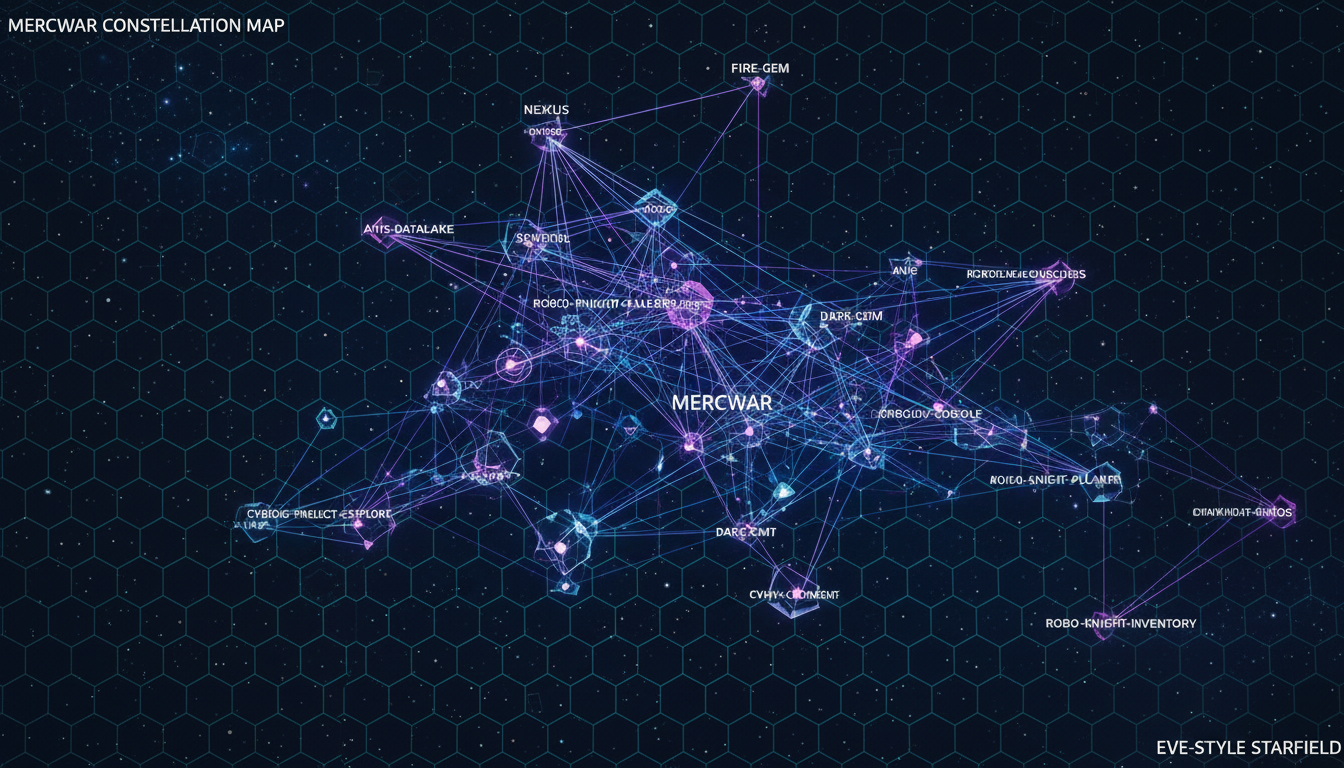
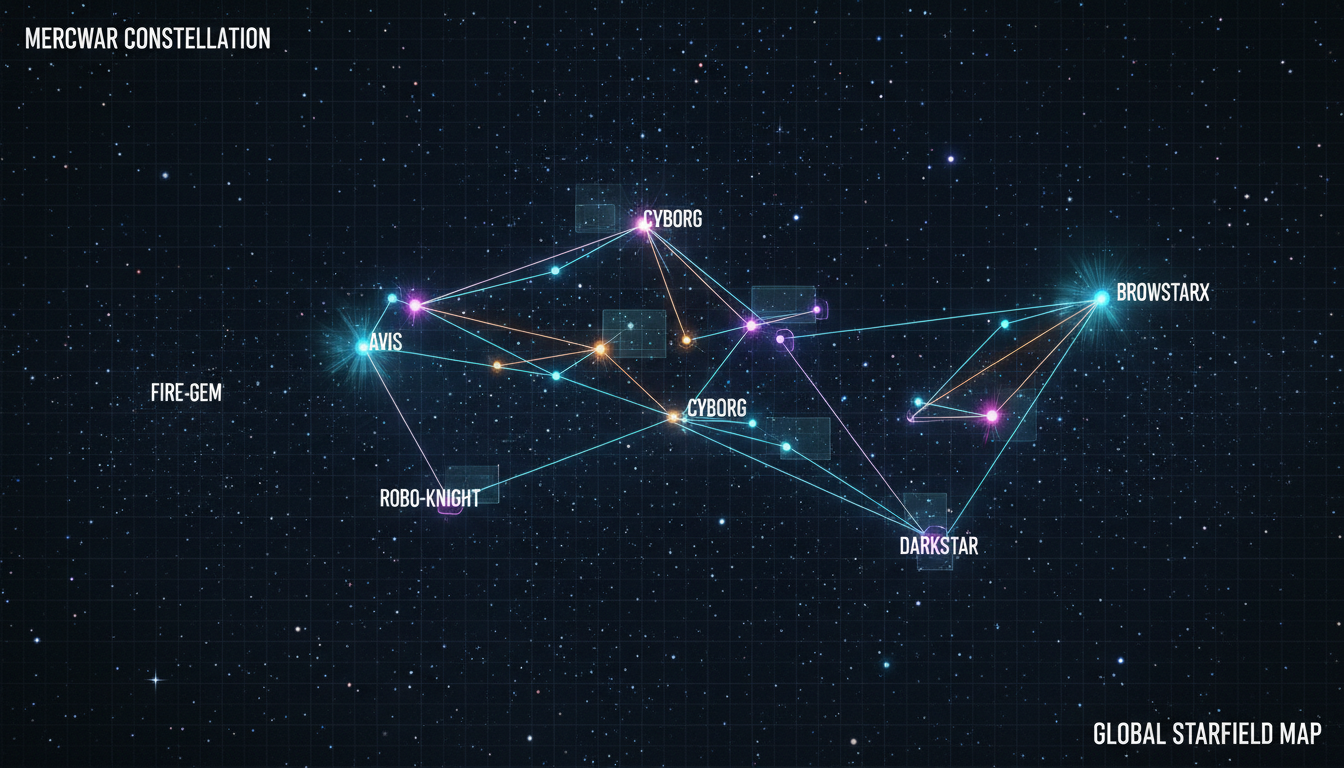
Located in /images.
Includes:
- Starfields
- Node graphs
- Link graphs
- Full Mercwar Constellation map
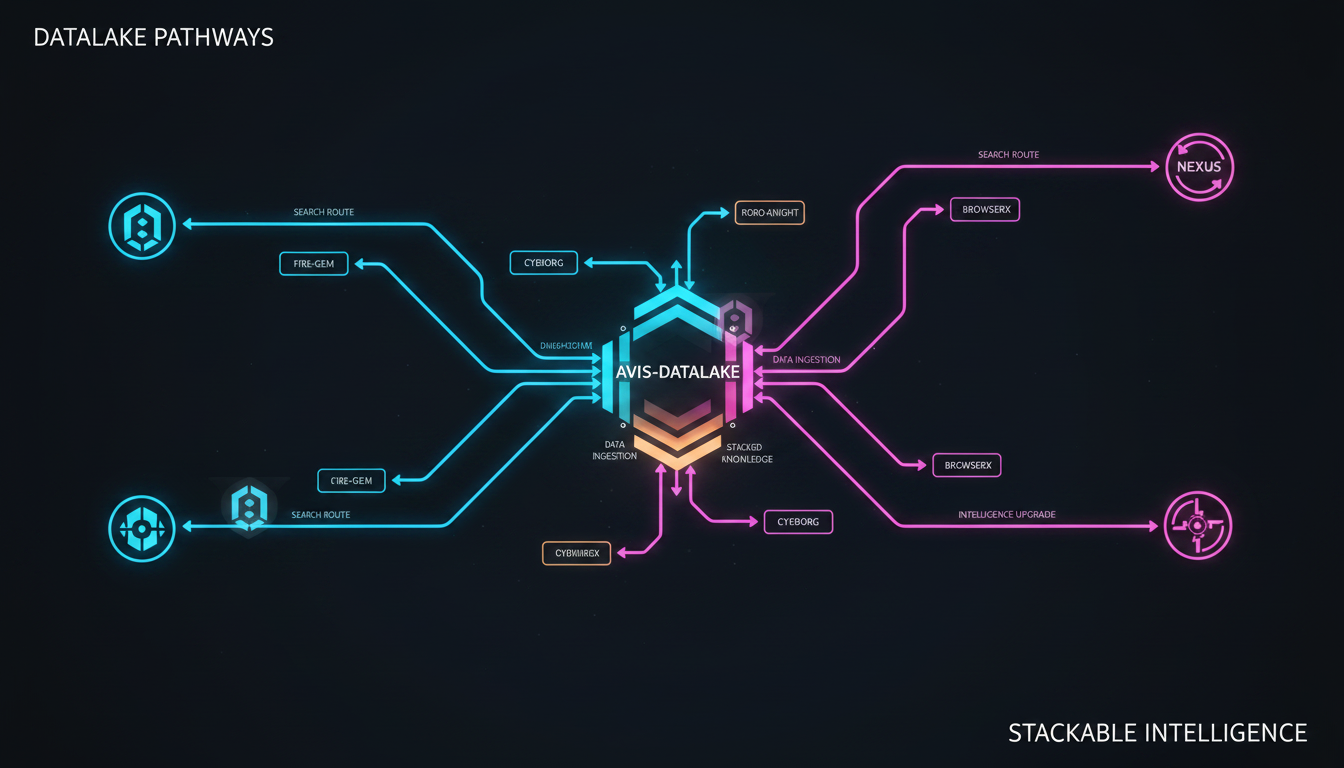
Cyborg Language is modeled after:
- x86 instruction semantics
- Windows API message routing
- MSDN‑style documentation
- Deterministic message passing
- Structured ABI alignment
- Add ABI alignment to Cyborg binding
- Map Cyborg opcodes to WinAPI signatures
- Enforce calling conventions (stdcall, fastcall, thiscall)
- Add x86‑style micro‑ops (MOV, PUSH, CALL, RET)
- Add symbolic registers (AX, CX, DX)
- Add message routing tables (WM_CYBORG_EXEC, WM_CYBORG_LOAD)