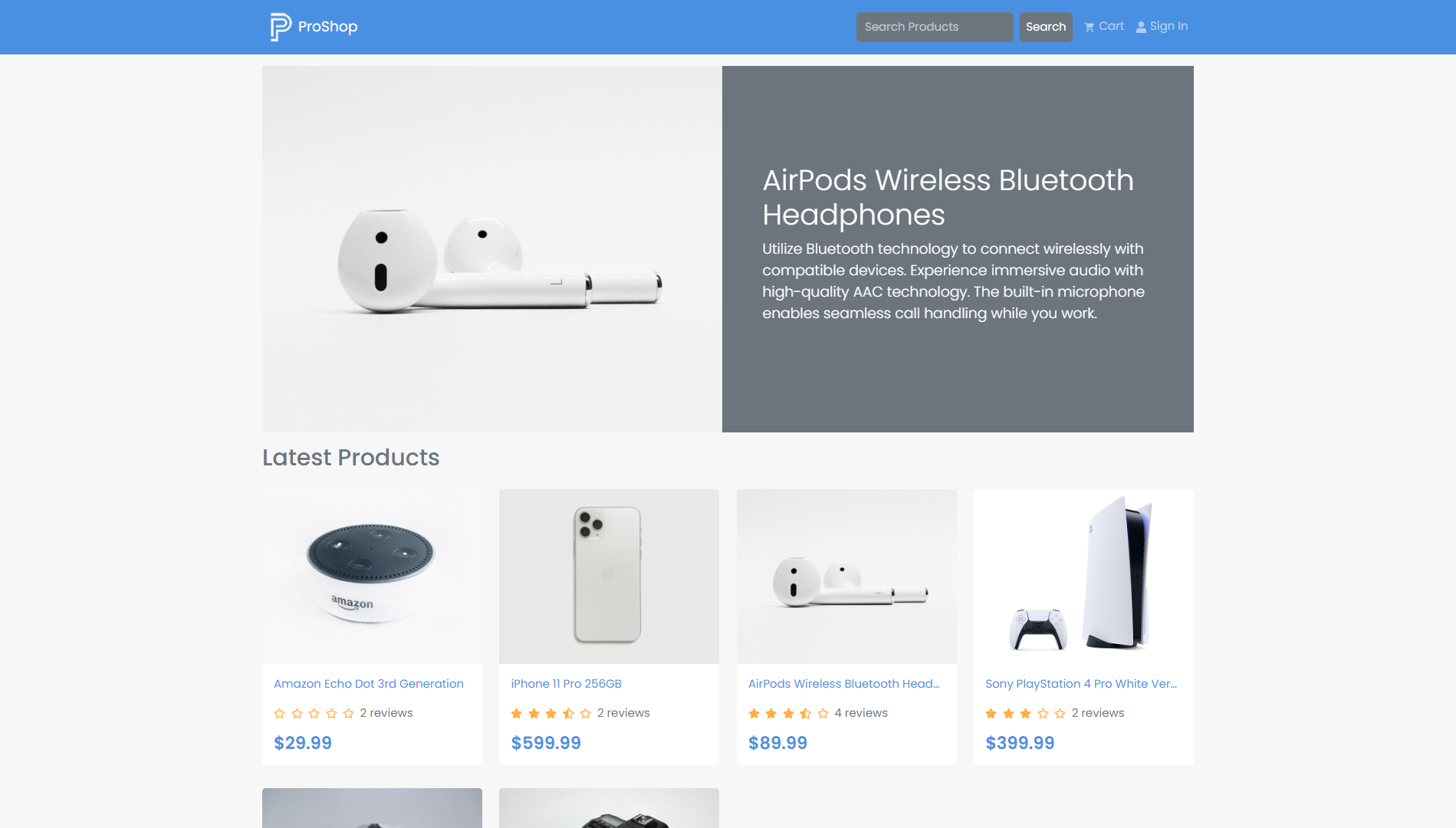
ProShop is a full-stack e-commerce platform developed using the MERN (MongoDB, Express.js, React.js, Node.js) stack. It serves as a comprehensive example project for those learning to build scalable and feature-rich web applications. The platform includes essential e-commerce functionalities, such as user authentication, product listing, shopping cart management, and order processing.
- React.js
- React Router for navigation
- Redux for state management
- Bootstrap for responsive UI design
- Node.js with Express.js for the server
- MongoDB as the database using Mongoose for ODM
- JSON Web Token (JWT) for user authentication
- Bcrypt for password hashing
- Secure user registration and login
- JWT-based authentication for protected routes
- Dynamic product listing with details and images
- Product pagination and search functionality
- Add/remove products to/from the cart
- Update quantity and view the total price
- Checkout process with shipping information
- View and manage order history
To run the ProShop project locally, follow these steps:
-
Clone the repository:
git clone [repository_url]
-
Navigate to the project directory:
cd proshop -
Install dependencies for the server:
npm install
-
Install dependencies for the client:
cd client npm install -
Create a
.envfile in the root of theproshopdirectory based on the provided.env.examplefile. Update the values with your own configuration. -
Return to the root of the
proshopdirectory:cd .. -
Run the development server:
npm run dev
-
Open the application in your browser:
http://localhost:3000
Happy coding! 🚀