This repository collects step-by-step demos of Google's Gemma family of models running locally on the NVIDIA Jetson Orin Nano. From the Tokyo Gemma Dev Day (Gemma 2) to the latest Gemma 4 VLA demos, all running on-device.
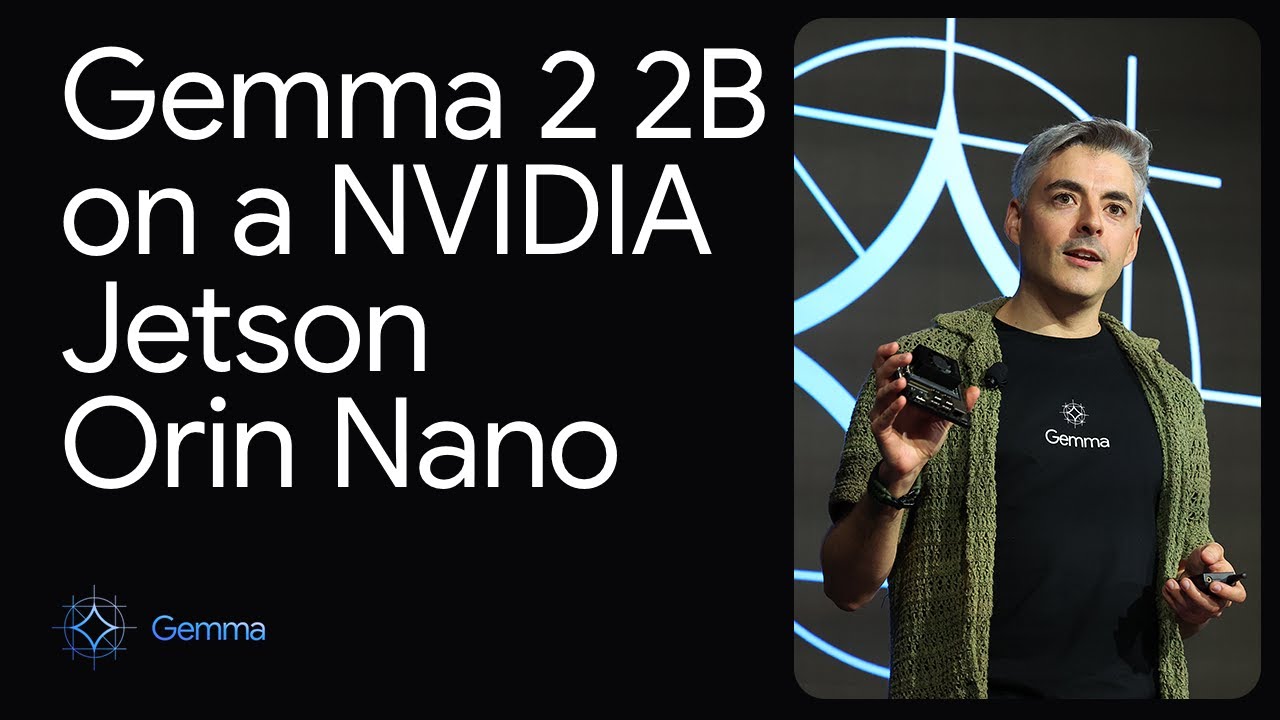
This video offers a detailed guide on setting up Gemma 2 on the Jetson Orin Nano, covering installation, configuration, and execution of the demos. Watch it to get a better understanding of how to replicate the steps on your device:
- Gemma4: Voice + Vision Language Agent (VLA). Gemma decides on her own when to open the webcam based on your question.
- Gemma3: Modern implementation using Ollama with Gemma3n models.
- Gemma2: Original demos from the Tokyo Gemma Dev Day.
cd Gemma4
# build llama.cpp + download weights (see Gemma4/README.md for the full walkthrough)
python3 Gemma4_vla.pycd Gemma3
./setup.sh
python assistant_ollama.pycd Gemma2
pip install -r requirements.txt
python assistant.py├── Gemma2/ # Original LLaMA.cpp implementation (Tokyo Dev Day)
│ ├── assistant.py # Voice assistant with RAG
│ ├── npcservers.py # Multi-agent NPC conversation demo
│ ├── translate.py # English to Japanese translation demo
│ ├── requirements.txt # Python dependencies
│ └── assets/ # Audio files
│
├── Gemma3/ # Modern Ollama implementation
│ ├── assistant_ollama.py # Voice assistant
│ ├── demo_text.py # Text-only demo
│ ├── test_ollama.py # Connection test
│ ├── config.py # Configuration file
│ ├── requirements.txt # Python dependencies
│ ├── setup.sh # Setup script
│ └── README.md # Detailed documentation
│
├── Gemma4/ # VLA (Voice + Vision) demo with native llama.cpp
│ ├── Gemma4_vla.py # The full demo script (STT + LLM + webcam + TTS)
│ └── README.md # Step-by-step tutorial
│
└── README.md # This file
- Fully local Voice + Vision agent on 8 GB Jetson Orin Nano
- Gemma decides when to look through the webcam (no keyword triggers)
- Parakeet STT + Kokoro TTS on-device
- Great starting point for agentic on-device AI
- Production deployments on Jetson Orin Nano
- Easy setup and maintenance
- Modern Gemma3n models
- Text and voice interfaces
- Voice assistant with RAG
- Multi-agent NPC conversation simulation
- English to Japanese translation
- Research and development
- LLaMA.cpp server running
- Gemma2 model files
- Piper TTS (optional)
- Ollama installed
- Internet connection (for model download)
- Gemma4 Tutorial - Voice + Vision Language Agent walkthrough
- Gemma3 Documentation - Modern implementation details
- Gemma2 Documentation - Original implementation details
This project is open source and available under the MIT License.
- Google for the Gemma models
- Ollama team for the excellent framework
To run Gemma 3 locally, you'll need to install Ollama.
Run the following command in your terminal:
curl -fsSL https://ollama.com/install.sh | shPull and run the desired model size (4B recommended for Jetson):
ollama pull gemma3:4b
ollama run gemma3:4b
For larger variants on AGX Orin:
ollama pull gemma3:12b
ollama run gemma3:12b

ollama pull gemma3:27b-it-qat
ollama run gemma3:27b-it-qat
Run prompts directly:
ollama run gemma3:12b -p "Summarize a research paper in plain English."For multimodal (image + text) tasks:
ollama run gemma3:4b "Describe this image" < ./image.pngThe project is organized as follows:
GEMMALLAMA/
│
├── assets/
│   ├── bip.wav      # Sound file to indicate the start of a recording
│   └── bip2.wav     # Sound file to indicate the end of a recording
│
├── npcs/
│   └── conversation_log.html  # Directory where NPC conversations will be stored in HTML format
│
├── assistant.py     # Script for the Home Assistant demo, using Whisper, FAISS, and Piper
├── npcservers.py    # Script for the multi-agent system demo, where two Gemma instances interact
└── translate.py     # Script for the translation assistant demo, using Whisper and Coqui TTS
- assets/: Contains audio files (
bip.wav,bip2.wav) used to indicate when recording starts and ends. - npcs/: This folder stores conversation logs in HTML format. For example, when two NPCs (Gemma and Gemmo) converse, their dialogue is saved here.
- assistant.py: Implements a voice-activated assistant using Whisper for transcription, FAISS for retrieval, and Piper for text-to-speech.
- npcservers.py: Simulates conversations between two LLaMA-based agents (Gemma and Gemmo) with different personalities.
- translate.py: Translates speech from English to Japanese using Whisper and Coqui TTS for speech synthesis.