

Work-in-progress WebGPU support for @takram/three-atmosphere.
The atmospheric model is based on Eric Bruneton's Precomputed Atmospheric Scattering and uses the 4D scattering LUT with several improvements. The key difference from the original implementation is that higher-order scattering is computed using the multiple scattering LUT proposed in Sébastien Hillaire's A Scalable and Production Ready Sky and Atmosphere Rendering Technique. It also performs raymarching of scattered light between the camera and scene objects by default, which completely eliminates artifacts due to floating-point precision.
Once all packages support WebGPU, the current implementation of the shader-chunk-based architecture will be archived and superseded by the node-based implementation.
npm install @takram/three-atmosphere
pnpm add @takram/three-atmosphere
yarn add @takram/three-atmosphere
Peer dependencies include three, as well as @react-three/fiber when using R3F.
three @react-three/fiber
Please note the peer dependencies differ from the required versions to maintain compatibility with the WebGL codebase. When using @takram/three-atmosphere/webgpu, apply the following rules.
"three": ">=0.182.0"
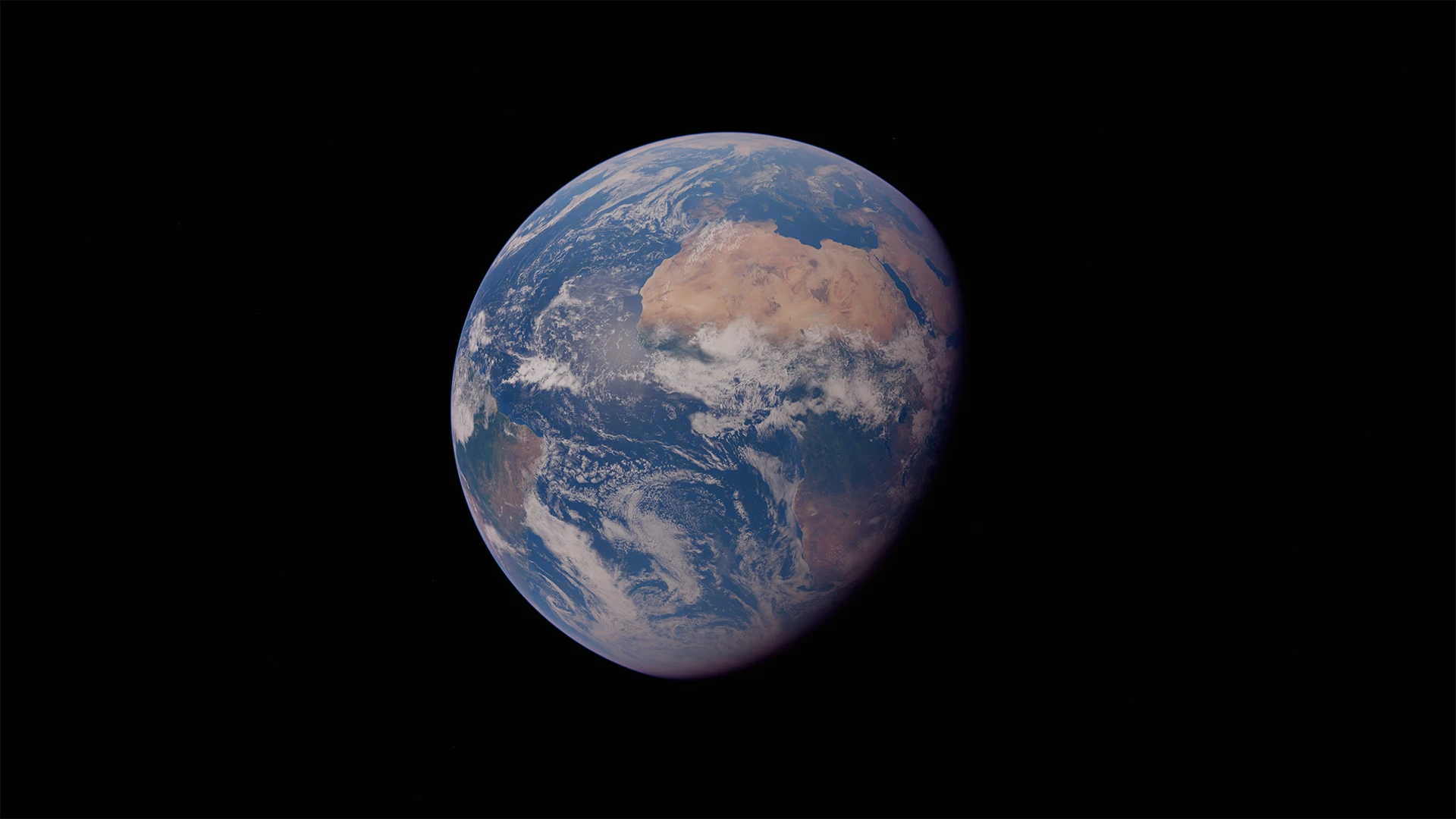
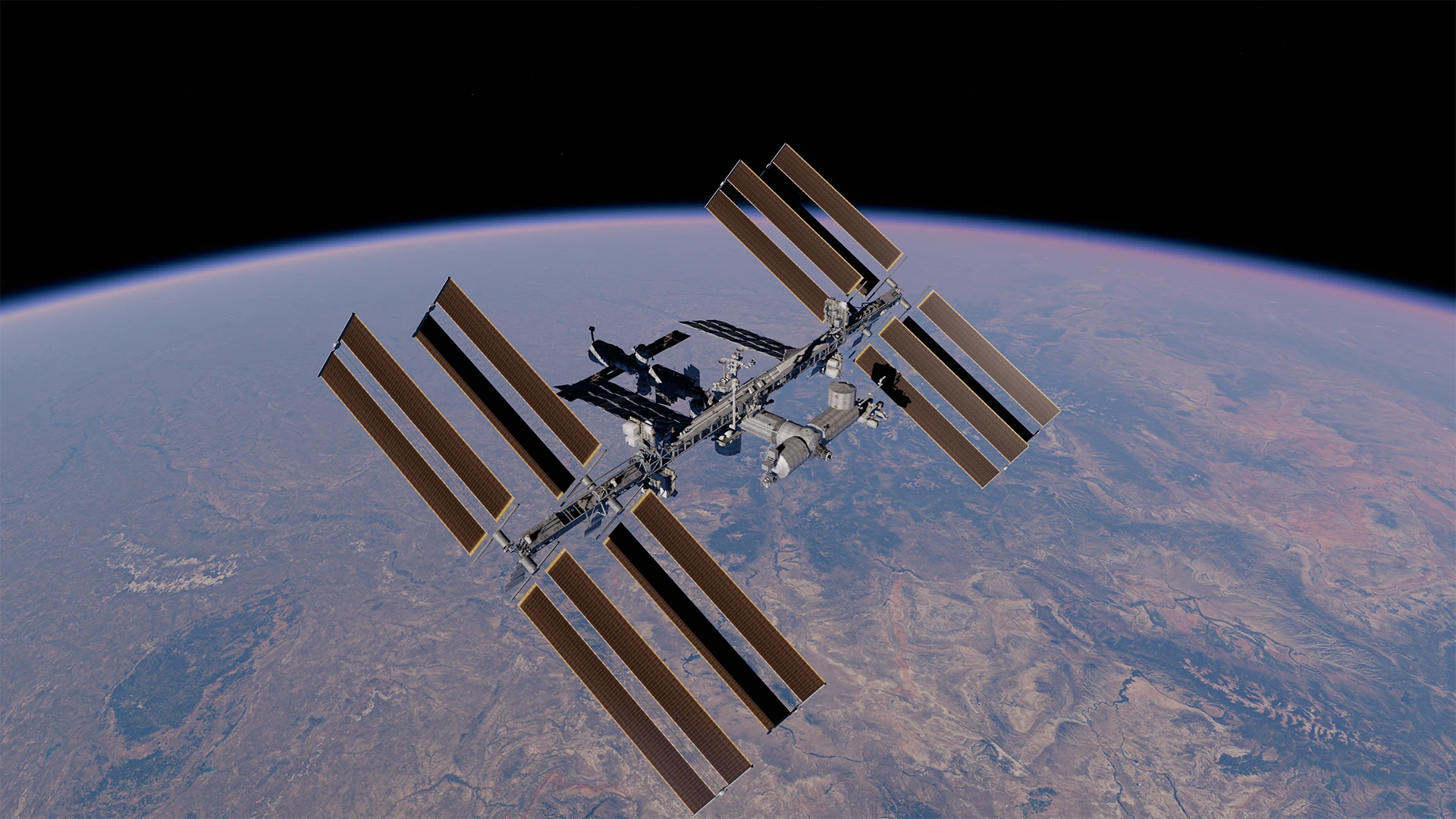
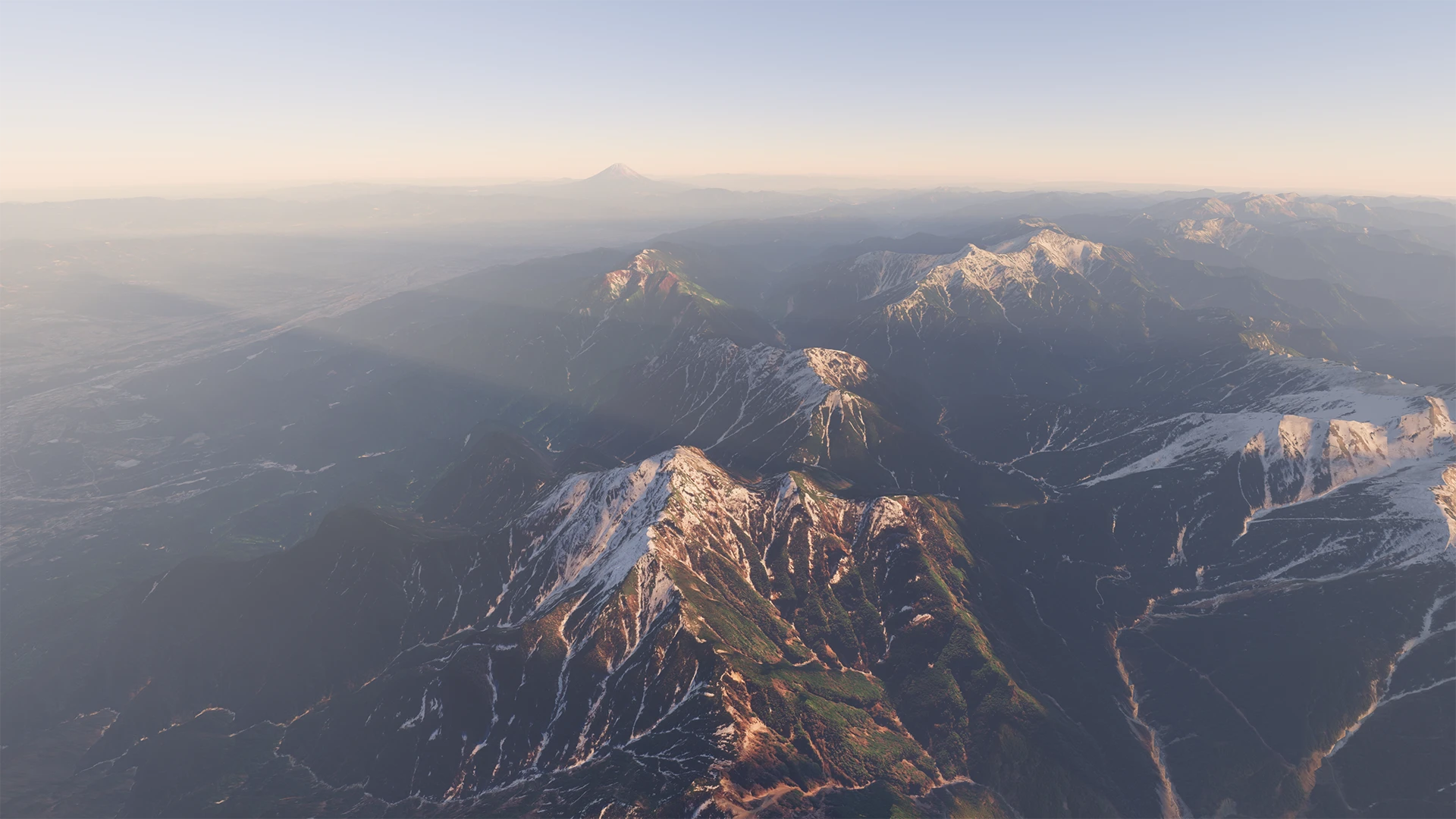
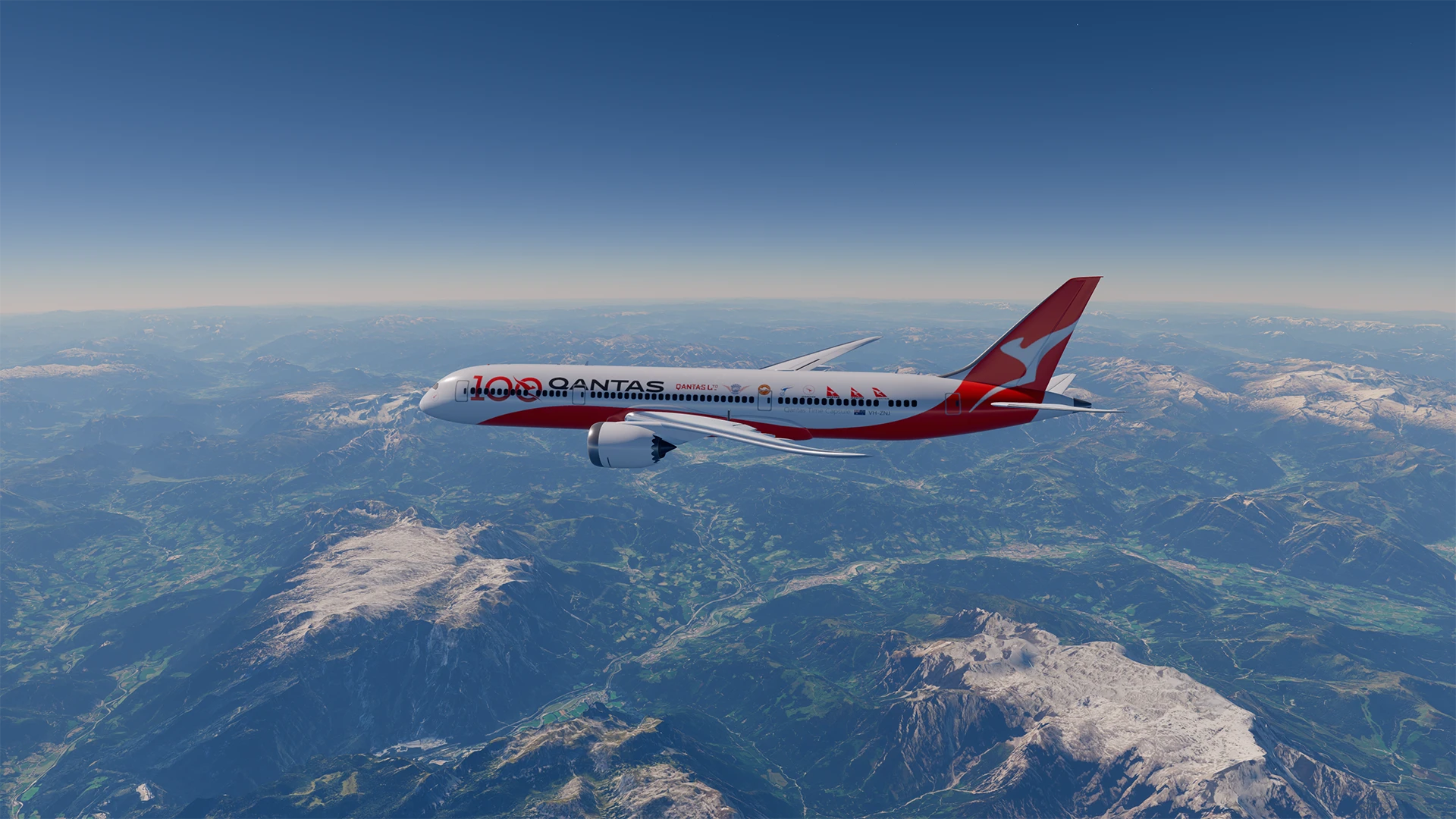
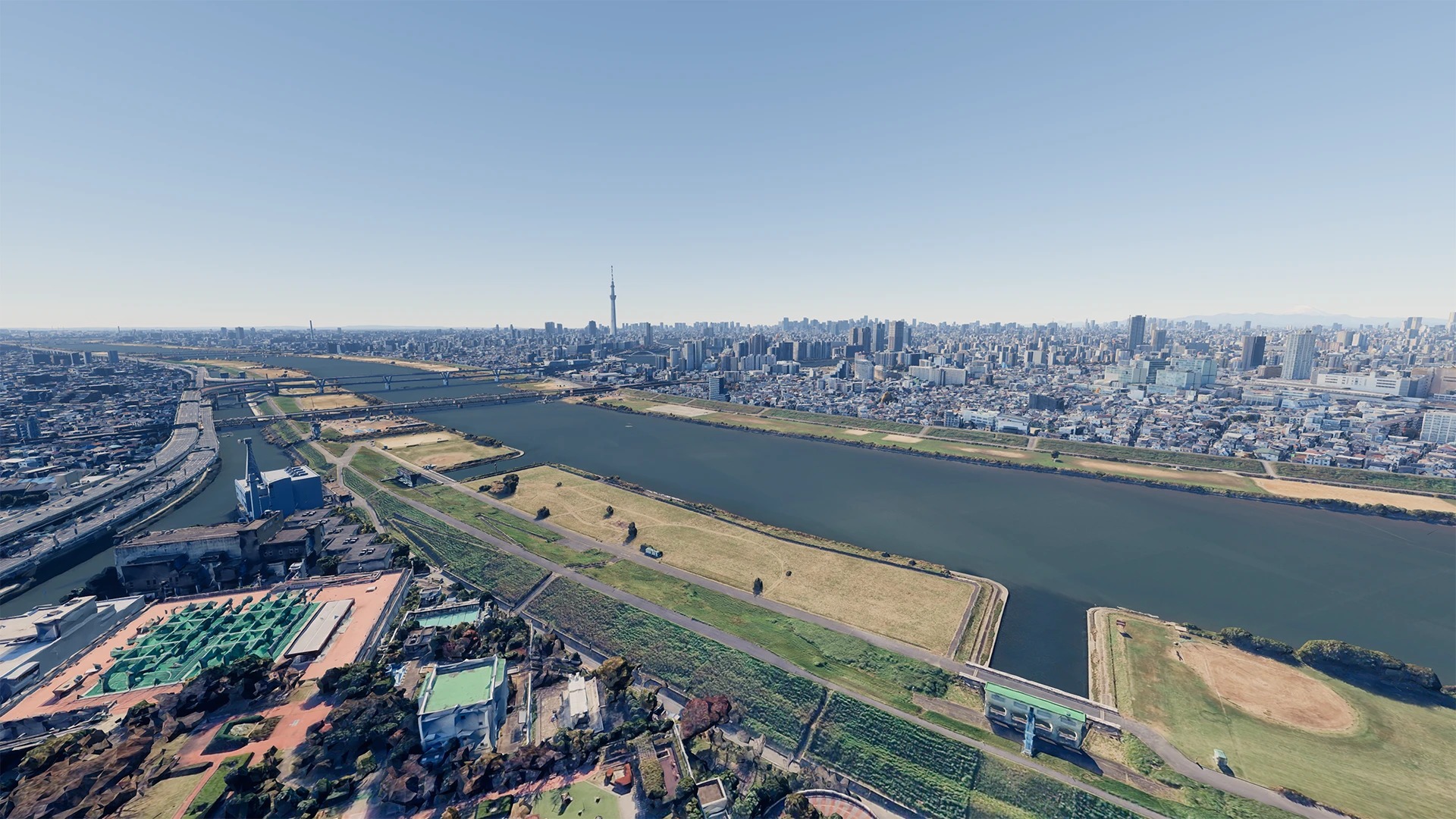
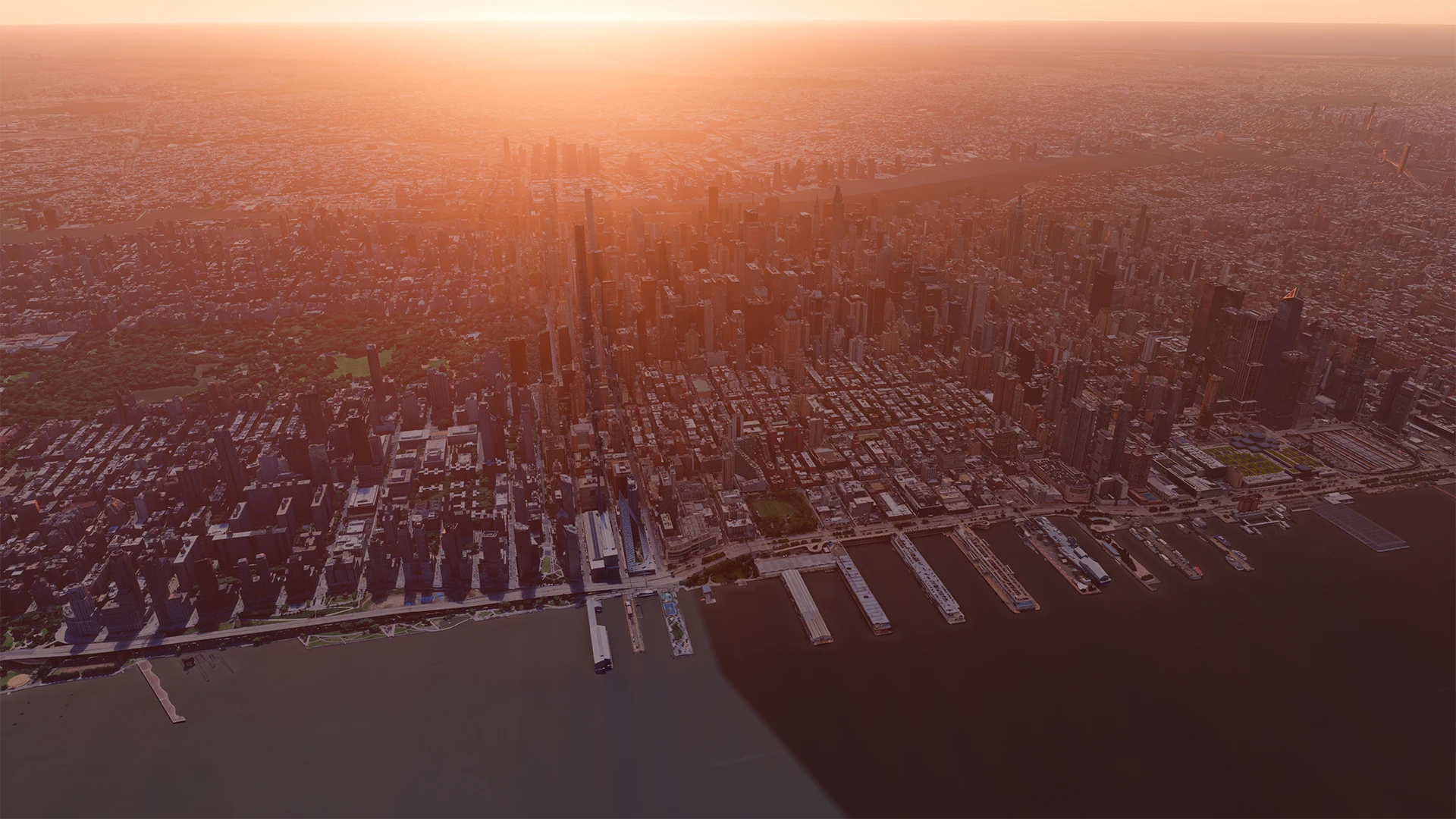
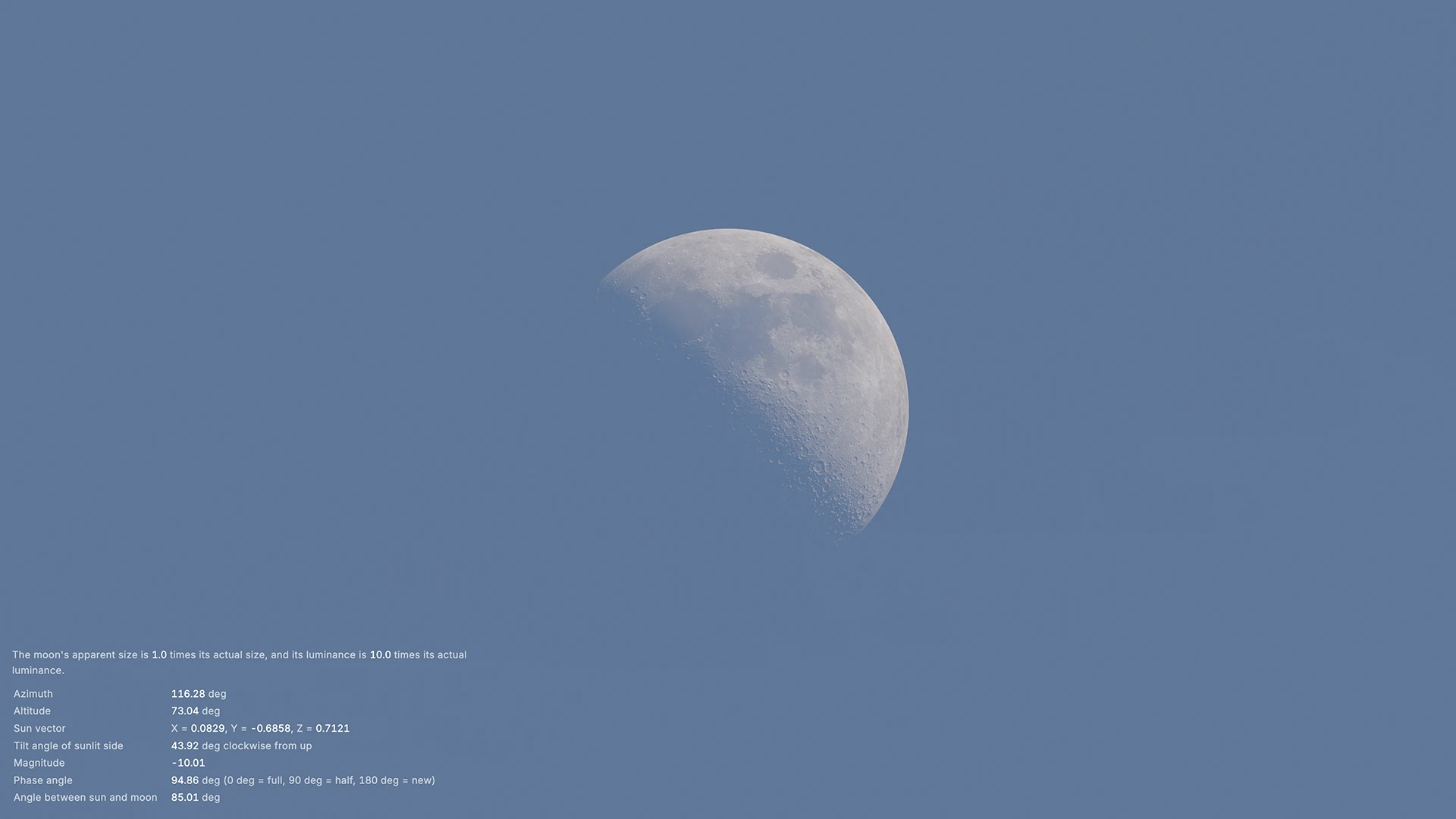
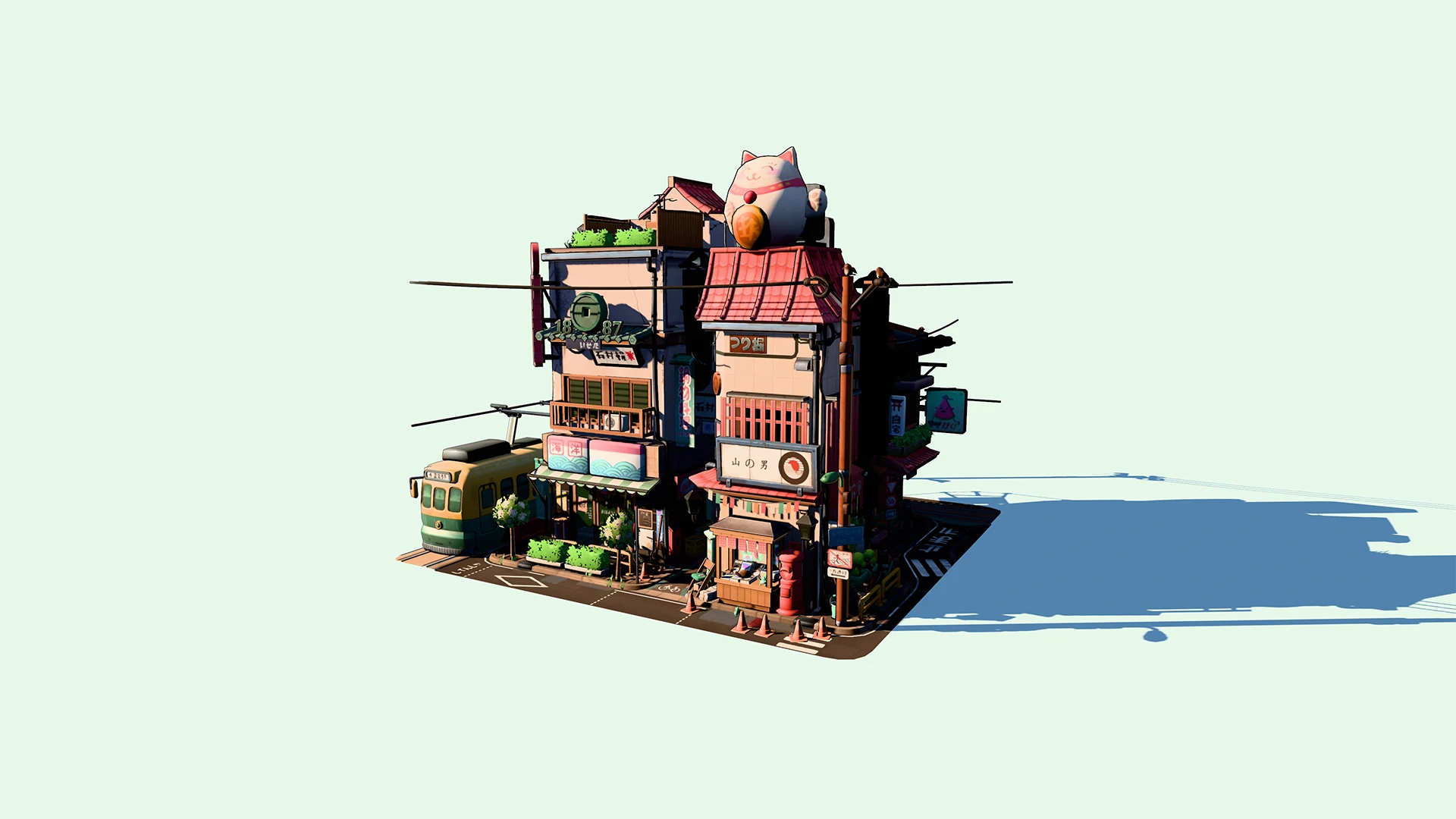
AtmosphereLight replaces SunDirectionalLight and SkyLightProbe, providing physically correct lighting for large-scale scenes while maintaining compatibility with built-in Three.js materials and shadows.
import { getSunDirectionECEF } from '@takram/three-atmosphere'
import {
  AtmosphereContext,
  AtmosphereLight,
  AtmosphereLightNode
} from '@takram/three-atmosphere/webgpu'
import { context } from 'three/tsl'

declare const renderer: WebGPURenderer
declare const scene: Scene
declare const date: Date

const atmosphereContext = new AtmosphereContext()
renderer.contextNode = context({
  ...renderer.contextNode.value,
  getAtmosphere: () => atmosphereContext
})

getSunDirectionECEF(date, atmosphereContext.sunDirectionECEF.value)

// AtmosphereLightNode must be associated with AtmosphereLight in the
// renderer's node library before use:
renderer.library.addLight(AtmosphereLightNode, AtmosphereLight)

const light = new AtmosphereLight()
scene.add(light)AerialPerspectiveNode is a post-processing node that renders atmospheric transparency and scattered light. It takes a color (beauty) buffer and a depth buffer, and also renders the sky for texels whose depth value is 1.
import { getSunDirectionECEF } from '@takram/three-atmosphere'
import {
  aerialPerspective,
  AtmosphereContext
} from '@takram/three-atmosphere/webgpu'
import { context, pass } from 'three/tsl'
import { RenderPipeline } from 'three/webgpu'

declare const camera: Camera
declare const date: Date

const atmosphereContext = new AtmosphereContext()
atmosphereContext.camera = camera
renderer.contextNode = context({
  ...renderer.contextNode.value,
  getAtmosphere: () => atmosphereContext
})

getSunDirectionECEF(date, atmosphereContext.sunDirectionECEF.value)

const passNode = pass(scene, camera, { samples: 0 })
const colorNode = passNode.getTextureNode('output')
const depthNode = passNode.getTextureNode('depth')

const renderPipeline = new RenderPipeline(renderer)
renderPipeline.outputNode = aerialPerspective(colorNode, depthNode)SkyNode replaces SkyMaterial and is also aggregated in AerialPerspectiveNode. Despite its name, it renders atmospheric transparency and scattered light at infinite distance (or clamped to a virtual ground at the ellipsoidal surface), along with the sun, moon, and stars.
import {
  getECIToECEFRotationMatrix,
  getMoonDirectionECI,
  getSunDirectionECI
} from '@takram/three-atmosphere'
import {
  AtmosphereContext,
  skyBackground
} from '@takram/three-atmosphere/webgpu'
import { Scene } from 'three'
import { context } from 'three/tsl'

declare const date: Date

const atmosphereContext = new AtmosphereContext()
renderer.contextNode = context({
  ...renderer.contextNode.value,
  getAtmosphere: () => atmosphereContext
})

const scene = new Scene()
scene.backgroundNode = skyBackground()

// Update the following uniforms in the context:
//   - matrixECIToECEF: For the stars
//   - sunDirectionECEF: For the sun
//   - moonDirectionECEF: For the moon
const { matrixECIToECEF, sunDirectionECEF, moonDirectionECEF } =
  atmosphereContext
const matrix = getECIToECEFRotationMatrix(date, matrixECIToECEF.value)
getSunDirectionECI(date, sunDirectionECEF.value).applyMatrix4(matrix)
getMoonDirectionECI(date, moonDirectionECEF.value).applyMatrix4(matrix)
World origin rebasing is a common technique for large coordinates like ECEF. Instead of moving the camera, it moves and rotates the world coordinates to reduce loss of floating-point precision.
import { AtmosphereContext } from '@takram/three-atmosphere/webgpu'
import { Ellipsoid, Geodetic, radians } from '@takram/three-geospatial'
import { context } from 'three/tsl'

declare const longitude: number // In degrees
declare const latitude: number // In degrees
declare const height: number // In meters

const atmosphereContext = new AtmosphereContext()
renderer.contextNode = context({
  ...renderer.contextNode.value,
  getAtmosphere: () => atmosphereContext
})

// Convert the geographic coordinates to ECEF coordinates in meters:
const positionECEF = new Geodetic(
  radians(longitude),
  radians(latitude),
  height
).toECEF()

// Update the matrixWorldToECEF uniform in the context so that the scene's
// orientation aligns with x: north, y: up, z: east.
Ellipsoid.WGS84.getNorthUpEastFrame(
  positionECEF,
  atmosphereContext.matrixWorldToECEF.value
)
Light shafts are produced by subtracting the scattered light within shadowed segments of camera rays. ShadowLengthNode computes the shadow length along the camera ray using epipolar sampling and cascaded shadow maps.
import { getSunDirectionECEF } from '@takram/three-atmosphere'
import {
  aerialPerspective,
  AtmosphereContext,
  shadowLength,
  viewZUnit
} from '@takram/three-atmosphere/webgpu'
import { context, mrt, output, pass } from 'three/tsl'
import { RenderPipeline } from 'three/webgpu'

declare const camera: Camera
declare const date: Date
declare const csmShadowNode: CSMShadowNode

const atmosphereContext = new AtmosphereContext()
atmosphereContext.camera = camera
renderer.contextNode = context({
  ...renderer.contextNode.value,
  getAtmosphere: () => atmosphereContext
})

getSunDirectionECEF(date, atmosphereContext.sunDirectionECEF.value)

const passNode = pass(scene, camera, { samples: 0 }).setMRT(
  mrt({
    output,
    viewZUnit
  })
)
const colorNode = passNode.getTextureNode('output')
const depthNode = passNode.getTextureNode('depth')
const viewZUnitNode = passNode.getTextureNode('viewZUnit')

const renderPipeline = new RenderPipeline(renderer)
const shadowLengthNode = shadowLength(csmShadowNode, viewZUnitNode)
renderPipeline.outputNode = aerialPerspective(
  colorNode,
  depthNode,
  shadowLengthNode
)
Transparent materials can be rendered using aerialPerspectiveBackdrop as a backdrop node. It accounts for scattered light behind the geometry, which is otherwise not included by aerialPerspective because it only computes scattering from the camera to the depth written by the transparent material.
import {
  aerialPerspective,
  aerialPerspectiveBackdrop
} from '@takram/three-atmosphere/webgpu'
import { pass } from 'three/tsl'
import {
  Mesh,
  MeshPhysicalNodeMaterial,
  RenderPipeline,
  SphereGeometry
} from 'three/webgpu'

declare const scene: Scene
declare const camera: Camera

const mesh = new Mesh(
  new SphereGeometry(),
  new MeshPhysicalNodeMaterial({
    color: 'yellow',
    clearcoat: 1,
    backdropNode: aerialPerspectiveBackdrop(),
    // Note that "opacity" in the usual sense can be achieved by setting
    // `backdropAlphaNode`, not `opacity`.
    backdropAlphaNode: 0.5
  })
)
scene.add(mesh)

const passNode = pass(scene, camera, { samples: 0 })
const colorNode = passNode.getTextureNode('output')
const depthNode = passNode.getTextureNode('depth')

const renderPipeline = new RenderPipeline(renderer)
renderPipeline.outputNode = aerialPerspective(colorNode, depthNode)PrecomputedTexturesGeneratorhas been replaced byAtmosphereLUTNode.AerialPerspectiveEffecthas been replaced byAerialPerspectiveNode.SunDirectionalLightandSkyLightProbehave been replaced byAtmosphereLightandAtmosphereLightNode.SkyMaterialhas been replaced bySkyNode(skyBackground), which can be used asScene.backgroundNode.LightingMaskPasshas been removed.StarsMaterialandStarsGeometryhave been replaced byStarsNode.
Generators
Advanced
The following terms refer to class fields:
- Dependencies : Class fields of type
Nodethat the subject depends on. - Parameters : Class fields whose changes take effect immediately.
- Uniforms : Class fields of type
UniformNode. Changes to their values take effect immediately. - Static options : Class fields whose changes take effect only after calling
setup().
This instance aggregates the LUT, uniforms, and static options shared across all atmospheric nodes. A single instance should be added to the renderer's context to ensure consistent rendering.
→ Source
class AtmosphereContext {
  constructor(parameters?: AtmosphereParameters, lutNode?: AtmosphereLUTNode)
}lutNode: AtmosphereLUTNodematrixWorldToECEF = uniform('mat4')The matrix for converting world coordinates to ECEF coordinates. Use this matrix to define the reference frame of the scene or, more commonly, to orient the ellipsoid for working near the world space origin and adapting to Three.js's Y-up coordinate system.
It must be orthogonal and consist only of translation and rotation (no scaling).
matrixECIToECEF = uniform('mat4')The rotation matrix for converting ECI to ECEF coordinates. This matrix is used to orient stars as seen from Earth in StarsNode.
sunDirectionECEF = uniform('vec3')
moonDirectionECEF = uniform('vec3')
The normalized direction to the sun and moon in ECEF coordinates.
matrixMoonFixedToECEF = uniform('mat4')The rotation matrix for converting moon-fixed coordinates to ECEF coordinates. This matrix is used to orient the moon's surface as seen from Earth in MoonNode.
camera = new Camera()The camera used for rendering the scene. This is required because the atmospheric effects are rendered in post-processing stages.
ellipsoid = Ellipsoid.WGS84The ellipsoid model representing the earth.
correctAltitude = trueWhether to adjust the atmosphere's inner sphere to osculate (touch and share a tangent with) the ellipsoid at the camera's position.
The atmosphere is approximated as a sphere whose radius lies between the ellipsoid's semi-major and semi-minor axes. The difference can exceed 10,000 meters in the worst case, roughly equal to the cruising altitude of a passenger jet. This option compensates for that difference.
constrainCamera = trueWhether to constrain the camera above the atmosphere's inner sphere.
showGround = trueDisable this option to constrain the camera's ray above the horizon, hiding the virtual ground.
raymarchScattering = trueWhether to raymarch scattered light between the camera and scene objects instead of computing it from LUT lookups.
Tip
Enabling this option might slightly increase computational cost depending on the device, but in general it is recommended to keep it enabled. Consider disabling it when the render output requires temporal stability, such as when temporal antialiasing cannot be used, because raymarching uses STBN which introduces temporal noise to reduce aliasing along the rays.
Represents direct and indirect sunlight. Unlike SunDirectionalLight and SkyLightProbe in the previous implementation, lighting is correct at large scale regardless of the materials used on surfaces.
Add it along with AtmosphereLightNode to the renderer's node library before use:
import {
  AtmosphereLight,
  AtmosphereLightNode
} from '@takram/three-atmosphere/webgpu'

renderer.library.addLight(AtmosphereLightNode, AtmosphereLight)
→ Source
class AtmosphereLight extends DirectionalLight {
  constructor(distance?: number)
}distance = 1The distance from DirectionalLight.target to the light's position. Adjust the target and this value when shadows are enabled so that the shadow camera covers the objects that should cast shadows.
direct = uniform(true)Whether to enable direct sunlight. This must be turned off when you use an environment map that includes direct sunlight.
indirect = uniform(true)Whether to enable indirect sunlight. This must be turned off when you use an environment map.
A post-processing node that renders atmospheric transparency and scattered light. It can optionally apply post-process lighting.
aerialPerspective: Accounts for scattered light from the camera to scene objects.aerialPerspectiveBackdrop: Accounts for scattered light behind the geometry. Used as a backdrop node in transparent materials.
→ Source
const aerialPerspective: (
  colorNode: Node,
  depthNode: Node,
  shadowLengthNode?: Node | null
) => AerialPerspectiveNode

const aerialPerspectiveBackdrop: (
  shadowLengthNode?: Node | null
) => AerialPerspectiveNodecolorNode: NodeA node representing the scene pass or diffuse color.
depthNode: NodeA node representing the scene's depth.
normalNode?: Node | nullA node representing the scene's normal. It is only used for post-process lighting and is not required when lighting is disabled.
skyNode?: Node | nullA node representing the radiance of celestial sources and atmospheric scattering as seen from the camera at the far depth (where the depth value equals 1).
shadowLengthNode?: Node | nullA node representing the shadow length along camera rays. The x component stores the total shadow length, and the y component stores the distance from the camera to the first shadow segment.
Note
This formulation assumes a single continuous shadow segment along the camera ray.
correctGeometricError = trueThis option corrects lighting artifacts caused by geometric errors in surface tiles.
When lighting is enabled, surface normals are gradually morphed toward those of a true sphere. Disable this option if your scene contains objects that penetrate the atmosphere or are located in space.
lighting = falseWhether to apply direct and indirect irradiance as post-process lighting.
transmittance = true
inscattering = true
Whether to account for atmospheric transmittance and inscattered light.
Enabling one without the other is physically incorrect and should only be used for debugging.
A node for rendering the sky. It provides 2 constructor functions for different types of view direction mapping.
sky: Renders the sky on a fullscreen quad.skyBackground: Renders the sky using equirectangular mapping. Used when assigning to the scene's background.skyBackdrop: Renders the sky on the backdrop geometry. Used as a backdrop node in transparent materials.
import { skyBackground } from '@takram/three-atmosphere/webgpu'
import { Scene } from 'three'

const scene = new Scene()
scene.backgroundNode = skyBackground()
→ Source
const sky: (shadowLengthNode?: Node | null) => SkyNode
const skyBackground: (shadowLengthNode?: Node | null) => SkyNode
const skyBackdrop: (shadowLengthNode?: Node | null) => SkyNodeshadowLengthNode?: Node | nullA node representing the shadow length along camera rays. The x component stores the total shadow length, and the y component stores the distance from the camera to the first shadow segment.
Note
This formulation assumes a single continuous shadow segment along the camera ray.
sunNode: SunNodeA node representing the sun.
moonNode: MoonNodeA node representing the moon.
starsNode: StarsNodeA node representing stars.
sunNode.angularRadius = uniform(0.004675) // ≈ 16 arcminutesThe angular radius of the sun in radians.
sunNode.intensity = uniform(1)A scaling factor for the brightness of the sun.
moonNode.angularRadius = uniform(0.0045) // ≈ 15.5 arcminutesThe angular radius of the moon in radians.
moonNode.intensity = uniform(1)A scaling factor for the brightness of the moon.
starsNode.pointSize = uniform(1)The apparent size of the stars, in pixels.
starsNode.intensity = uniform(1000)A scaling factor for the brightness of the stars.
Note
The default value of 1000 is far too bright from a physical standpoint. Without it, stars would be completely invisible, which is physically correct but useless in most scenes. Set this value to 1 when physically correct star luminance is needed, as in the Art002E000192 story.
showSun = trueWhether to display the sun.
showMoon = trueWhether to display the moon.
showStars = trueWhether to display the stars.
Generates a PMREM texture node for the sky.
import { skyEnvironment } from '@takram/three-atmosphere/webgpu'
import { Scene } from 'three'

const scene = new Scene()
scene.environmentNode = skyEnvironment()
→ Source
const skyEnvironment: (size?: number) => SkyEnvironmentNodeskyNode: SkyNodeA node representing the radiance of celestial sources and atmospheric scattering as seen from the camera.
distanceThreshold: 1000The distance in meters the camera must move before the PMREM is updated.
angularThreshold: radians(0.1)The angle in radians the sun direction must change before the PMREM is updated.
const viewZUnit: Node<'float'>The view Z for the current fragment depth, scaled by worldToUnit. This is used as an MRT output to produce the viewZUnitNode texture required by ShadowLengthNode.
→ Source
import { viewZUnit } from '@takram/three-atmosphere/webgpu'
import { mrt, output, pass } from 'three/tsl'

const passNode = pass(scene, camera).setMRT(mrt({ output, viewZUnit }))Computes the shadow length along camera rays using epipolar sampling combined with cascaded shadow maps. The output is a vec2 where the x component is the total shadow length and the y component is the distance from the camera to the first shadow segment.
The implementation is based on Intel's Outdoor Light Scattering.
→ Source
const shadowLength: (
  csmShadowNode: CSMShadowNode,
  viewZUnitNode: TextureNode
) => ShadowLengthNodecsmShadowNode: CSMShadowNodeThe cascaded shadow maps node.
viewZUnitNode: TextureNodeA texture containing the view Z scaled by worldToUnit. This can be produced by writing viewZUnit to MRT output.
resolutionScale = 1A scale factor applied to the internal render resolution.
autoSampleResolution = trueWhether to automatically adjust epipolarSliceCount and maxSliceSampleCount based on the screen size.
epipolarSliceCount = uniform(512)The number of epipolar slices. For best results, use at least half the maximum screen dimension. Ignored when autoSampleResolution is enabled.
maxSliceSampleCount = uniform(256)The maximum number of samples per epipolar slice. For best results, use at least half the maximum screen dimension. Ignored when autoSampleResolution is enabled.
firstCascade = uniform(0)The index of the first cascade used for shadow raymarching.
A class that encapsulates the parameters and static options for the atmospheric model based on Precomputed Atmospheric Scattering.
import {
  AtmosphereContext,
  AtmosphereParameters
} from '@takram/three-atmosphere/webgpu'

const parameters = new AtmosphereParameters()
const atmosphereContext = new AtmosphereContext(parameters)
→ Source
worldToUnit = 0.001A dimensionless scaling factor for converting meters to the internal length unit (defaults to km) to reduce loss of floating-point precision during internal calculations.
solarIrradiance = new Vector3(1.474, 1.8504, 1.91198)The solar irradiance (W・m-2・nm-1) at the top of the atmosphere.
Note that this and other spectral parameters are simplified to only 3 wavelengths: 680 nm, 550 nm, and 440 nm.
sunAngularRadius = 0.004675The sun's angular radius in radians.
bottomRadius = 6360000The distance in meters between the planet center and the bottom of the atmosphere.
topRadius = 6420000The distance in meters between the planet center and the top of the atmosphere.
rayleighDensity = new DensityProfile([
  new DensityProfileLayer(),
  new DensityProfileLayer(0, 1, -1 / 8000)
])
The density profile of air molecules.
rayleighScattering = new Vector3(0.000005802, 0.000013558, 0.0000331)The scattering coefficient (m-1) of air molecules at the altitude where their density is maximum.
mieDensity = new DensityProfile([
  new DensityProfileLayer(),
  new DensityProfileLayer(0, 1, -1 / 1200)
])
The density profile of aerosols.
mieScattering = new Vector3().setScalar(0.000003996)The scattering coefficient (m-1) of aerosols at the altitude where their density is maximum.
mieExtinction = new Vector3().setScalar(0.00000444)The extinction coefficient (m-1) of aerosols at the altitude where their density is maximum.
miePhaseFunctionG = 0.8The anisotropy parameter for the Cornette-Shanks phase function.
absorptionDensity = new DensityProfile([
  new DensityProfileLayer(25000, 0, 0, 1 / 15000, -2 / 3),
  new DensityProfileLayer(0, 0, 0, -1 / 15000, 8 / 3)
])
The density profile of air molecules that absorb light (e.g. ozone).
absorptionExtinction = new Vector3(0.00000065, 0.000001881, 0.000000085)The extinction coefficient (m-1) of molecules that absorb light (e.g. ozone) at the altitude where their density is maximum.
groundAlbedo = new Vector3().setScalar(0.3)The average albedo of the ground.
minCosLight = Math.cos(radians(120))The cosine of the maximum sun zenith angle for which atmospheric scattering must be precomputed (for maximum precision, use the smallest sun zenith angle yielding negligible sky light radiance values).
sunRadianceToLuminance = new Vector3(98242.786222, 69954.398112, 66475.012354)
skyRadianceToLuminance = new Vector3(114974.91644, 71305.954816, 65310.548555)
The precomputed coefficients (lm・W-1) to approximate the conversion from RGB spectral radiance (W・m-2・nm-1) to luminance (cd・m-2).
luminanceScale = 1 / luminanceCoefficients.dot(sunRadianceToLuminance)A dimensionless scaling factor that brings true luminance values into a numerically stable range. This helps prevent noticeable precision loss in half-float buffers.
combinedScatteringTextures = trueWhether to store the single Mie scattering in the alpha channel of the scattering texture, which reduces the GPU memory footprint. Disabling this option improves the color of the Mie scattering, especially when the sun is near the horizon.
higherOrderScatteringTexture = trueWhether to generate and use a separate texture for higher-order scattering (n >= 2) for better approximation of multi-scattering occlusion.
A node that generates and stores the LUT textures required for rendering the atmosphere.
→ Source
class AtmosphereLUTNode extends Node {
  constructor(parameters?: AtmosphereParameters, textureType?: AnyFloatType)
}type AtmosphereLUTTextureName =
| 'transmittance'
| 'multipleScattering'
| 'irradiance'
type AtmosphereLUTTexture3DName =
| 'scattering'
| 'singleMieScattering'
| 'higherOrderScattering'
getTextureNode: (name: AtmosphereLUTTextureName) => TextureNode
getTextureNode: (name: AtmosphereLUTTexture3DName) => Texture3DNodeRepresents direct and indirect sunlight as a node.
Add it along with AtmosphereLight to the renderer's node library before use:
import {
  AtmosphereLight,
  AtmosphereLightNode
} from '@takram/three-atmosphere/webgpu'

renderer.library.addLight(AtmosphereLightNode, AtmosphereLight)
→ Source
class AtmosphereLightNode extends AnalyticLightNode<AtmosphereLight> {
  constructor(light?: AtmosphereLight | null)
}- Bruneton's paper and his reference implementation.
- Hillaire's paper and his reference implementation.
- Intel's implementation of epipolar sampling and the documentation.
- Yale Bright Star Catalog version 5 for the celestial dataset.
Additional context and related work:
- Physically Based Real-Time Rendering of Atmospheres using Mie Theory
- Epipolar Sampling for Shadows and Crepuscular Rays in Participating Media with Single Scattering
MIT, except where indicated otherwise.