
A Claude Code plugin for designing bespoke GitHub README hero visuals — animated GIF, static PNG, or animated SVG — for any open-source repository.
The plugin scans the target repo, recommends a format that fits its identity (terminal demo, product UI, brand-first wordmark, banner, diagram-as-hero), generates bespoke HTML through a structured discovery dialog, previews it in your browser, and exports a retina-quality artifact ready to drop into the README.
htmlhint/HTMLHint
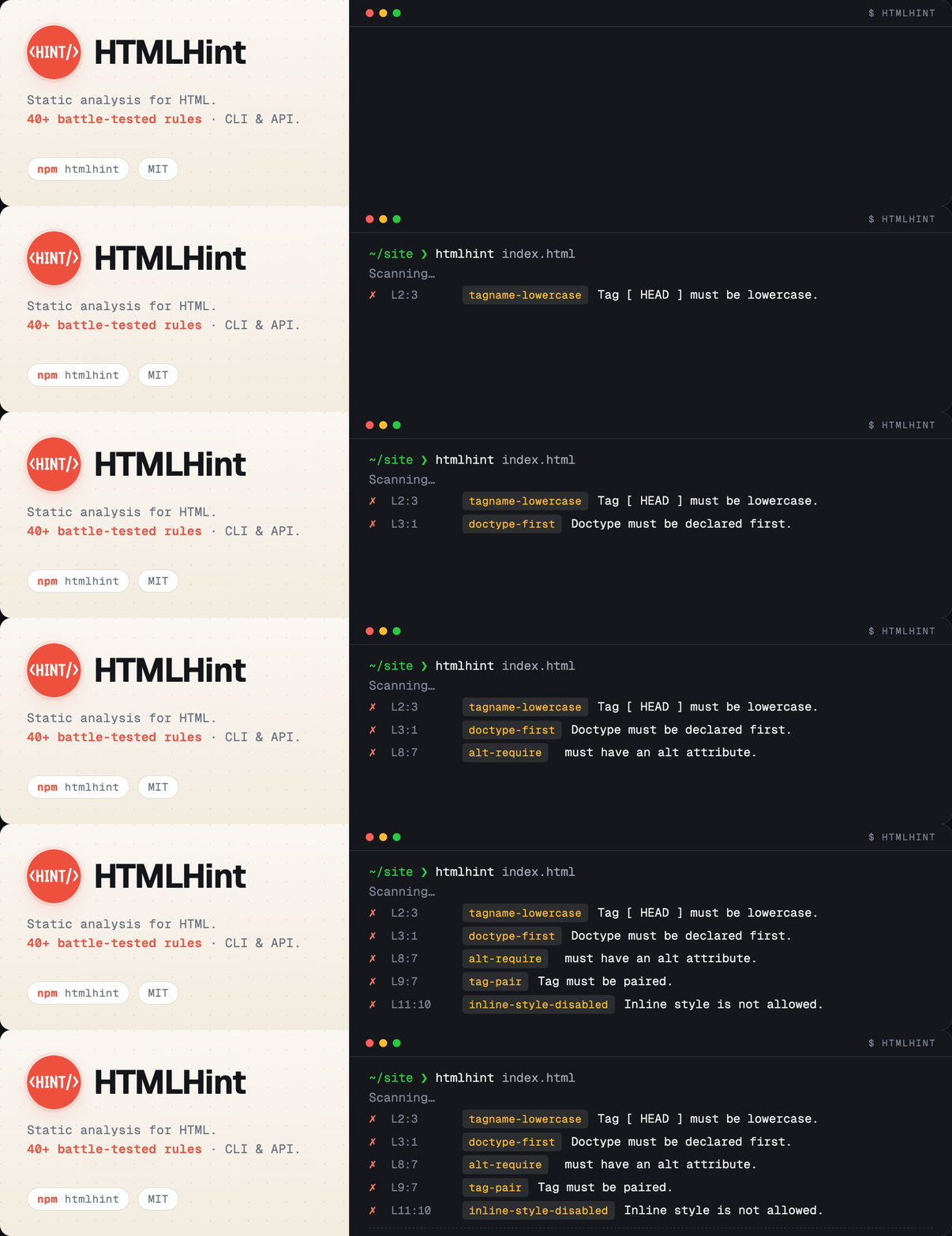
|
gui-cs/Terminal.Gui
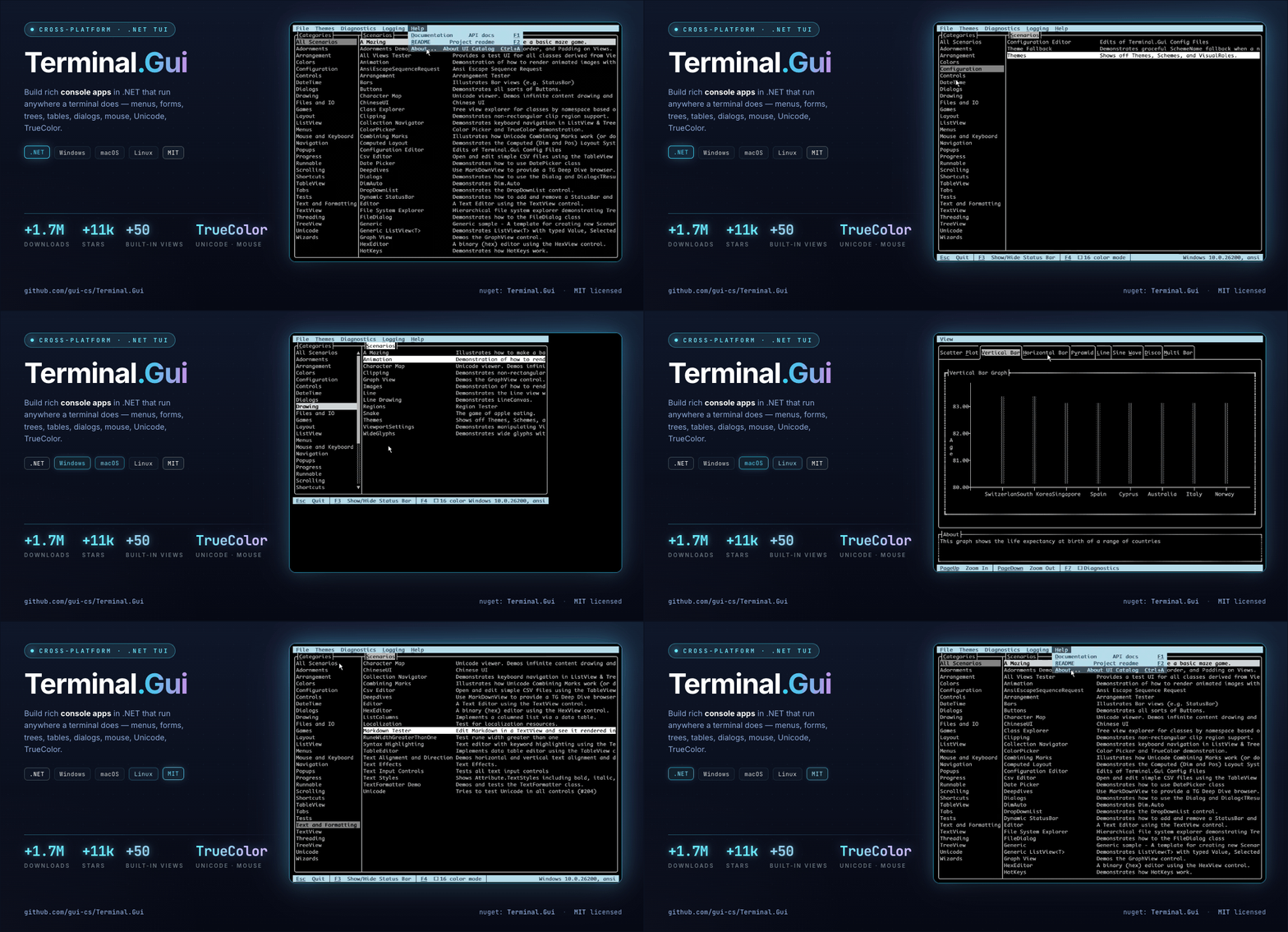
|
kunwar-shah/claudex
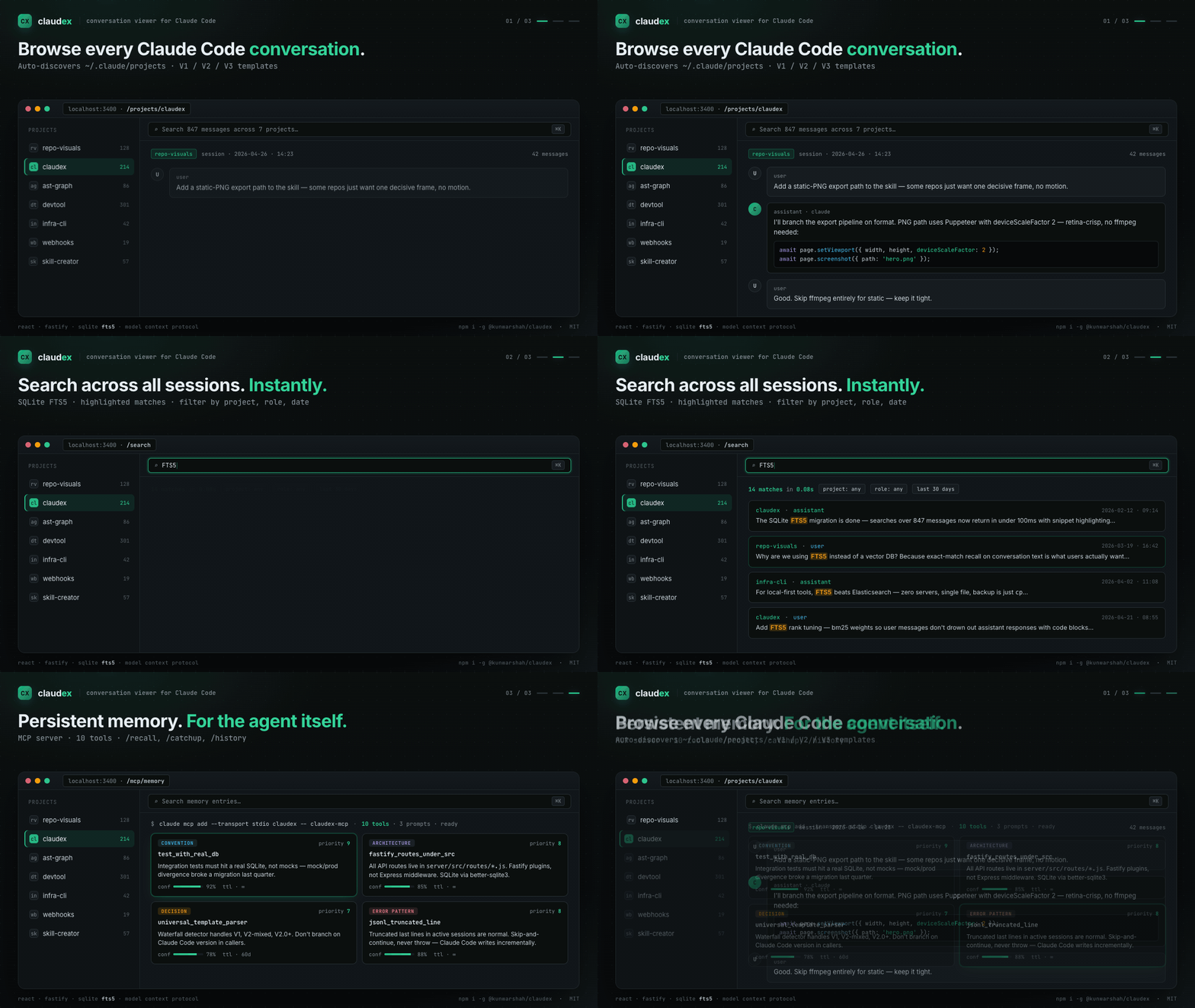
|
rullerzhou-afk/clawd-on-desk
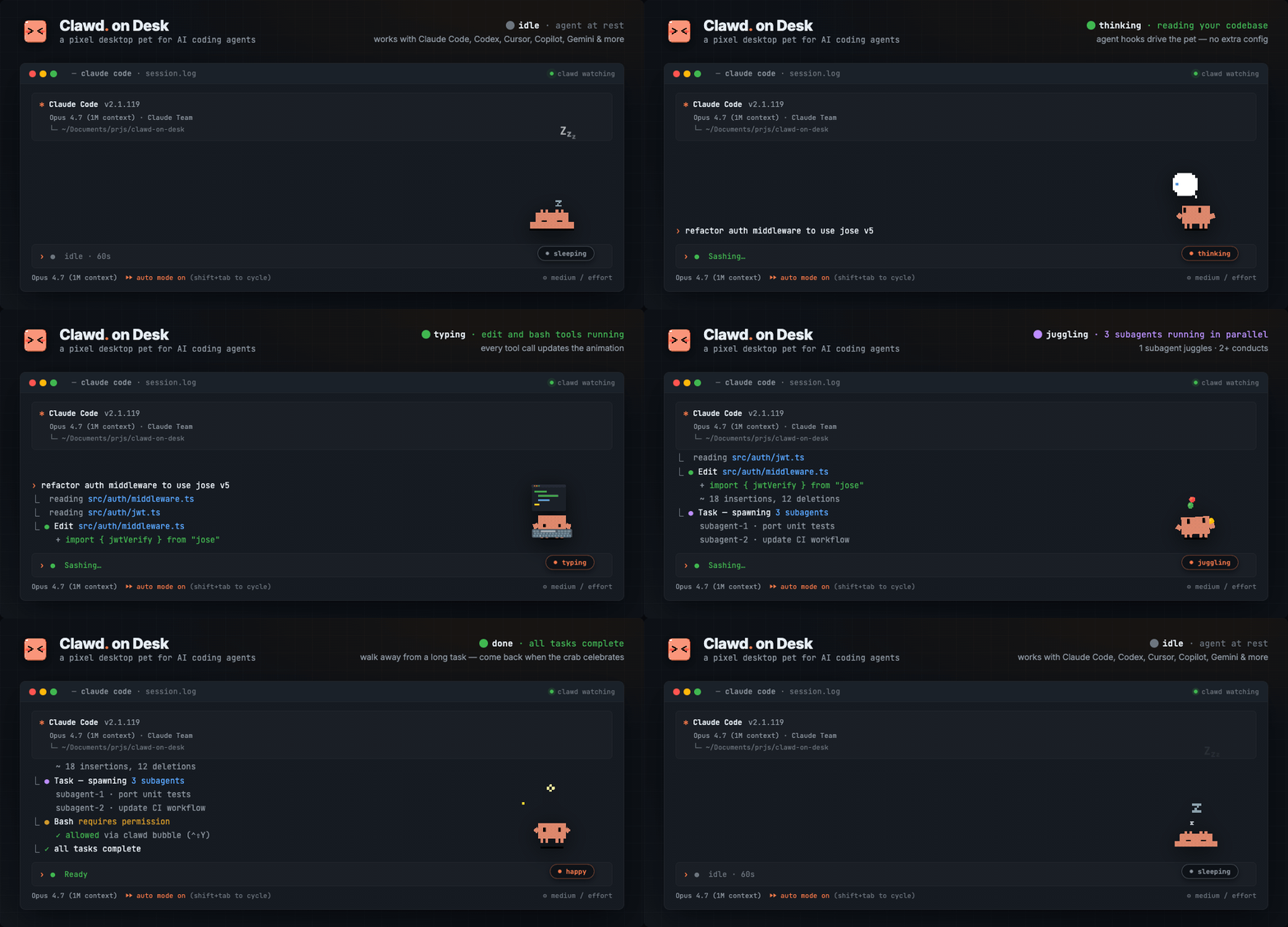
|
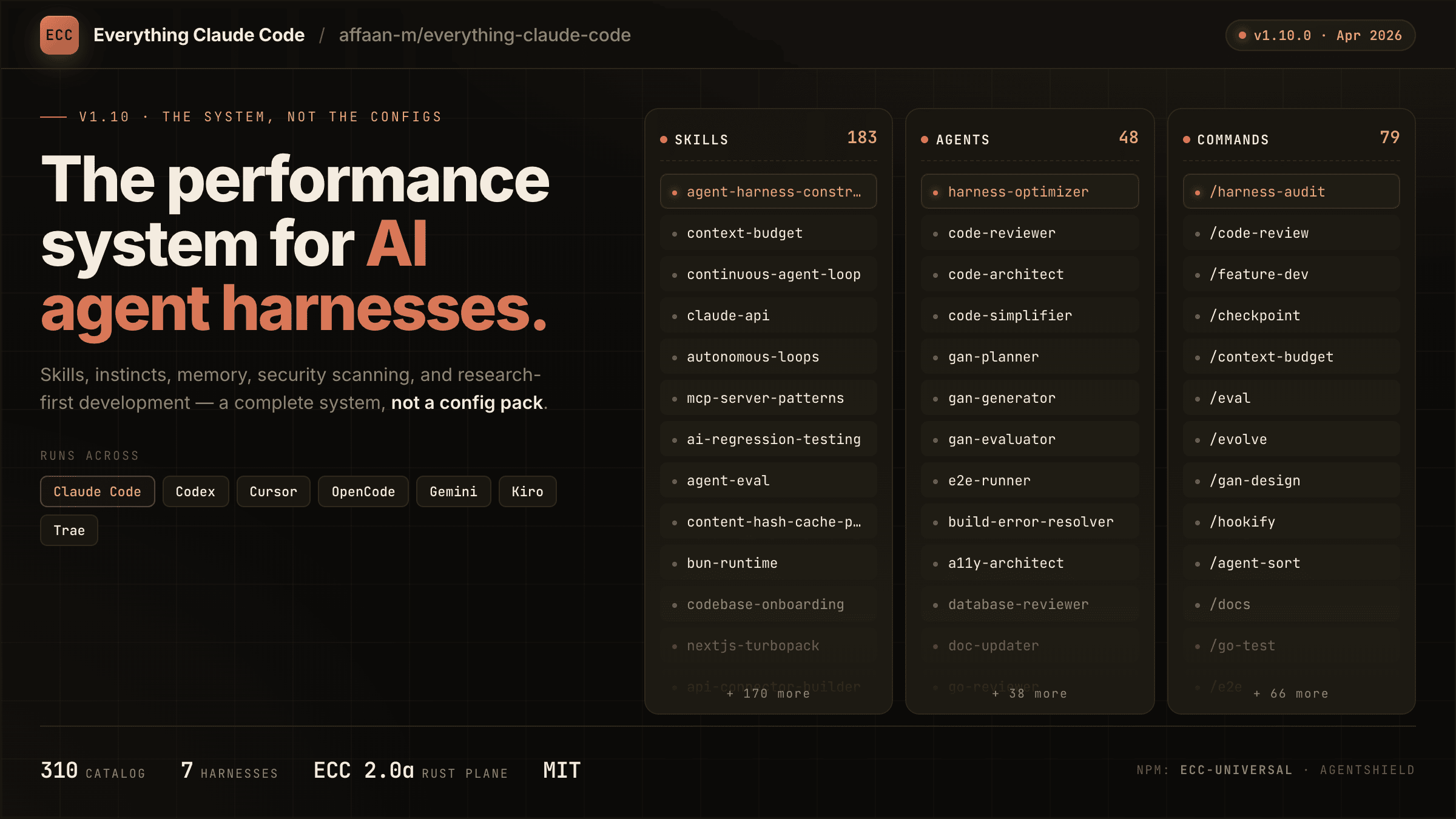
affaan-m/everything-claude-code
|
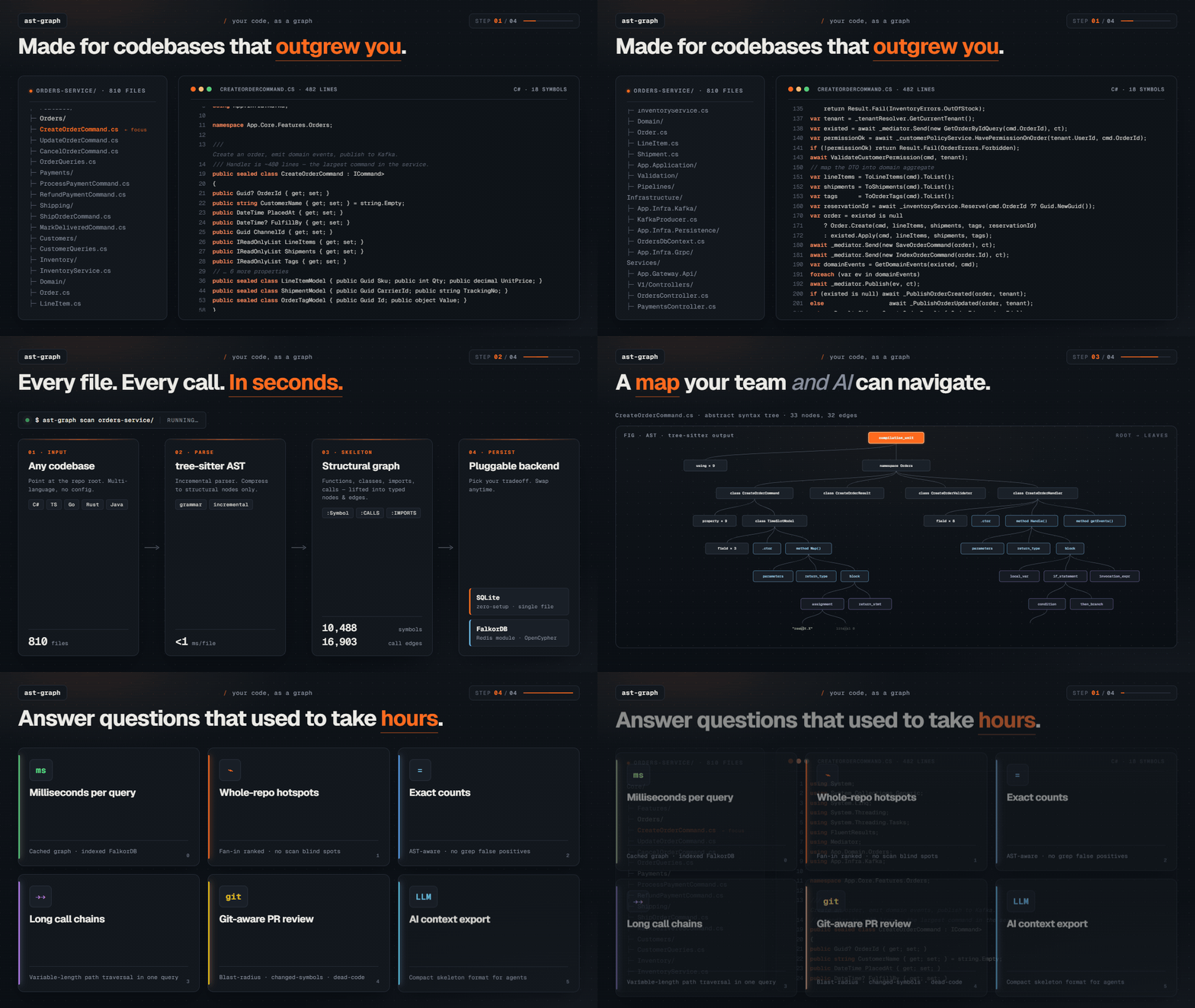
emtyty/ast-graph
|
/plugin marketplace add livlign/claude-skills
/plugin install repo-visuals@livlign
After install, restart Claude Code (or start a new session) so the plugin's skills are discovered.
The plugin install does not install these — you need them on your system before running:
- Node.js 18+
- puppeteer — run
npm installonce inside the plugin directory. This downloads ~170 MB of Chromium the first time. - ffmpeg + ffprobe (for GIF export and code-evaluated scorecard rows) —
brew install ffmpeg/apt install ffmpeg/choco install ffmpeg. - gifsicle (optional) — enables palette-size checks in
scripts/evaluate.js.
npm install runs from the plugin's cache directory after install. If you can't find it, use /plugin to locate the install path, then cd into it and run npm install.
Generate a hero GIF for this repo: https://github.com/owner/name
Claude asks which operating mode to use (see below), runs discovery → build → preview → export → output, and stops. No evaluation is collected.
A run feels like this:
You:    Generate a hero GIF for this repo: https://github.com/owner/name
Claude: [scans repo] Inferred CLI tool — `bin/` entry, README opens with a $ npx line.
        Recommending an animated terminal demo at 1200×675. Which mode — Auto / Semi / Manual?
You:    Semi
Claude: [proposes 3 scenarios] Pick one, or describe a different angle.
You:    #2, but make the final frame land on the success state for longer.
Claude: [builds HTML, opens preview in browser] Looks right? Any copy/timing tweaks?
You:    ship it
Claude: → ./hero.gif (1200×675, 4.2s, 1.8 MB)
Final artifact lands in your current working directory. In dev mode, an evaluation row is appended to ./evaluations/runs/<date>-<slug>.md.
Generate a hero GIF for this repo in dev mode: https://github.com/owner/name
Dev mode enables Phase 6 — a 4-rater scorecard (User / Claude / Code / AI-vision-blind). The scorecard is written to ./evaluations/runs/<YYYY-MM-DD>-<slug>.md in your current working directory (not the plugin cache, which is wiped on /plugin update).
Enable dev mode either by saying "dev mode" in the prompt, or by setting REPO_VISUALS_DEV=1 in the environment.
After you have a handful of dev-mode runs logged:
Run retro on my repo-visuals evaluations
The repo-visuals-retro skill reads ./evaluations/runs/*.md, spots patterns, and proposes diffs against the main skill. It proposes — it does not auto-apply.
Every run, the skill asks which mode to use. This is about how many decisions Claude asks you to make — it does not relax craft rules.
| Mode | What you decide | What Claude decides silently | Phase 6 scorecard | Typical back-and-forths |
|---|---|---|---|---|
| Auto | nothing | everything (format, scenario, vibe, audience, dimensions, copy, ship) | Code + AI + Claude rows only (no User ratings) | 0 |
| Semi-auto (default) | output format (GIF/PNG/SVG/HTML), one preview-and-iterate review | scenario, vibe, audience, dimensions, copy | full 4-rater scorecard | ~3 |
| Manual | every decision point | nothing (Claude still suggests and recommends) | full 4-rater scorecard | 8–12 |
Any mode can be upgraded mid-run — say "stop, switch to semi" and Claude resumes from the nearest unanswered decision point.
Note: operating mode (Auto/Semi/Manual) and dev mode are independent. Dev mode is about whether Phase 6 runs; operating mode is about conversation density.
skills/repo-visuals/SKILL.md— main skill (discovery → build → preview → export → output → evaluate).skills/repo-visuals/craft/— headline patterns, reference gallery, template HTML.skills/repo-visuals/scripts/—capture.js(GIF),screenshot.js(PNG),evaluate.js(code-evaluated scorecard). Animated SVG has no capture script — the source.svgfile is hand-authored and shipped as-is.skills/repo-visuals-retro/SKILL.md— retrospective meta-skill, on-demand.SHOWCASE.md— merged hero visuals produced with this skill; open a PR to add yours.