
Ali Dinçer
- Include jQuery
<script src="http://ajax.googleapis.com/ajax/libs/jquery/2.1.4/jquery.min.js"></script>- Include plugin's code
<link rel="stylesheet" href="downupPopup/downupPopup.css">
<script src="downupPopup/downupPopup.js"></script> <!-- don't forget - add after jquery -->- Create an element
<div id="myElement1">
  <div class="downupPopup-content">
  </div>
</div>- Call the plugin
$("#myElement1").downupPopup();$("#myElement1").downupPopup({
duration: "300", // milliseconds
animation: "ease", // css effects -> ease, linear, ease-in, ease-out, ease-in-out, cubic-bezier(n,n,n,n)
background: true, // true, false -> dark background
radiusLeft: "10px", // top-left-radius
radiusRight: "10px", // top-right-radius
distance: 20, // distance top
headerText: "", // title, you can use HTML here -> <b>Example</b>
width: "100%", // width -> 100%, 80%, 200px etc.
contentScroll: false // true, false -> for use, <div class="downupPopup-content"></div> have to inside the element
});$("#myElement1").downupPopup('open');
$("#myElement1").downupPopup('close');$("#btn-1").click(function () {
$("#myElement1").downupPopup("open");
});$("#duration-700").downupPopup({
duration: 700
});$("#linear").downupPopup({
animation: "linear",
duration: 400
});
$("#cubic").downupPopup({
animation: "cubic-bezier(.96,.33,0,1)",
duration: 1000
});$("#background").downupPopup({
background: false
});$("#radius").downupPopup({
radiusLeft: "40px",
radiusRight: "0px"
});$("#distance0").downupPopup({
distance: 0,
radiusLeft: "0px",
radiusRight: "0px"
});
$("#distance70").downupPopup({
distance: 70
});$("#headertext").downupPopup({
headerText: "<h5 class='bg-dark text-white'>html is usable here</h5>"
});$("#width-90").downupPopup({
width: '90%'
});$("#contentscroll").downupPopup({
contentScroll: true
});
<div id="contentscroll">
<div class="downupPopup-content">
your HTML elements...
</div>
</div>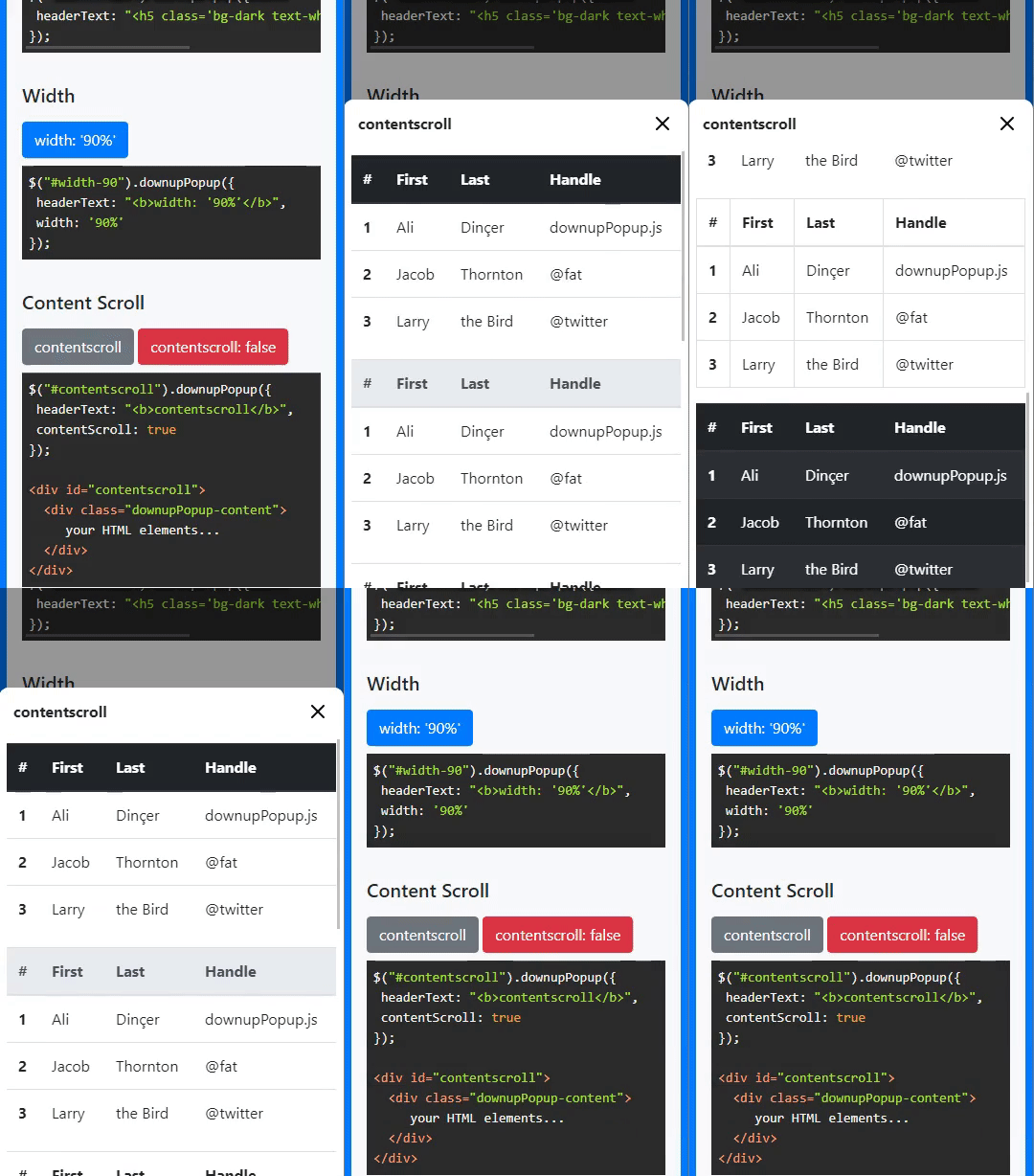
Copyright 2021, Ali Dinçer
Dual licensed under the MIT or GPL.
written by Ali Dinçer